No. Item
9 Alarms list
Displays alarm settings. See 5.7 The Alarms List, page 54 for more
information.
To see an alarms history list, open to the Alarm/Event log from the
Menu.
10 Monitored Values pane.
Displays read outs of monitored values and bar graphs of the current
Pressure, Flow and Volume during treatment.
Values from connected accessories are displayed with yellow text.
11
Home mode lock
Indicates whether the settings are locked to Home mode.
12 Battery Icon
Displays battery charge status by colour and percentage of fully charge. If
having the click-in battery, it will have an icon of its own.
13 Settings list
Displays treatment mode and treatment settings.See 5.6 Treatment Settings,
page 49 for more information.
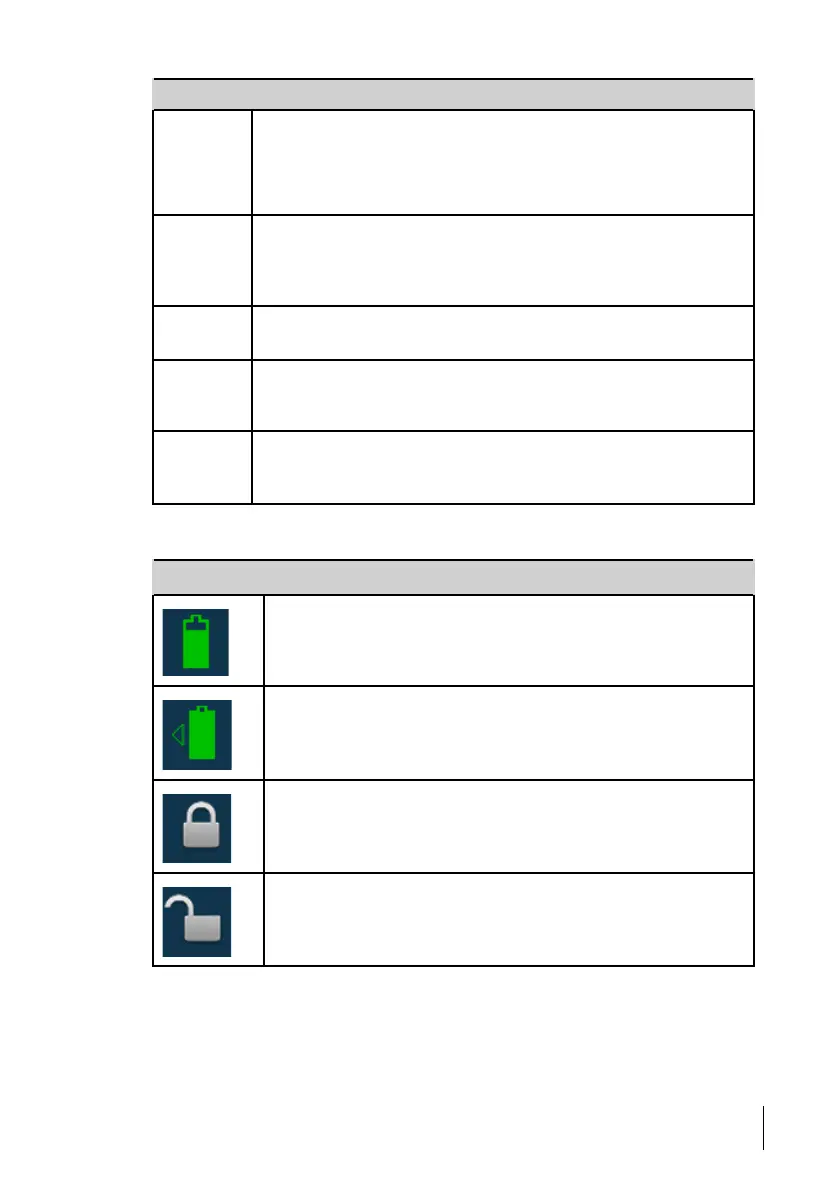
5.3 Symbols Used on the Display
Symbol Description
Internal battery
For battery level information, see 5.11 Using Batteries, page 61.
Click-in battery (accessory)For battery level information, see 5.11 Using
Batteries, page 61.
Keypad lock activated
Keypad lock deactivated
How to Use the Nippy 4
47
Doc. 006553 M-6 User Manual



 To Next Page