5.5 Profiles
Three different profiles can be used for storing complete parameter and alarm settings. This
function is suitable as a quick selection for a patient using different settings, for example at
night or during daytime.
5.5.1 Selecting a Profile
1 Press the Mode/Profile button.
2 Press the - button to select the profile to use and then press the Select button.
The Settings list and the Alarm lists are now displayed. Note that the frames around the
settings are red, indicating that the change of profile needs to be confirmed.
3 Review the treatment settings and press the Confirm button.
The profile is now saved and applied, indicated by blue frames around the settings.
To revert to the original settings, press the Cancel button.
5.6 Treatment Settings
5.6.1 Changing a Setting
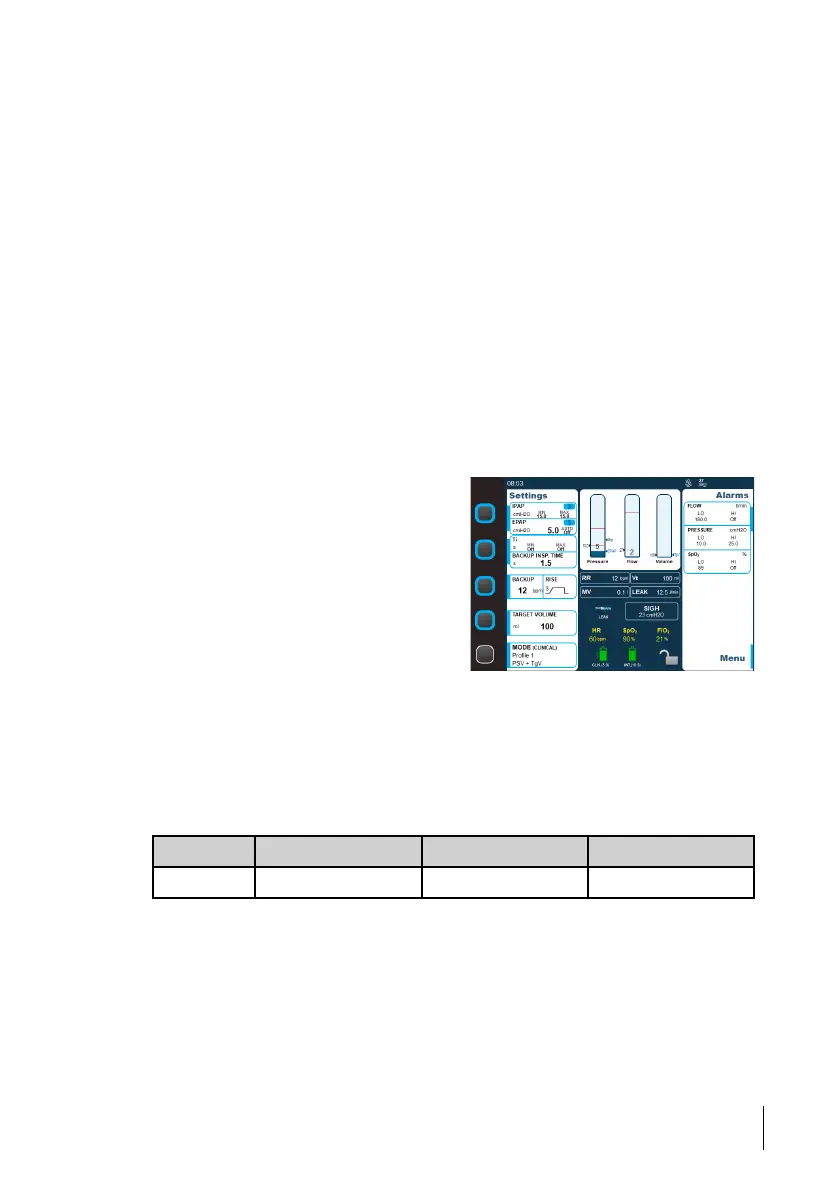
1 Make sure the Home mode lock is off.
2 Press the Setting button for the frame
that contains the setting to change.
If the frame contains several settings, press
repeatedly until the setting to change is
selected.
3 Use the + and - buttons to adjust the value and then press the Set button.
5.6.2 Settings
5.6.2.1 IPAP
The IPAP setting is used to define the airway pressure during the inspiratory phase.
Minimum/maximum working IPAP is limited/achieved by a software control of blower
speed vs. measured pressure.
Unit Min Max Default
cmH
2
O 4 40 15
5.6.2.2 EPAP
The EPAP setting is used to define the airway pressure at the end of the expiratory phase.
How to Use the Nippy 4
49
Doc. 006553 M-6 User Manual



 To Next Page