6. ASSEMBLY
SL-710A
57
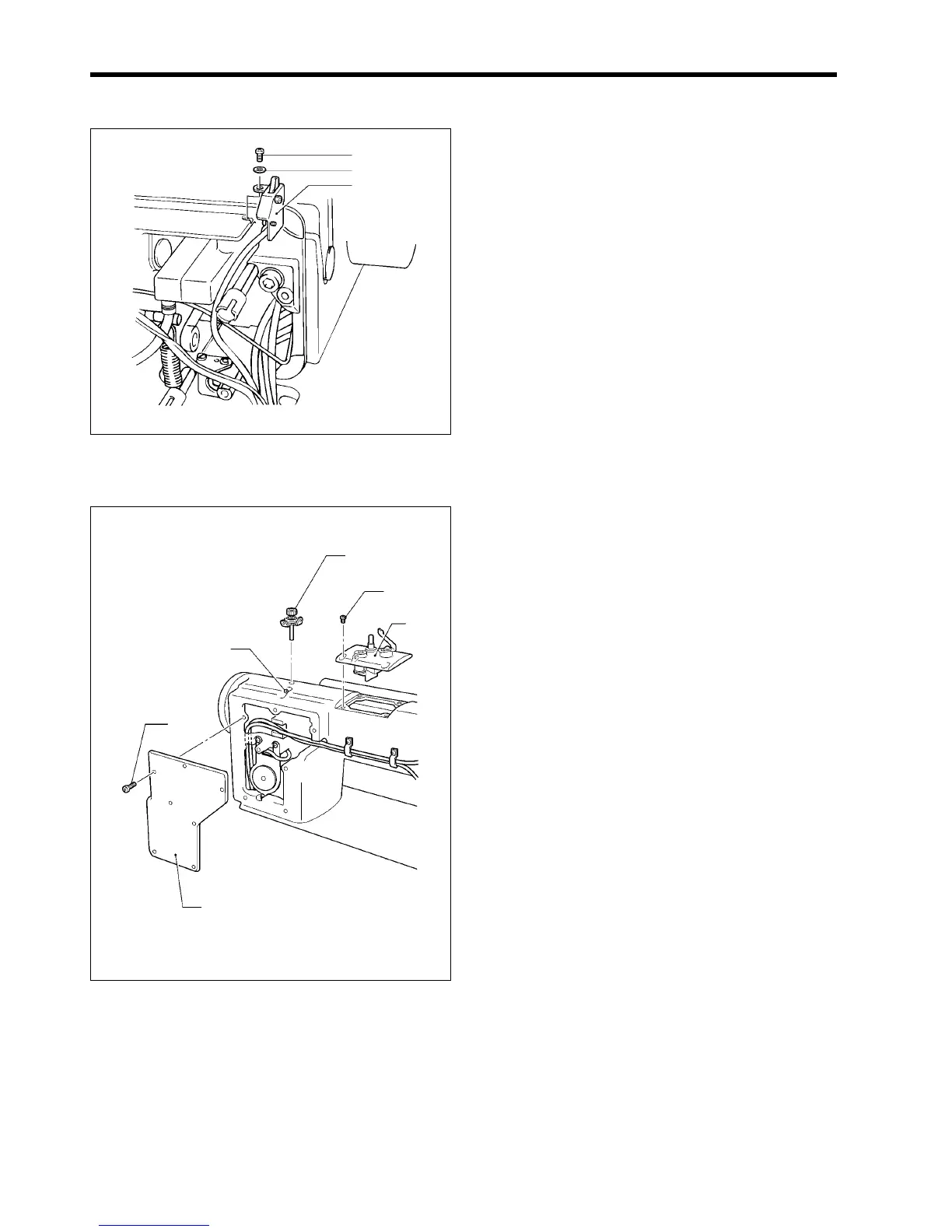
6-27. Safety switch
1. Tilt back the machine head.
2. Install the safety switch (1) to the bed with the washer
(2) and screw (3).
6-28. Arm cover, rear cover and bobbin winder tension assembly
1. Install the arm cover (1) to the arm with the four
screws (2).
2. Install the rear cover (3) to the arm with the seven
screws (4).
3. Insert the bobbin wider tension (5) into the mounting
hole so that it faces as shown in the illustration, and
then secure it with the set screw (6).
6-29. Other devices
Refer to the Instruction Manual for details on installing other devices.
1803M
(6)
(3)
(2)
(4)
(5)
(1)
1802M
(3)
(1)
(2)



 To Next Page