Visual-ICE™ Cryoablation System
3-1
3 NAVIGATING THE USER INTERFACE
Throughout the User Manual typeset conventions represent various user interface sections, software
buttons, positions, and steps.
• Software Screen section
• Control button
• ON position
• OPTIONAL = optional or alternate step
The Visual-ICE™ Cryoablation System provides a graphical user interface that facilitates rapid
communication between the user and the system through a touch screen interface.
3.1 Login Screen
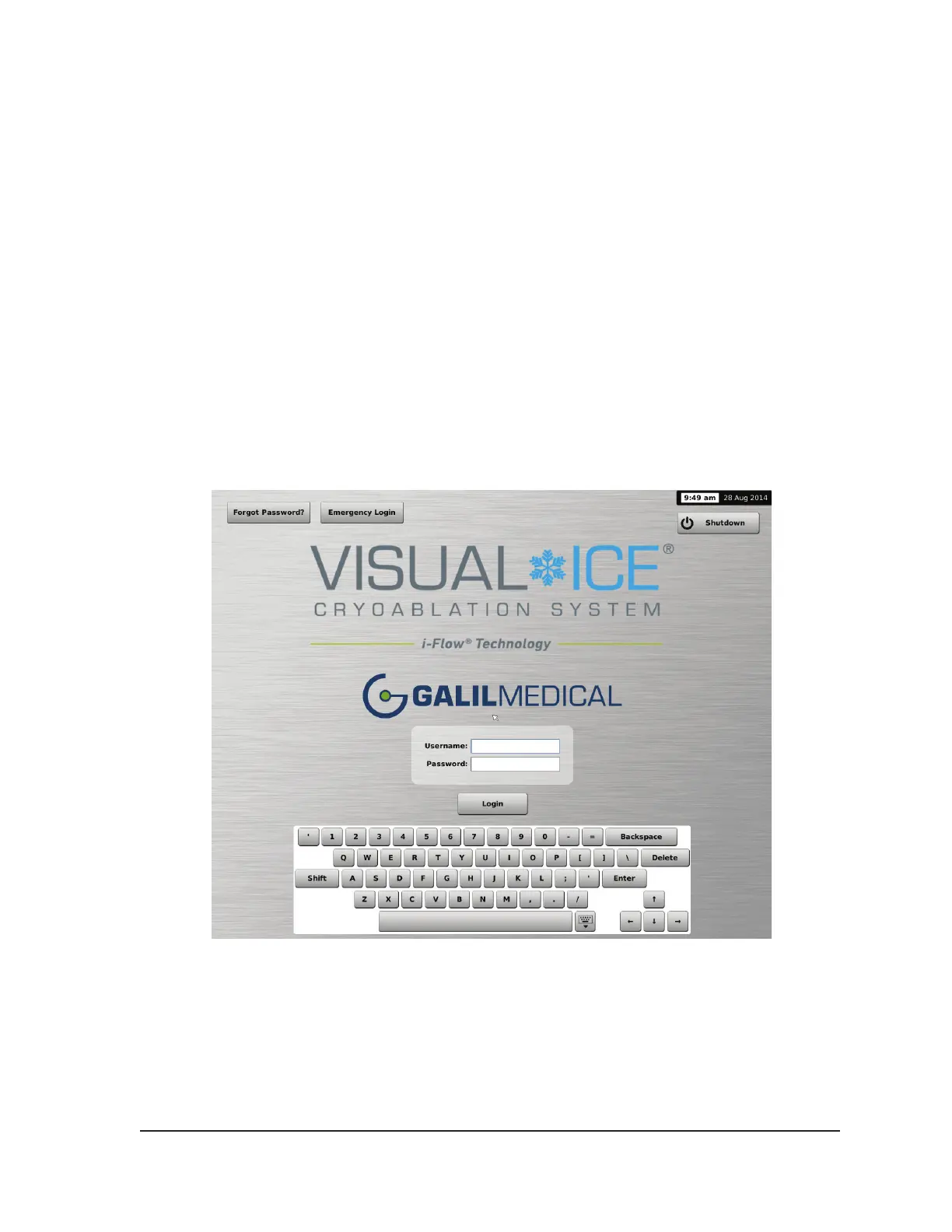
When the system is powered on, the Login Screen appears after the boot-up process is complete
(reference Section 4.1.1).
Screen 3-1. Login Screen



 To Next Page