5-4 User Manual
5.1.1 Manual Software Update
Administrative and service users can manually update the Visual-ICE System software via a Galil
Medical USB ash drive.
1. Press the Manual Software Update button on the Congure Settings Screen (Screen 5-1).
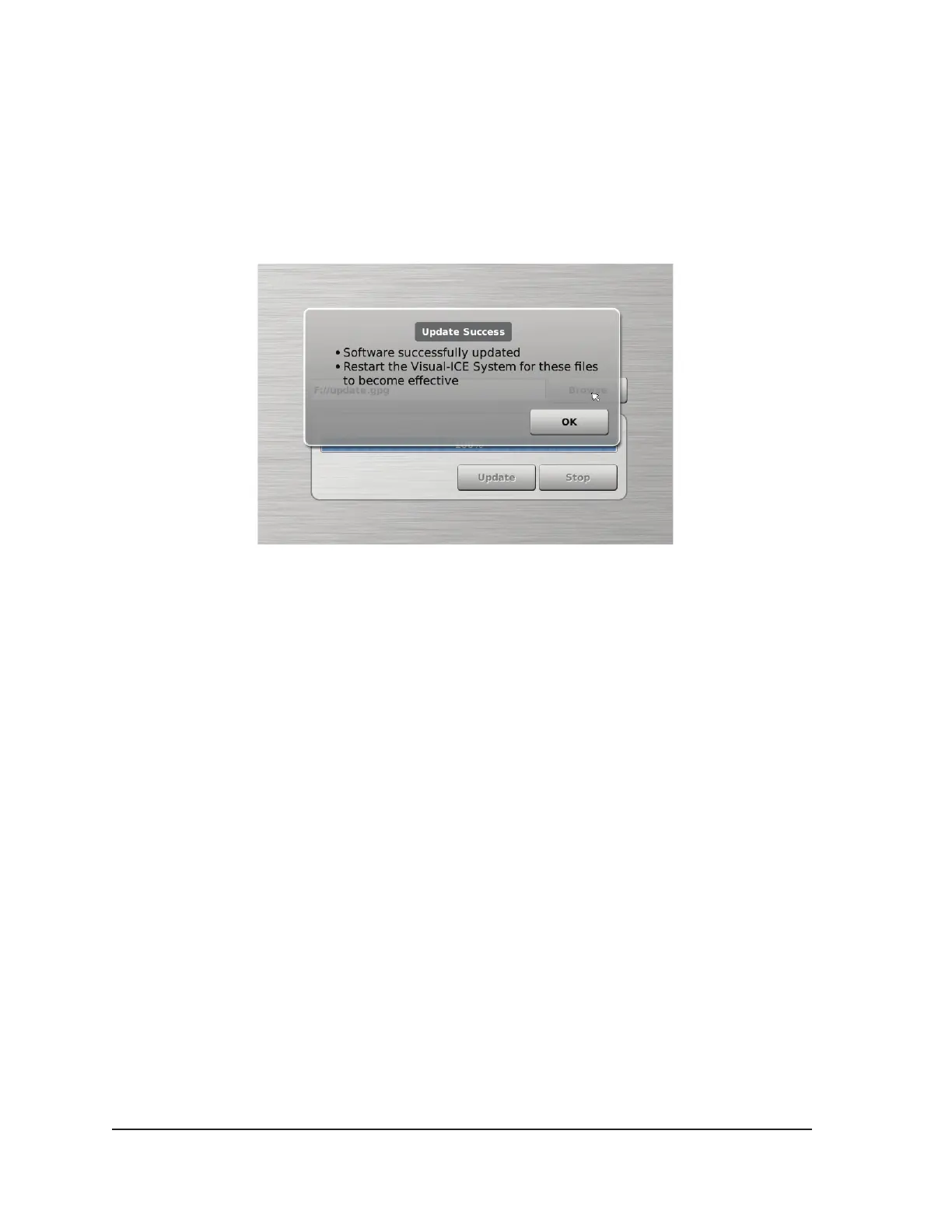
2. Press the Browse button to select the update le and press Update. A conrmation message
appears when the software update is complete (Screen 5-2).
Screen 5-2. Software Update Conrmation
NOTE: All users can update the software using the Remote Upload / Download button on the
Startup Screen (reference Section 3.5)
5.1.2 Congure Ethernet
The Visual-ICE System must be congured to access one of two Galil Medical servers for remote
uploading of reports and downloading of software updates. This function is only available to
administrative and service users.
The Visual-ICE System may be congured to use a static IP address or work with a DHCP server to
obtain the address dynamically. Consult the network administrator about proper network access prior
to conguring the system.



 To Next Page