3-12 User Manual
Button Description
Trash button – Delete a needle on the organ map.
Previous Image button – Change the view of the selected
organ.
Next Image button – Change the view of the selected organ.
3.4 View Reports
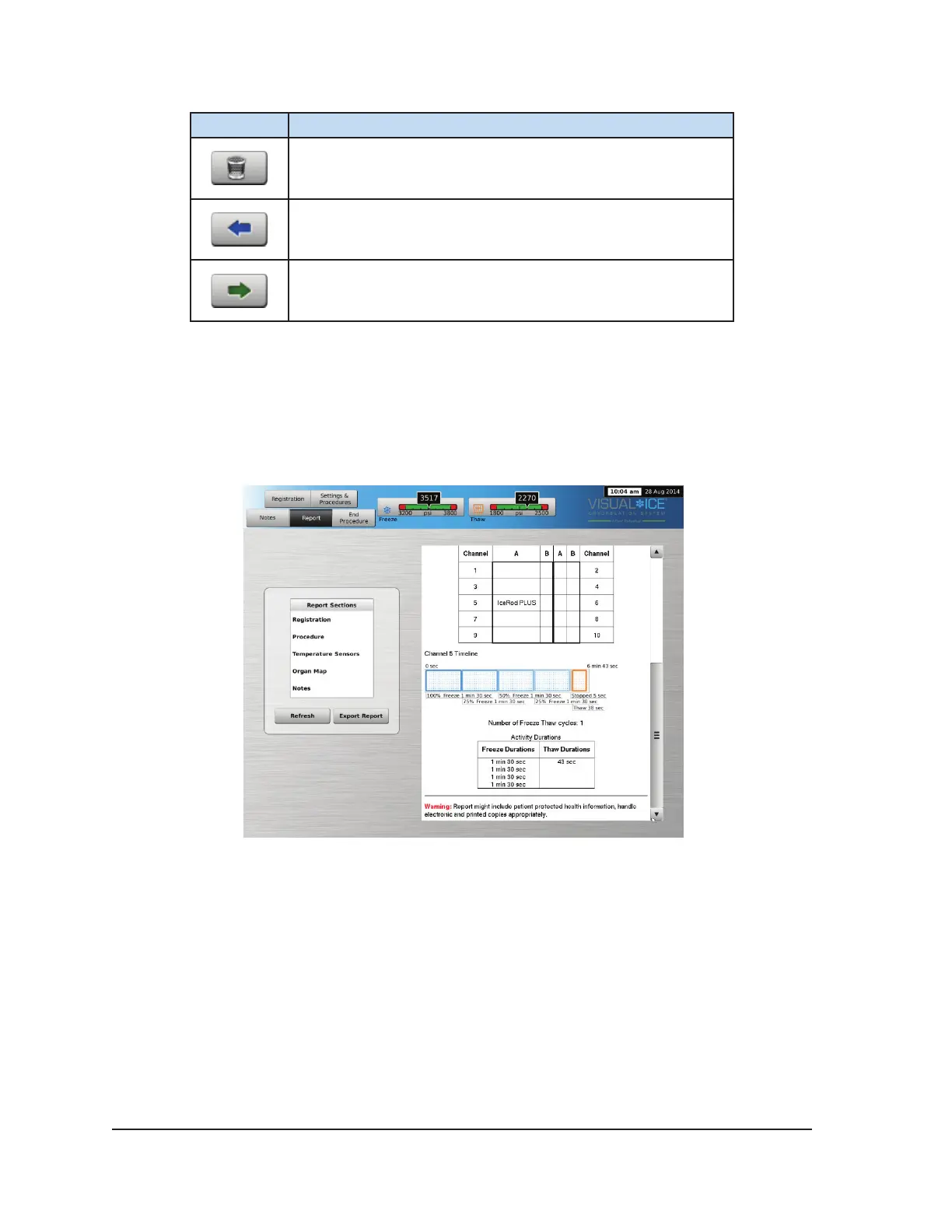
Procedure reports provide a summary of a cryoablation procedure. The reports contain the
information provided in the Registration screen, details of the freeze-thaw cycles, number of MTS
needles, graphical history of freeze, thaw, and cautery phases, graphical history of MTS readings,
organ map used with needle placement identication, and any notes entered by the physician.
Screen 3-12. Procedure Report Example
To view a report that has been saved to the Visual-ICE System, press the View Reports button from
the Startup Screen (Screen 3-2).
The View Reports Screen displays a list of all saved procedure reports in the Visual-ICE System
(Screen 3-13). You may select a report to be viewed or exported, or you may delete your own reports.
Users with an administrative login ID may delete any report.



 To Next Page