Visual-ICE™ Cryoablation System
4-3
The diagnostic tests check:
• The correct version of rmware is running on the system
• Critical system components including the solenoid valves, internal power supplies, cooling
fans, pressure transducers, and temperature measuring circuits.
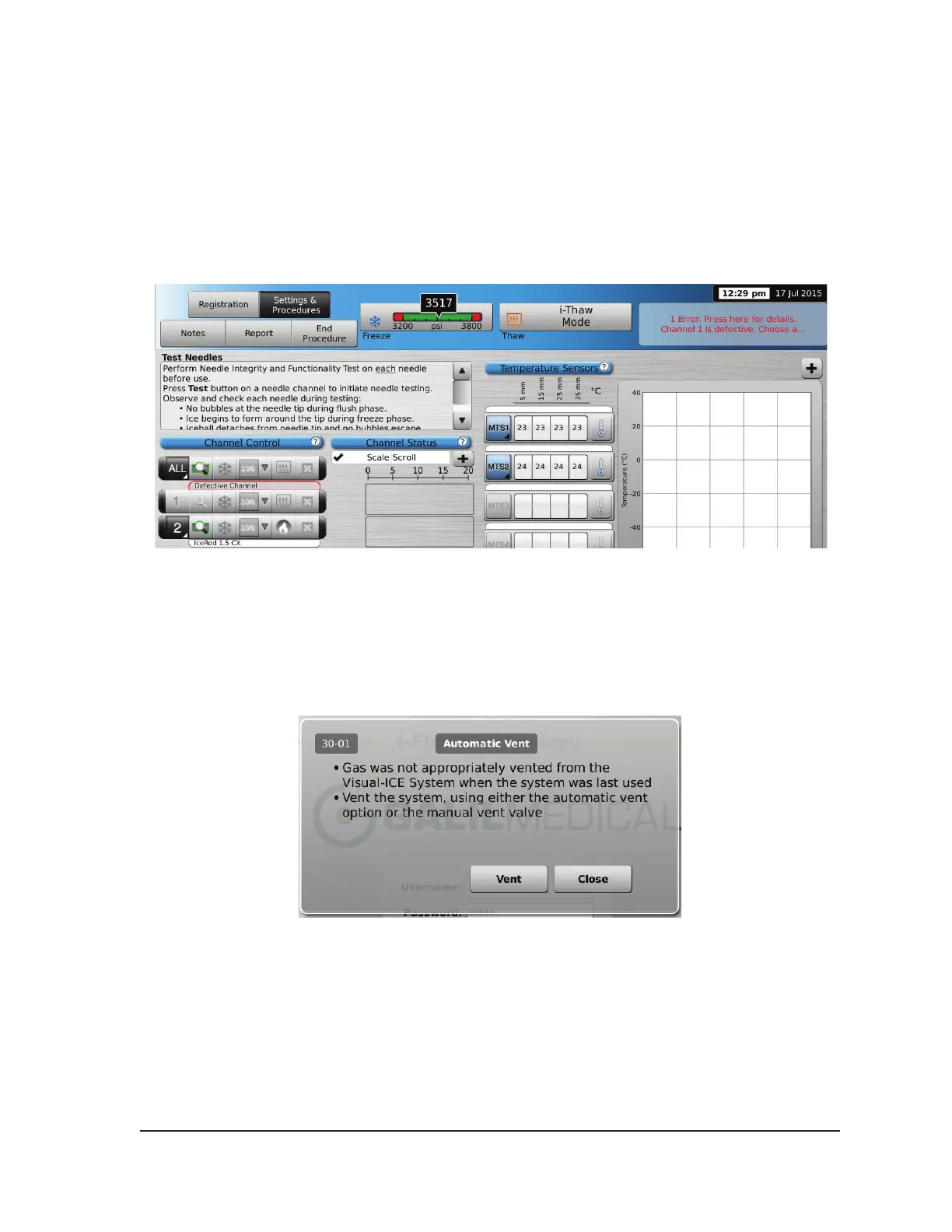
If the system detects a failure of an individual channel, the channel is disabled and the needle
type display window, bordered in red, notes the channel is defective. A message indicating the
failure is displayed in the upper right-hand corner of the Navigation Tool Bar.
Screen 4-1. Disabled Channel
A failure that prevents use of the system displays a message directing you to contact Galil
Medical Customer Service (reference Section 7.7).
If the Visual-ICE System software detects pressurized gas in the system and the gas supply is
not connected, a message appears requesting you to vent the gas from the system.
Screen 4-2. Vent Gas Message



 To Next Page