Visual-ICE™ Cryoablation System
3-11
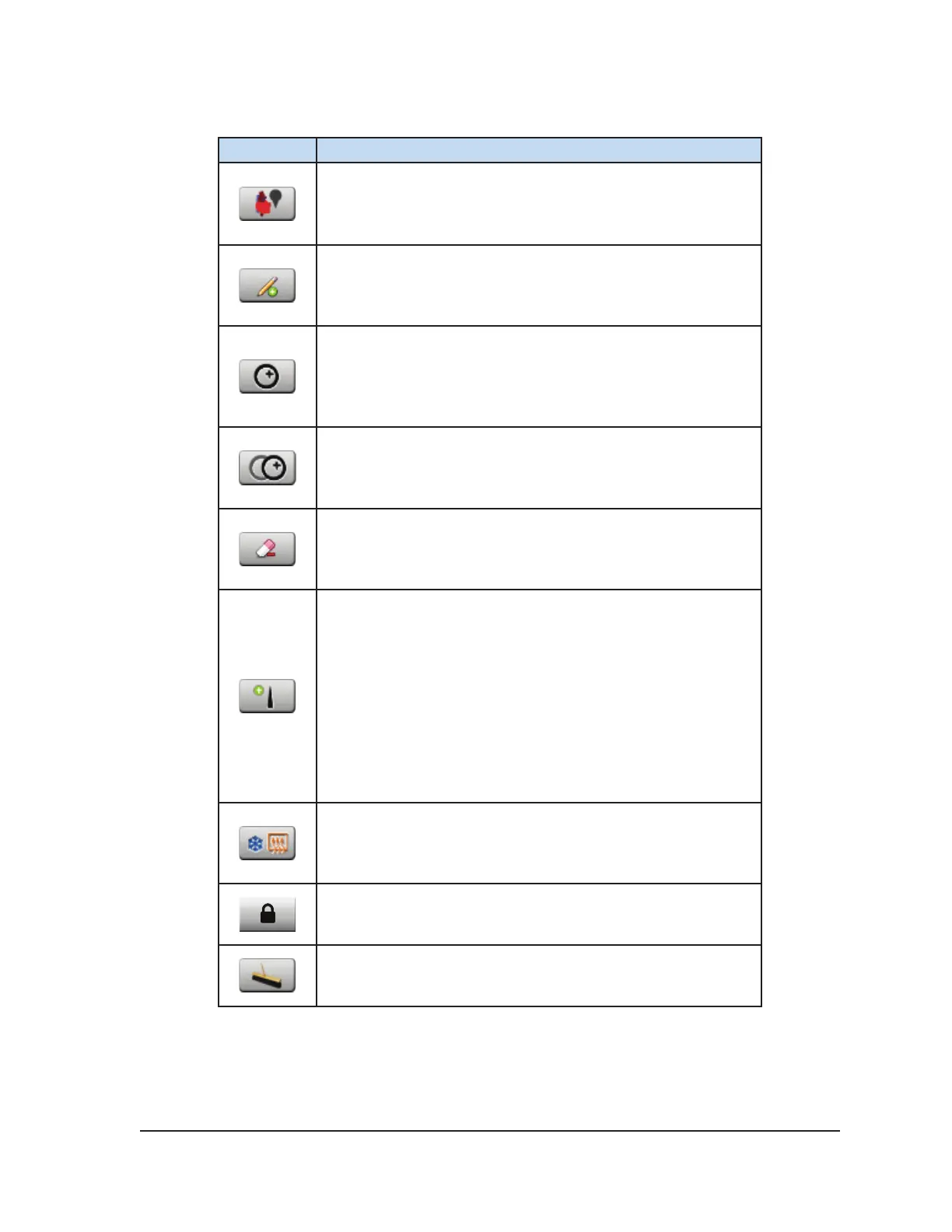
Table 3-4. Organ Map Controls
Button Description
Select Organ button – Select an organ map (kidney, prostate,
liver, lung, or other) to be displayed on the drawing area
Draw Line button – Draw free-form on the organ map or
drawing area. Line thickness and line color are selectable.
Draw Circle button – Draw a circle of various sizes on the
organ map or drawing area. Line thickness and line color are
selectable.
Move Circle button – Move a circle to another area on the
organ map. This button appears only when a circle has been
selected.
Erase button – Erase lines previously added to the drawing
space. The size of the eraser is selectable.
Place Needle button – Select and place needles and MTS
on the organ map. Needles are selectable and identied by
channel and needle port (e.g., 1a, 1b, 2a, etc.). MTS are
selectable by MTS port. Drag the needle or MTS to the desired
location on the Organ Map to place it. Place each needle on
the Organ Map as it is inserted into the target tissue to avoid
potential mix-up of needle locations.
The status of the needle(s) placed on the organ map displays
the state of the needle (Freeze, Thaw, Idle) by color coding,
matching that identied in the Channel Status section.
Control Needle button – Initiate freeze and thaw cycles of the
selected needles.
Needle Lock button – Lock a needle in place on the organ
map so that it may not be inadvertently moved.
Clear All button – Clear all drawings and needle placements
from the drawing canvas.



 To Next Page