7-2 User Manual
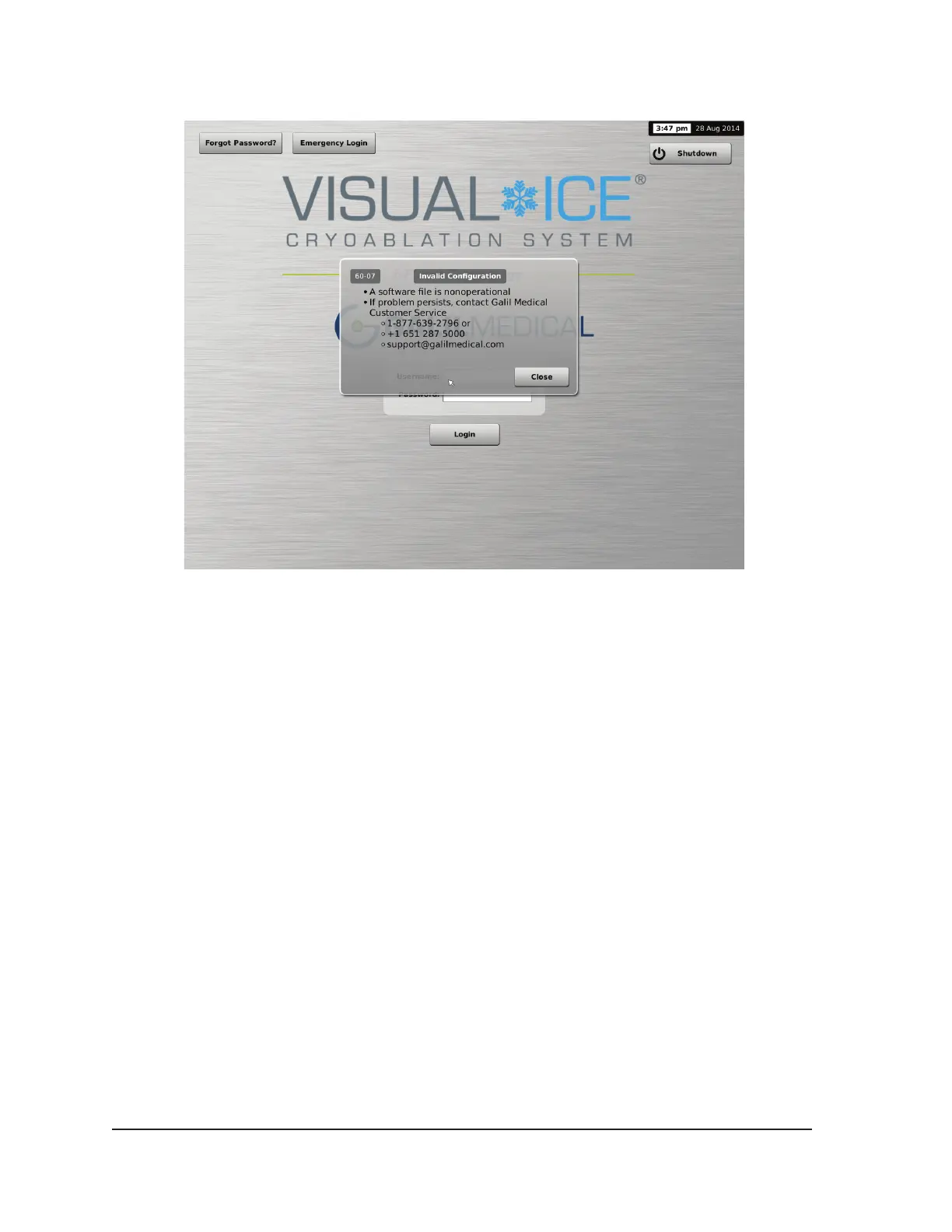
Screen 7-2. Invalid Conguration Message
5. If updating the software to a newer version available on a USB ash drive.
• Login as an administrative user.
• Press the Congure Settings button on Startup Screen (Screen 3-2).
• Press the Manual Software Update button on the Congure Settings Screen (Screen 3-15).
• Insert the USB ash drive.
NOTE: Wait 20 seconds for the system to recognize the ash drive.
• Press the Browse button.
• Select the le to conduct the upgrade.
• Press the Update button.
NOTE:
o Wait until a displayed message conrms completion of the update.
o The upgrade may take half an hour to complete.



 To Next Page