3-2 User Manual
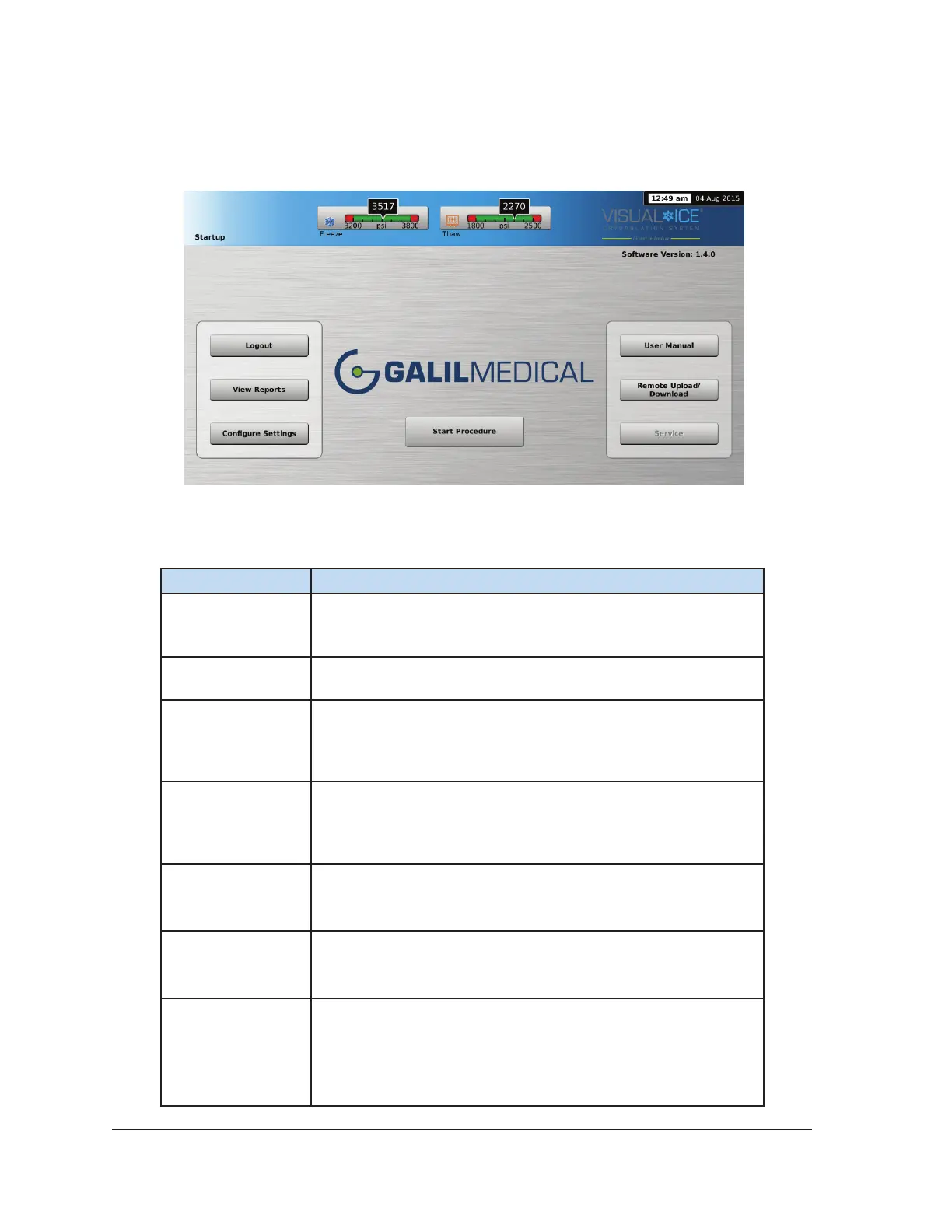
3.2 Startup Screen
After logging into the system, the Startup Screen displays several options.
Screen 3-2. Startup Screen
Table 3-1. Startup Screen Buttons
Button Description
Start Procedure
Transition to the Procedure Screen to start a cryoablation
procedure.
Logout Log out of the system.
View Reports
View the contents of a report and export reports to a Galil
Medical USB ash drive.
NOTE: Administrative users may also delete reports.
Congure
Settings
Congure various system settings (reference Section 5.1).
NOTE: Some conguration parameters are limited to
administrative and/or service users only.
User Manual
View information on how to access an electronic version of the
User Manual.
Remote Upload /
Download
Upload reports and download new software and conguration
les from a Galil Medical server.
Service
Field Service personnel login to modify conguration settings,
perform and record preventive maintenance activities.
NOTE: This option is only available to authorized eld service
personnel.



 To Next Page