Visual-ICE™ Cryoablation System
4-29
4.8 Advanced Temperature Sensor Controls
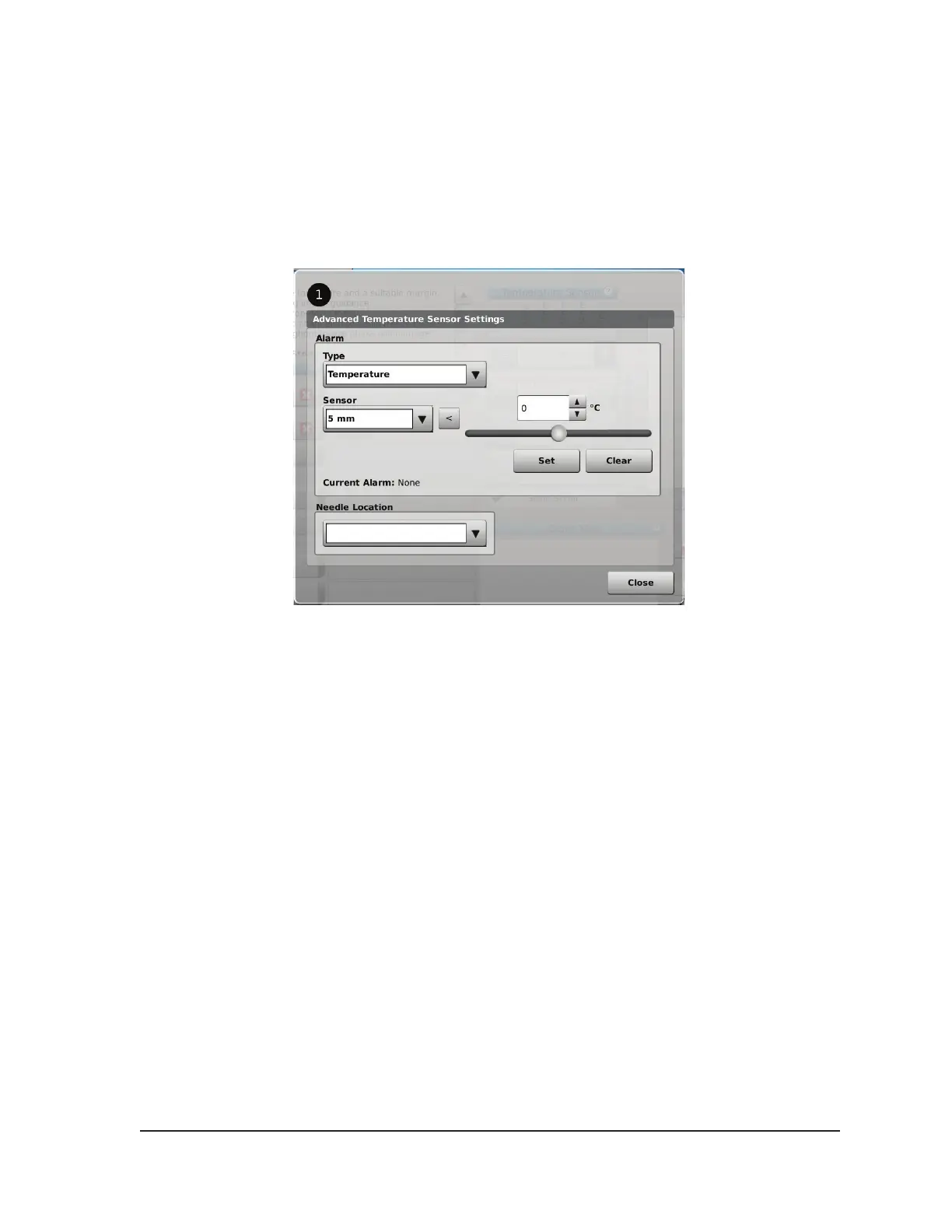
The advanced temperature sensor controls provide an option to set visual alarm notications when
a chosen temperature measurement on an MTS falls below a desired value or when the rate of
temperature drop is greater than a desired value for a select MTS sensor location.
1. Press and hold the MTS Channel button (Screen 3-10) for a selected MTS to enter Advanced
Temperature Sensor Settings.
Screen 4-29. Advanced Temperature Sensor Controls
2. Select the desired alarm type and desired sensor location using the drop-down menus.
3. Press the Up or Down button and adjust the temperature to dene the desired alarm limit.
4. Press the Set button to set the alarm.
OPTIONAL: Select a name to be displayed above the MTS channel location using the Needle
Location drop-down menu. The list of needle names provided is derived from the list available in the
Congure Settings Screen (reference Section 5.1) and is associated with the selected organ map.



 To Next Page