

 To Next Page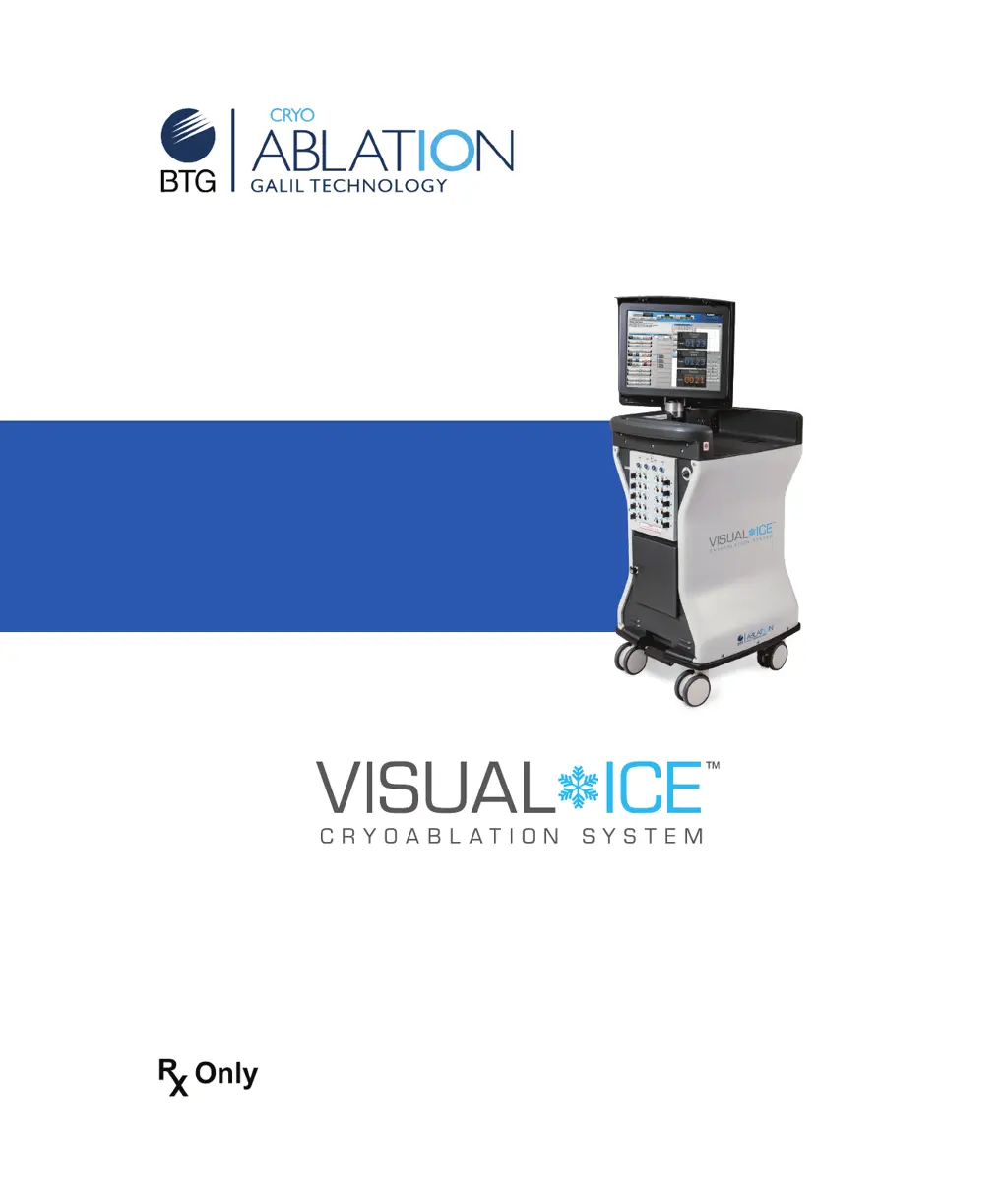
D
David AndersonSep 18, 2025
How to fix system communication failure on BTG Visual-ICE?
- MMelissa SimpsonSep 18, 2025
Internal communication failed. Reconnection attempt failed. Restarting Visual-ICE System.

How to fix system communication failure on BTG Visual-ICE?
Internal communication failed. Reconnection attempt failed. Restarting Visual-ICE System.
What to do if BTG Laboratory Equipment doesn't recognize USB flash drive?
Ensure the USB flash drive is connected to the port with the USB port icon. Try removing the USB flash drive, waiting a few seconds, and reconnecting it. If the problem persists, try using a different Galil Medical supplied USB flash drive or replace the USB flash drive with a new one.
What to do if channel or needle is not recognized by BTG Laboratory Equipment?
Check that the corresponding Channel Locking Bar is fully in the locked position. Ensure at least one needle is inserted into a channel for the channel to be available. If using a needle with a memory chip, try a new needle. If the channel may be defective, do not use it; move the needle(s) to a different channel and conduct the Needle Integrity and Functionality Test again.
What to do if needle is not freezing during the Needle Integrity and Functionality Test of BTG Visual-ICE Laboratory Equipment?
Ensure the argon gas cylinder valve is open to allow sufficient gas flow and verify appropriate pressure is displayed on the Gas Indicator. If the needle may be clogged, try to test it again. If the needle still does not freeze, press the Stop button, disconnect the needle, move it to a different channel, and run the test again. If the problem persists, replace the needle with a new one.
How to fix startup failure of BTG Laboratory Equipment?
System self-checks failed. Restart the system.
What to do if a defective solenoid on Channel X was detected in BTG Visual-ICE?
Choose another channel.
What to do if no iceball forms on the needle(s) in a given channel during the freeze phase or following a thaw phase of BTG Visual-ICE Laboratory Equipment?
Stop freezing/thawing actions for all channels, thaw the problematic needle(s) for at least one minute, and then freeze the needle(s) to verify proper function. If the problem persists, connect a new needle into a different channel and test the needle. Continue the procedure with the newly tested needle.
What to do if touch screen goes blank during a procedure on BTG Laboratory Equipment?
WARNING. Do not touch the screen if the touch-screen monitor goes blank for greater than five (5) seconds during a procedure. Immediately turn off power to the system and end the procedure to avoid inadvertent activation of needles.
Why is there a hissing sound before the needles are connected to BTG Visual-ICE?
The system may be venting to reduce the pressure to below 4200 psi to prevent damage. Check that the regulated pressures are within the working pressure limits (green range on the Gas Indicator display). If the pressure drops to within working pressure range, the system will operate normally. If the manual vent valve is fully closed and the hissing persists, shut down the system.
Why is the Manual Vent Valve of BTG Visual-ICE Laboratory Equipment leaking gas?
The Manual Vent Valve may be open. Fully close the Manual Vent Valve.
Outlines the medical fields and tissue types the system is designed for.
Provides critical safety warnings and precautions for operating the system.
Describes the primary interface for controlling and monitoring procedures.
Details the panel where cryoablation needles are connected.
Describes the initial screen for user authentication and system access.
The main operational screen for controlling cryoablation procedures.
Outlines the steps for setting up the system before a procedure.
Details the step-by-step process of conducting a cryoablation treatment.
Provides instructions for safely powering down and preparing the system for storage.
Allows customization of system parameters, user accounts, and units.
Details procedures for cleaning the system components and stylus.
Outlines requirements for system servicing and preventive maintenance.
Explains how to restore the system software to a previous version.
Addresses common problems with system components and user errors.
Covers troubleshooting steps for problems related to gas supply and connections.
Specifies the recommended temperature and humidity for system operation.
Lists physical dimensions, weight, and capacity limits of the system.
Provides contact information for Galil Medical Inc.
 General
| Brand | BTG |
|---|---|
| Model | Visual-ICE |
| Category | Laboratory Equipment |
| Language | English |