EasyManua.ls Logo

BTG Visual-ICE - User Manual

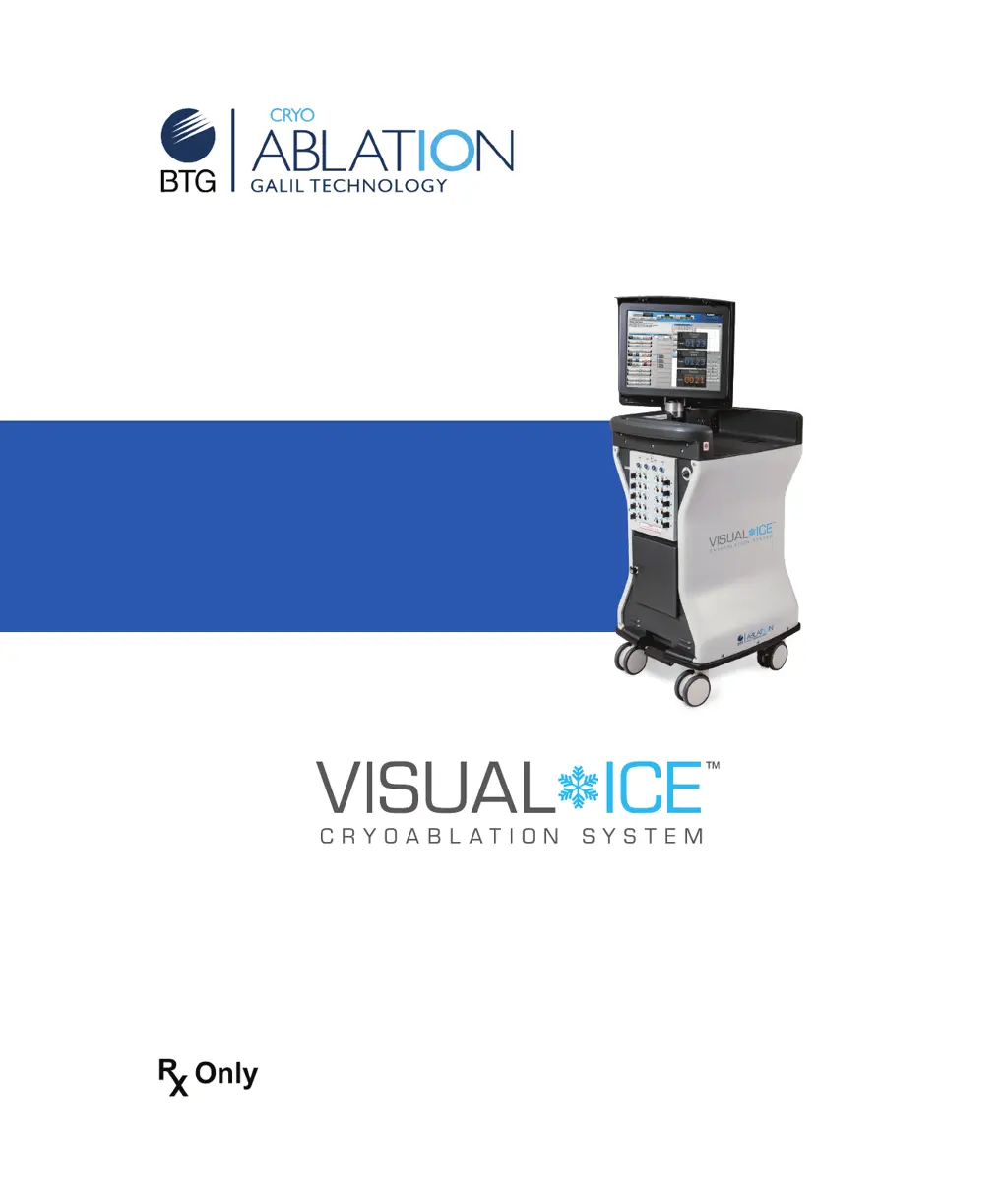
BTG Visual-ICE
126 pages
Print Icon
To Next Page IconTo Next Page
Loading...
User Manual

Table of Contents

Questions and Answers

  • J
    Jeffrey SotoSep 12, 2025
    What to do if the safety cable is missing at either the cylinder side or the system side of the gas supply line of BTG Laboratory Equipment?
    • E
      Erik EvansSep 12, 2025
      Do not use a gas supply line with a missing safety cable, as it could compromise safety.
  • K
    Karen ColemanSep 12, 2025
    What to do if touch screen goes blank during a procedure on BTG Laboratory Equipment?
    • J
      Jo StuartSep 12, 2025
      WARNING. Do not touch the screen if the touch-screen monitor goes blank for greater than five (5) seconds during a procedure. Immediately turn off power to the system and end the procedure to avoid inadvertent activation of needles.
  • C
    candace54Sep 9, 2025
    What to do if no iceball forms on the needle(s) in a given channel during the freeze phase or following a thaw phase of BTG Visual-ICE Laboratory Equipment?
    • J
      Jasmine BlackSep 9, 2025
      Stop freezing/thawing actions for all channels, thaw the problematic needle(s) for at least one minute, and then freeze the needle(s) to verify proper function. If the problem persists, connect a new needle into a different channel and test the needle. Continue the procedure with the newly tested needle.
  • C
    Cameron ThompsonSep 8, 2025
    What to do if a needle with a memory chip is not recognized by BTG Visual-ICE?
    • K
      Katrina ThompsonSep 8, 2025
      Move the needle to a different port. If the system still does not recognize the needle, select the needle type from the drop-down menu displayed by the system.
  • B
    Brandon WalshSep 7, 2025
    Why gas begins leaking through a needle port after gas flow was started using the Test, Freeze or Thaw buttons on BTG Visual-ICE?
    • T
      Theresa GordonSep 7, 2025
      The channel may have a loose or broken socket. Disconnect the needle and move it to a different channel. Conduct the Needle Integrity and Functionality Test again on the needle.
  • E
    Erica BennettAug 23, 2025
    How to troubleshoot if BTG Laboratory Equipment does not turn on?
    • A
      amy94Aug 23, 2025
      First, check if the power control knob on the front panel or the power switch on the rear panel is turned OFF and turn the power ON. Check if the power cable is disconnected from the power outlet or the rear panel and ensure it's fully connected to both the system and the power outlet. Verify that the power outlet is switched ON. If a fuse may have blown, spare fuses are located in the power cord inlet on the system.
  • C
    Carla DeckerSep 5, 2025
    Why Visual-ICE System doesn't allow testing of a needle in a locked channel?
    • S
      Sarah MurphySep 5, 2025
      The Argon Shutoff Valve may be in the GAS OFF position. Verify that the Argon Shutoff Valve is in the GAS ON position to allow sufficient gas flow and that the gas cylinder valve is fully open.
  • A
    Angela GuerreroSep 4, 2025
    How to fix gas leak between the gauge adapter and the cylinder main valve of BTG Laboratory Equipment?
    • K
      Kaitlin HodgesSep 4, 2025
      Tighten the connection using the wrench provided with the Visual-ICE System. Close the cylinder valve and vent the gas from the Visual-ICE System and the gas supply lines using the Manual Vent Valve to depressurize the system. Loosen and remove the gauge assembly adapter. Verify no debris is on the gas cylinder connection point; clean the sealing surface as needed. Reposition and tighten the gauge assembly adapter onto the cylinder valve, using the wrench provided.
  • N
    Norma RiceSep 3, 2025
    Why is there a hissing sound before the needles are connected to BTG Visual-ICE?
    • M
      Mrs. Elizabeth IngramSep 3, 2025
      The system may be venting to reduce the pressure to below 4200 psi to prevent damage. Check that the regulated pressures are within the working pressure limits (green range on the Gas Indicator display). If the pressure drops to within working pressure range, the system will operate normally. If the manual vent valve is fully closed and the hissing persists, shut down the system.
  • L
    levinejimmySep 2, 2025
    How to fix BTG Visual-ICE Laboratory Equipment console that does not move freely?
    • E
      Erica KerrSep 2, 2025
      Release the brake to unlock the front wheels. Check the individual rear wheel brakes and ensure the brakes are released.

Summary

1 SYSTEM OVERVIEW

1.2 Intended Use

Outlines the medical fields and tissue types the system is designed for.

1.6 Warnings

Provides critical safety warnings and precautions for operating the system.

2 SYSTEM DESCRIPTION

2.1 Touch Screen Monitor

Describes the primary interface for controlling and monitoring procedures.

2.9 Needle Connection Panel

Details the panel where cryoablation needles are connected.

3 NAVIGATING THE USER INTERFACE

3.1 Login Screen

Describes the initial screen for user authentication and system access.

3.3 Procedure Screen

The main operational screen for controlling cryoablation procedures.

4 SYSTEM OPERATION

4.1 Preparation for Use

Outlines the steps for setting up the system before a procedure.

4.2 Performing a Cryoablation Procedure

Details the step-by-step process of conducting a cryoablation treatment.

4.4 System Shutdown

Provides instructions for safely powering down and preparing the system for storage.

5 ADMINISTRATIVE FUNCTIONS

5.1 Configure Settings

Allows customization of system parameters, user accounts, and units.

6 SYSTEM CARE and MAINTENANCE

6.2 Cleaning

Details procedures for cleaning the system components and stylus.

6.3 Service and Preventive Maintenance

Outlines requirements for system servicing and preventive maintenance.

7 TROUBLESHOOTING

7.1 Software Recovery

Explains how to restore the system software to a previous version.

7.2 Electronics, Electrical and User Error Related Issues

Addresses common problems with system components and user errors.

7.3 Gas Issues

Covers troubleshooting steps for problems related to gas supply and connections.

8 SYSTEM SPECIFICATIONS

8.1 Operating Conditions

Specifies the recommended temperature and humidity for system operation.

8.4 Mechanical Specifications

Lists physical dimensions, weight, and capacity limits of the system.

9 REFERENCES

9.3 Contact

Provides contact information for Galil Medical Inc.

10 DISCLAIMER OF WARRANTY

BTG Visual-ICE Specifications

General IconGeneral
BrandBTG
ModelVisual-ICE
CategoryLaboratory Equipment
LanguageEnglish