Visual-ICE™ Cryoablation System
4-21
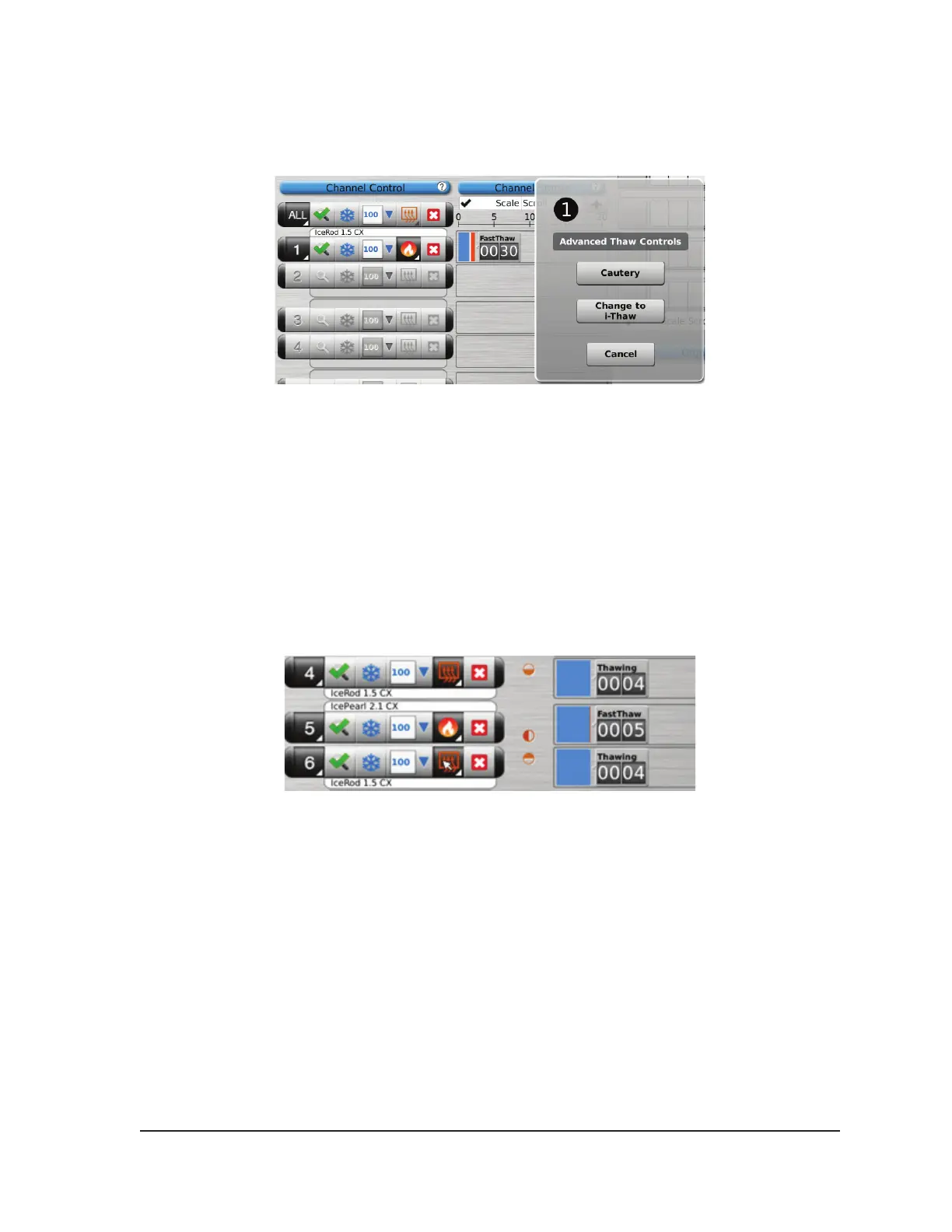
• Similarly, when FastThaw is selected, pressing the Change to i-Thaw button will change the
thaw from FastThaw to i-Thaw (Screen 4-18).
Screen 4-18. Advanced Thaw Controls i-Thaw
2. After selecting the type of thaw, press the Thaw or FastThaw button in the Channel Control to
initiate thawing.
NOTE: The FastThaw function generates a temperature that is higher than that generated for
i-Thaw, resulting in a faster thaw time.
NOTE: A maximum of 7 needles can thaw simultaneously using the i-Thaw function; a maximum
of 4 needles can thaw simultaneously using the FastThaw function.
3. During the needle warming phase for CX-type needles, the channel status will display a rotating
warming indicator (Screen 4-19).
Screen 4-19. Advanced Thaw - Needle Warming
4. When the threshold temperature for i-Thaw or FastThaw is reached, the channel status will
display the estimated temperature range for the needle shaft (Screen 4-20).
NOTE: The shaft temperature is displayed as a temperature range because tissue and
procedural variables will aect the temperature.



 To Next Page