4-22 User Manual
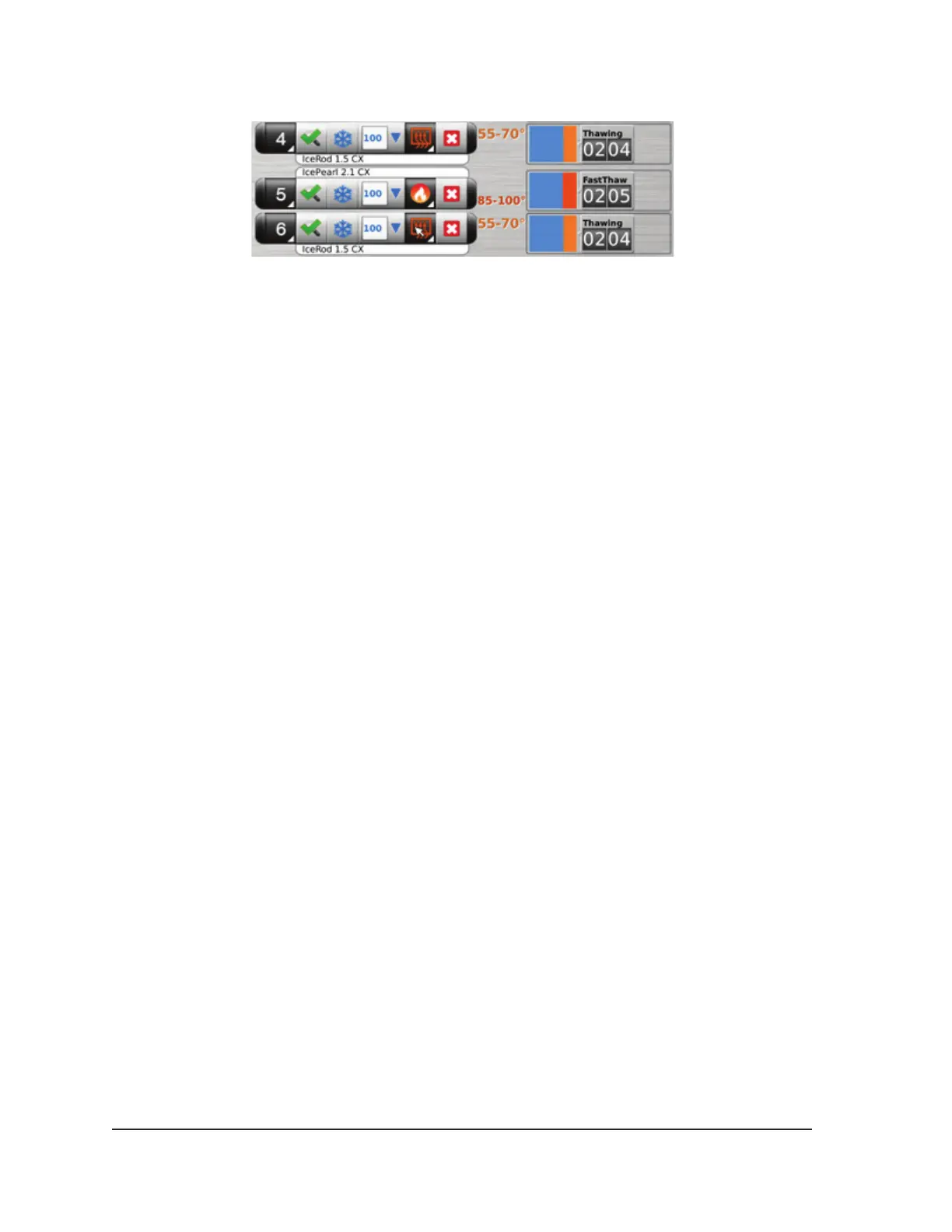
Screen 4-20. Advanced Thaw - Temperature Display During Thawing
5. Thaw thoroughly and stop all needle operation prior to removing needles to minimize the risk of
tissue injury.
• If needle sticking is experienced, use a slight, gentle twist of the needle followed by slow
withdrawal.
4.6.2 Cautery Control for Track Ablation
Needle track ablation is achieved using the Cautery function in the Advanced Thaw Controls. The
needle track is ablated through the use of thermal energy. Each cautery enabled needle (1.5 CX-
type needles and 2.1 CX-type needles) is operated independently using the Cautery button in the
Advanced Thaw Controls for the channel and port in which the needle is connected.
CAUTION. Use image guidance to monitor needle location and position to avoid the risk of thermal
injury to adjacent tissue / organs.
CAUTION. Track ablation produces heat along the distal needle shaft. Use care to avoid thermal
injury to adjacent tissue / organs.
CAUTION. The needle handle may become warm during track ablation. Pay attention to the needle
handle position. Prolonged contact with warm portions of the needle handle could cause unintended
thermal tissue damage to the patient or clinician.
CAUTION. The Cautery function should not be initiated if the Active Zone Indicator is visible outside
the patient’s skin.
NOTE: While the Visual-ICE System is in cautery mode, freezing and thawing are not allowed on any
other channels.
NOTE: The Cautery function is not available on the channel ALL.
4.6.2.1 Cautery Control for 1.5 CX Needles
1. Press and hold the Thaw button to access Advanced Thaw Controls.
2. Press the Cautery button on the Advanced Thaw Controls menu to open the Cautery Control
Screen (Screen 4-17). A conrmation message appears (Screen 4-21).



 To Next Page