4-28 User Manual
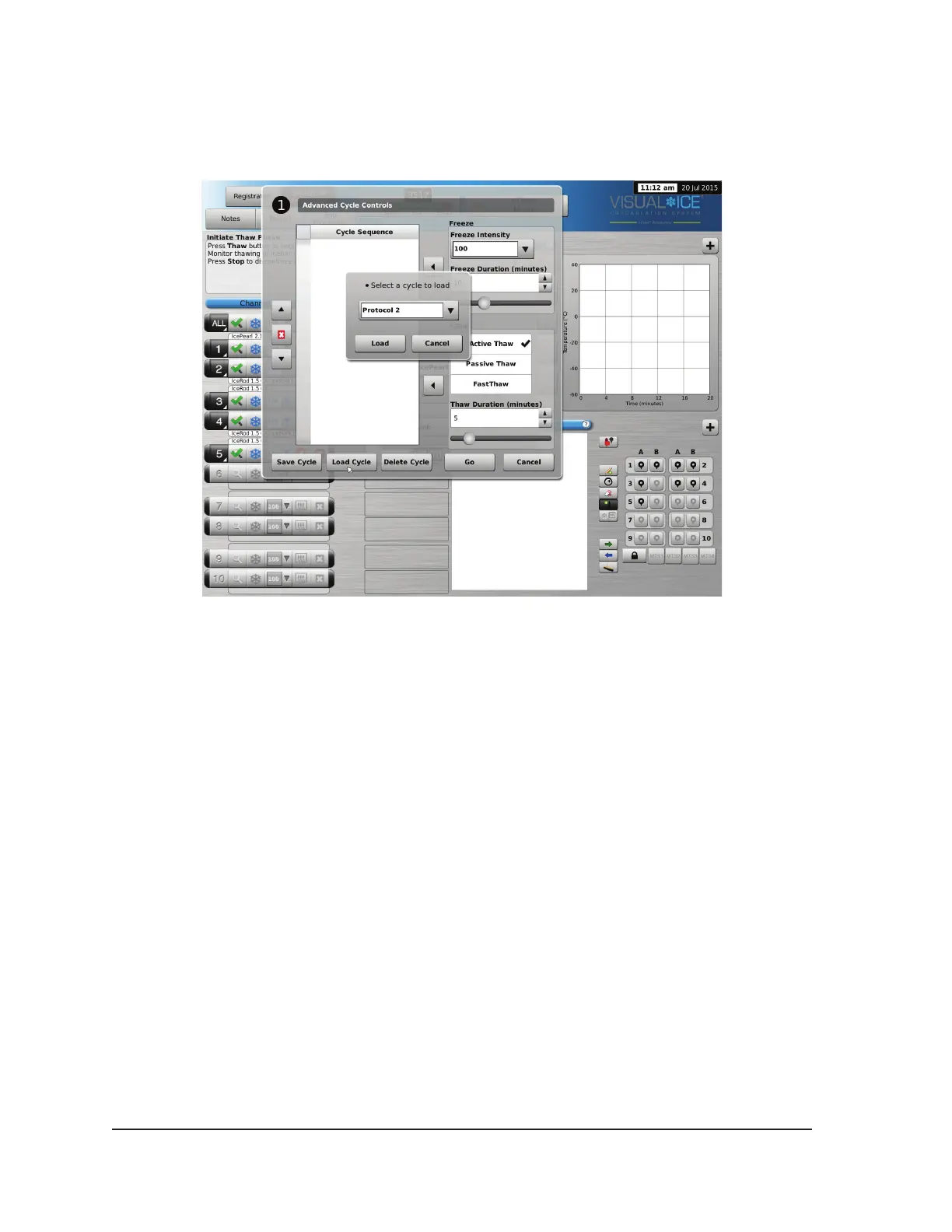
To run a saved sequence, enter Advanced Channel Controls for the selected channel, press the
Cycles button and press the Load Cycle button. Using the drop-down menu, select the saved
sequence, press the Load button, then press the Go button (Screen 4-28).
Screen 4-28. Saved Sequence Controls



 To Next Page