3-8 User Manual
3.3.6 Enlarge and Reposition Timers
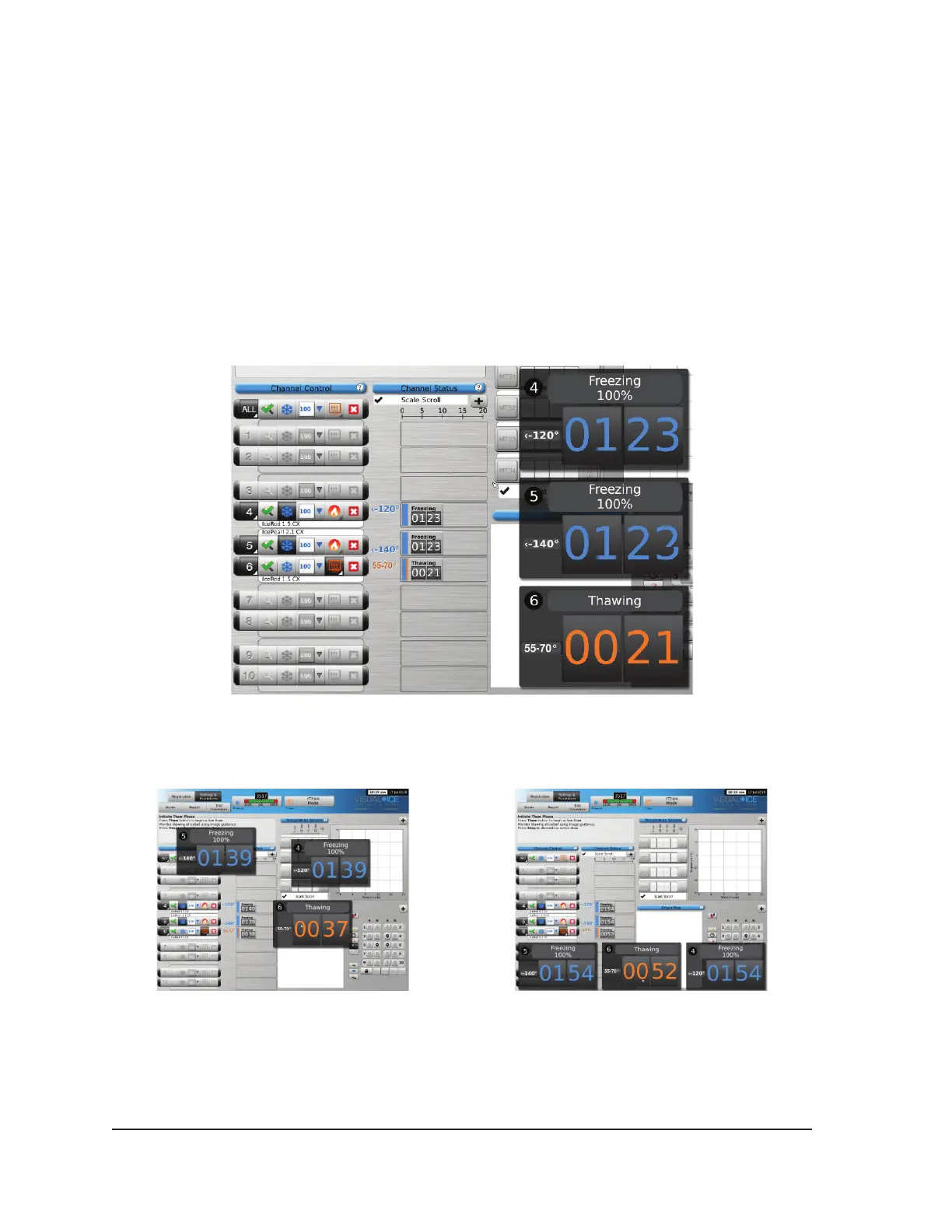
During a needle test, freeze, thaw, or idle phase, press the Timer button to enlarge the timer display
(Screen 3-8). The enlarged Timer displays the channel number in the upper left corner of the timer
window, elapsed time, and, when freezing, the selected freeze intensity. When CX-type needles are
connected, the enlarged timer also displays the internal needle tip temperature during the freeze
phase and the estimated temperature range of the needle shaft during the thaw phase.
NOTE: During the needle warming phase for CX-type needles, the timer will display a rotating
warming indicator.
Timers for three selected channels can be simultaneously enlarged. Press the timer to return it to its
original size.
Screen 3-8. Enlarged Timer
Change the location of an enlarged timer by dragging the timer to a new screen location.
Screen 3-9. Repositioned Enlarged Timers



 To Next Page