Monitor data
21
Logamatic 4323 - Subject to technical modifications.
108
21 Monitor data
Using the "Monitor" menu you can display the set and actual values. The menus
described in these instructions relate exclusively to the Logamatic 4211 control
unit with the most commonly used FM441 and FM442 modules.
Some display values are separated by a slash. The number in front of the slash
determines the set value of each respective parameter and the figure behind the
slash is the actual value.
You can display data for the following components (if installed):
– Heating circuits
– DHW
– Substation
– Monitor data of other installed modules
21.1 Heating circuit monitor data
Using the monitor menu "Heating circ." you can display the data for one heating
circuit.
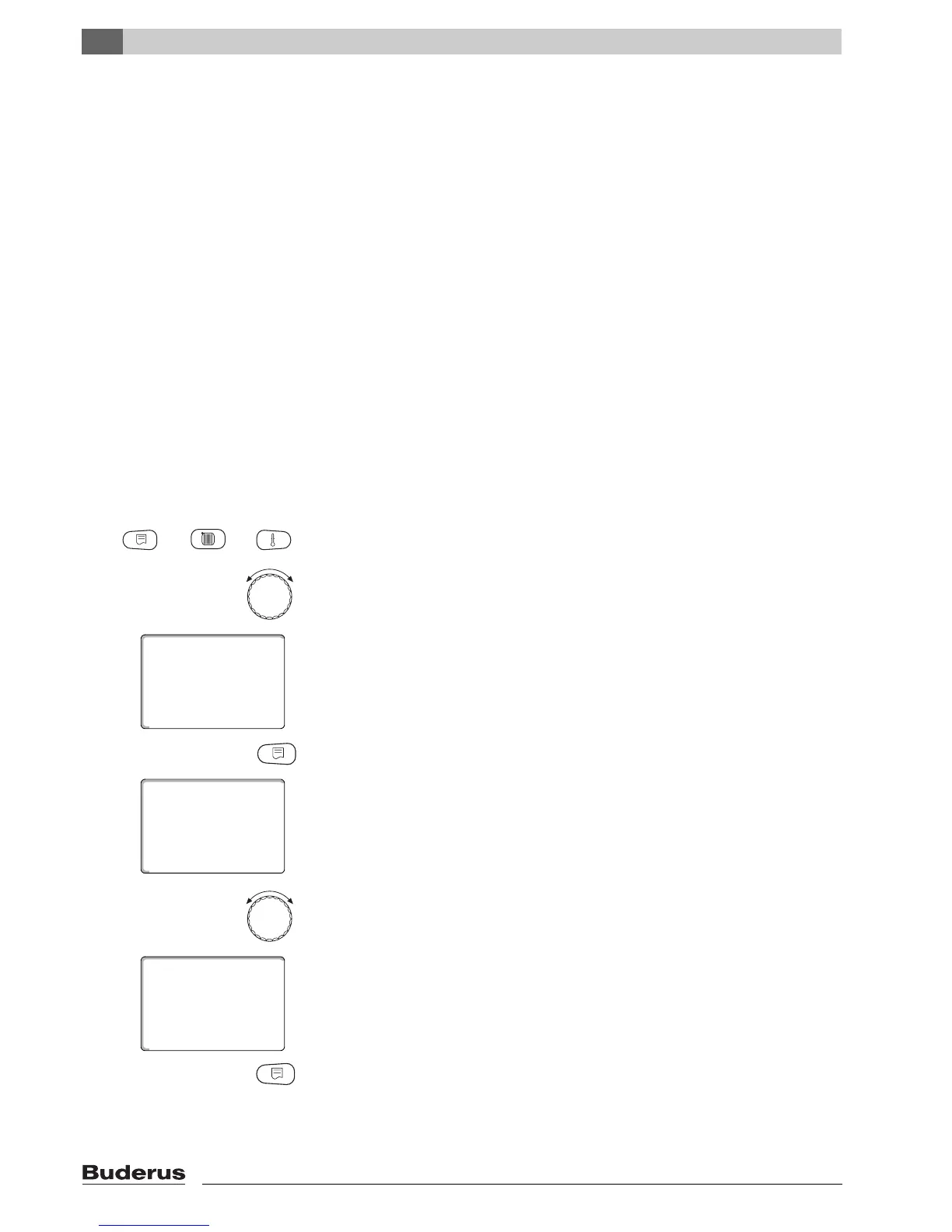
Call up the service level. "Gen. parameters" is shown as the first main menu.
Turn the rotary selector until the main menu "Monitor" appears.
The display shows the selected main menu.
Press "Display" to call up a submenu (here: "Heating circ. 0").
The display shows the selected submenu.
Turn the rotary selector until submenu "Heating circ. 2" appears.
The display shows the selected submenu.
Press "Display".



 To Next Page
 Loading...







