Heating circuit data
11
Logamatic 4323 - Subject to technical modifications.
45
11.4 Setting the design temperature
The design temperature is the flow temperature at the adjusted minimum
outside temperature. (
Æ Chapter 9.1)
The following applies to "Low end" heating systems:
–
Set the design temperature at least 10 °C higher than the low end temperature.
– Changing the design temperature allows the heating system to operate with
a flatter or steeper heating curve.
This function will not be displayed with "Room controller" heating systems.
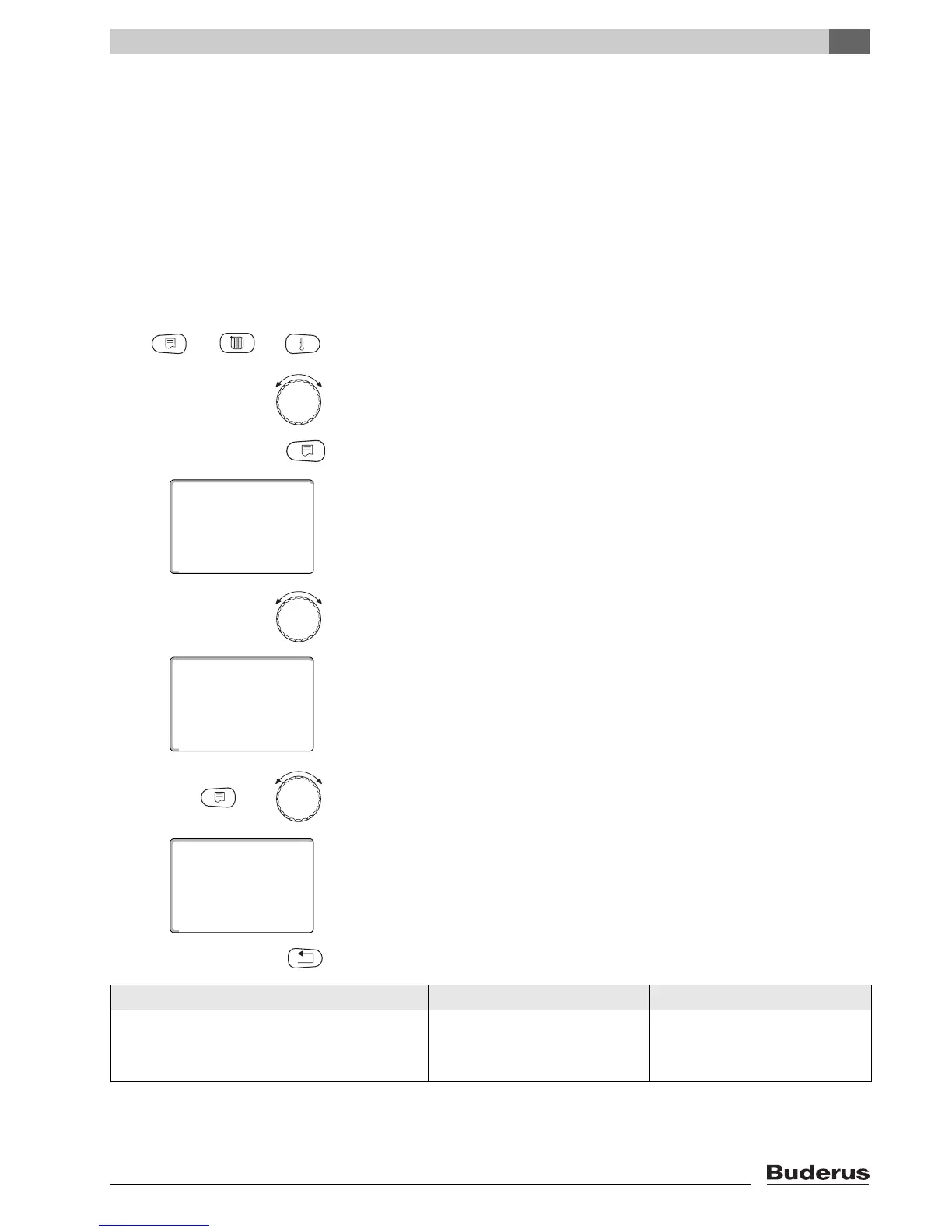
Call up the service level. "Gen. parameters" is shown as the first main menu.
Turn the rotary selector until the main menu "Heating circ. + no." appears
(here:
"Heating circ. 2").
Press "Display" to call up a submenu (here: "Heating system").
The display shows the selected submenu.
Turn the rotary selector until submenu "Design temp." appears.
The display shows the selected submenu.
Hold down "Display" and turn the rotary selector until the required value appears
(here: "65°C").
The display shows the set value.
Release "Display" to save your input.
Press "Back" to return to the next level up.
Input range Factory setting
Design temperature
30 °C – 90 °C 75 °C for Radiators/Convectors/
Constant/Low end
45 °C for underfloor heating
systems



 To Next Page
 Loading...







