120
Type 8692, 8693
english
Start-up, operation
process controller Type 8693
Alarm output for excessively large control deviation of the position controller: OUT DEV.X
Press the arrow keys to mark the
→ OUT DEV.X menu option and confirm with the selection key on the right
(SELEC).
Press the arrow keys to input → the limit value for the permitted control deviation in the Lim. DEV.X 1.0% menu option and
accept with the selection key on the right (OK).
The permitted control deviation Lim. DEV.X XX must not be less than the dead band.
In the
→ OUT BIN type menu option input the required switching status (normally opened / normally closed)*.
Output of the current position with respect to a specified limit position: OUT POS
Press the arrow keys to mark the
→ OUT POS menu option and confirm with the selection key on the right (SELEC).
Press the arrow keys to input the → the value of the limit position in the Lim. POS 0% menu option and accept with the
selection key on the right (OK).
In the
→ OUT BIN type menu option input the required switching status (normally opened / normally closed).
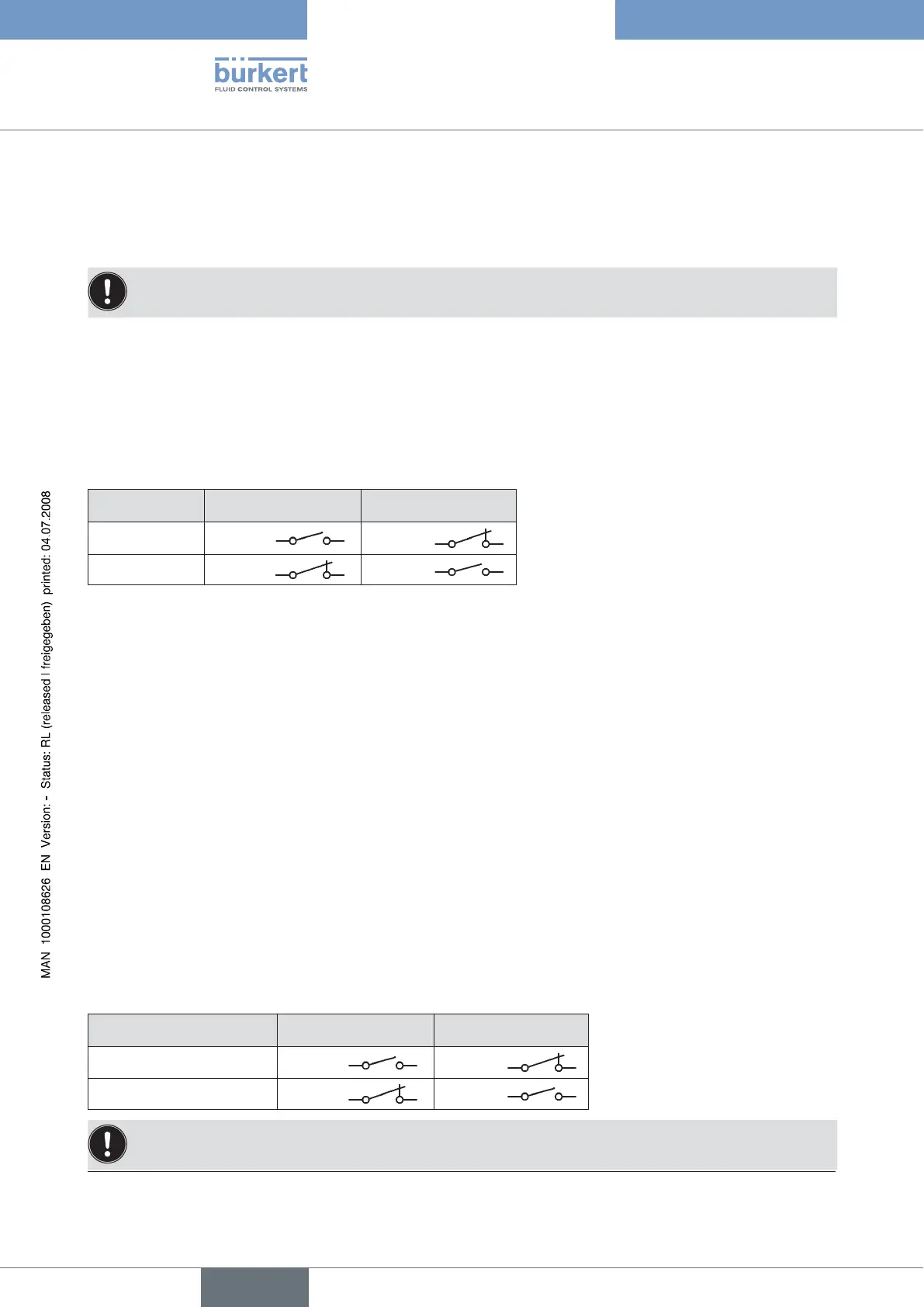
OUT BIN1 normally opened normally closed
POS > LIM
0 V
24 V
POS < LIM
24 V 0 V
Output of message: Actuator in safety position: OUT Safepos
Press the arrow keys to mark the
→ OUT Safepos menu option and confirm with the selection key on the right
(SELEC).
In the → OUT BIN type menu option input the required switching status (normally opened / normally closed).
Output sensor break: OUT ERR SP/CMD*
Press the arrow keys to mark the
→ OUT ERR SP/CMD menu option and confirm with the selection key on the right
(SELEC).
In the
→ OUT BIN type menu option input the required switching status (normally opened / normally closed).
Output sensor break: OUT ERR PV*
Press the arrow keys to mark the
→ OUT ERR PV menu option and confirm with the selection key on the right
(SELEC).
In the → OUT BIN type menu option input the required switching status (normally opened / normally closed).
Output operating state AUTOMATIC / MANUAL: OUT remote
Press the arrow keys to mark the
→ OUT remote menu option and confirm with the selection key on the right
(SELEC).
In the → OUT BIN type menu option input the required switching status (normally opened / normally closed).
OUT BIN1 normally opened normally closed
AUTOMATIC operating state 0 V
24 V
MANUAL operating state 24 V 0 V
Normally closed output, in switched state low (≅ 0 V)
Normally opened output, in switched state high (≅ 24 V)
* only possible if signal level fault detection activated (see chapter entitled "SIG-ERROR")



 To Next Page