Installation 133
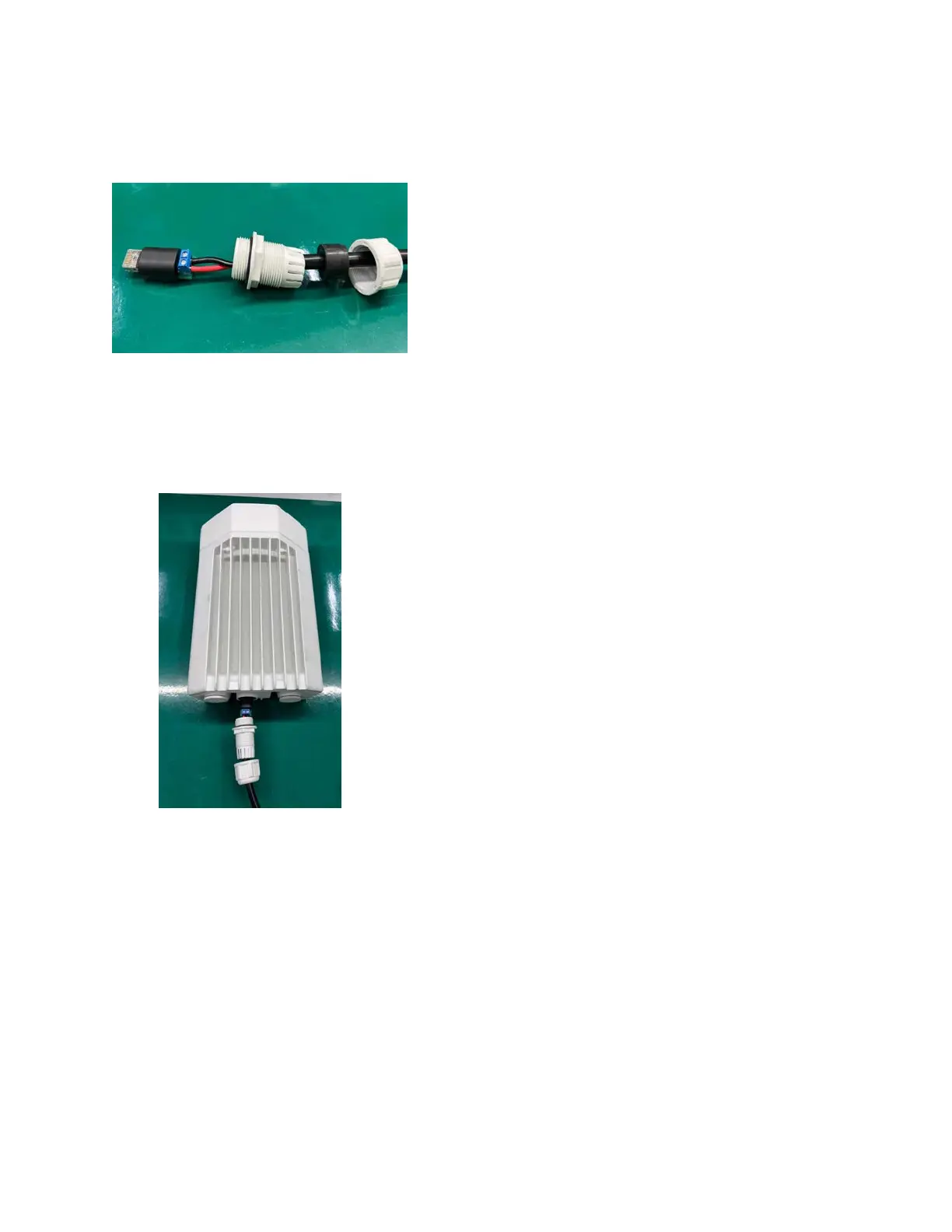
Fitting the long cable gland
Figure 124:
The long cable gland
Connecting the mini adapter to ODU
1. Plug and connect the input side of the AC/DC PSU to the AC power line and tighten the gland.
Tighten the cable clamp cap.
Figure 125:
Connecting the input side of AC/DC PSU
2. Connect output side of DC PSU to ODU through cable joiner and DC mini adapter.









 To Next Page