Operation 223
cnMaestro support for Onboard Controller
From System Release 1.0.1 onwards, The Onboard E2E controller can be managed by cnMaestro 2.5.0
(on-premises) for network management.
1. After the Onboard E2E controller is enabled from UI, enter the cnMaestro URL. If Cambium ID
based authentication option is enabled in cnMaestro, then enter the Cambium ID and onboarding
key.
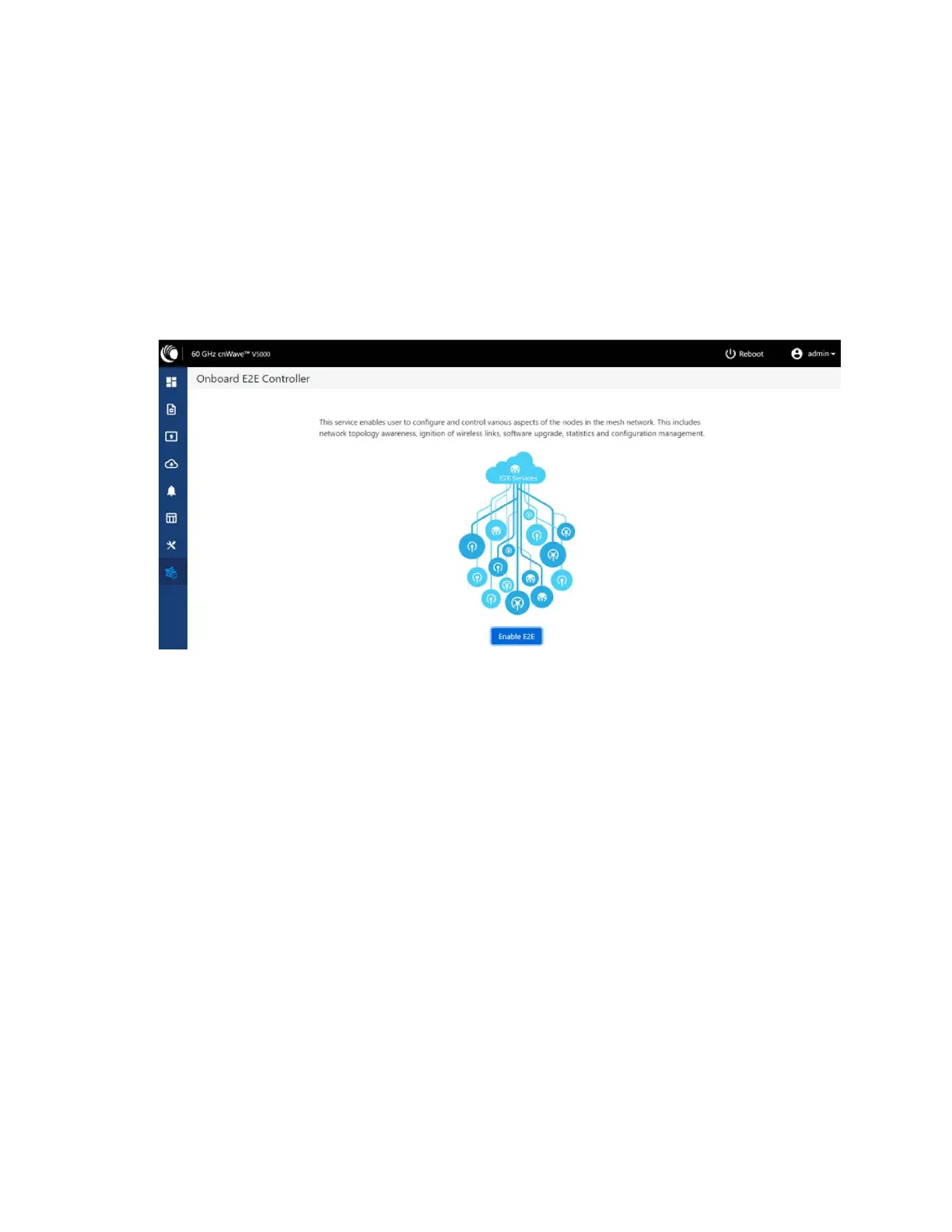
2. Click Enable E2E on Onboard E2E Controller in UI.
Figure 244:
The Onboard E2E Controller page
3. Enter the cnMaestro management configuration information.
l Remote Management - Select the required remote management option
l cnMaestro URL - cnMaestro address
l Cambium ID - Cambium ID of the device
l Onboarding key - Password to onboard the device
Figure 245:
The cnMaestro section









 To Next Page