Configuring 60 GHz cnWave™ 162
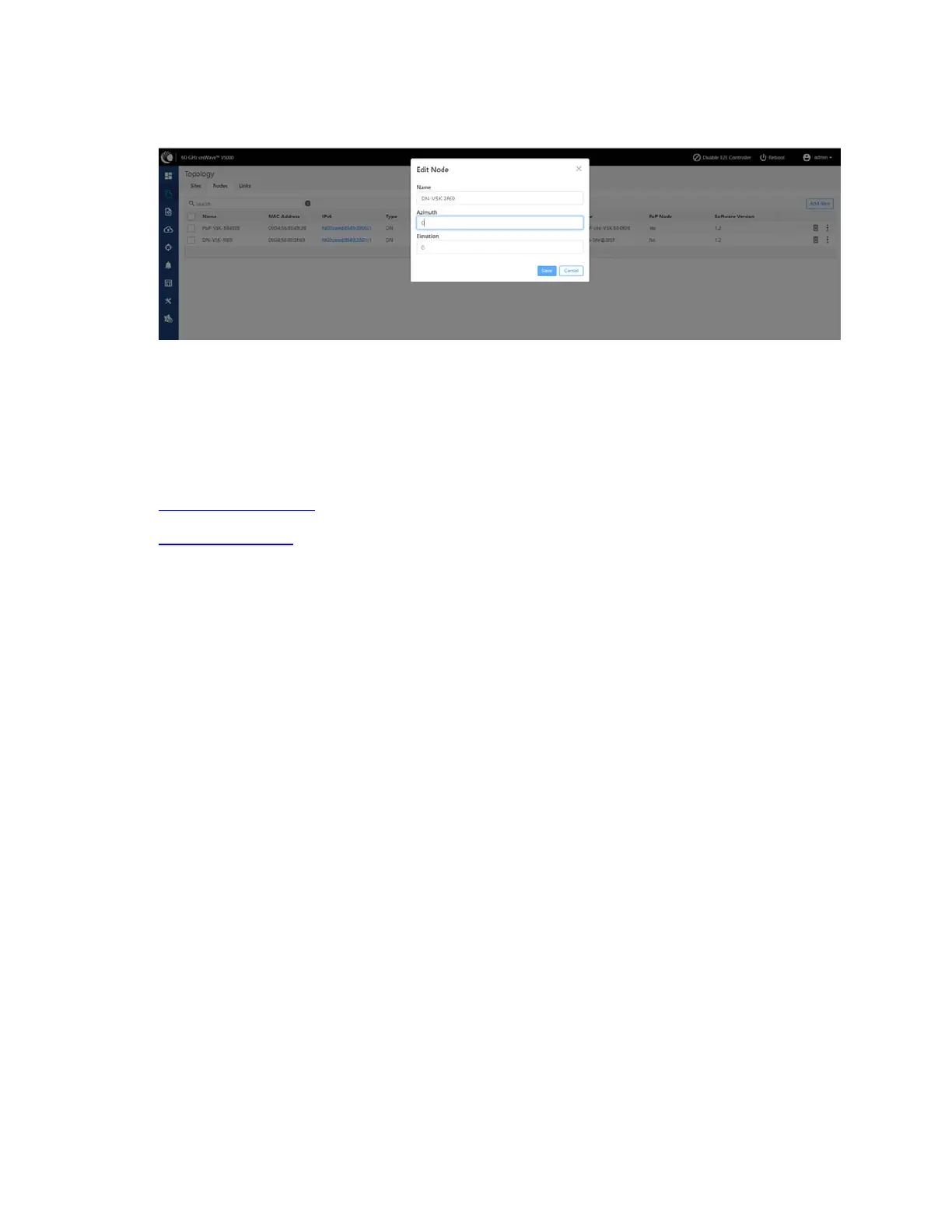
Figure 169:
The Edit Node dialog box
4. Click Save.
Configuration
The configuration page contains the following two configuration options:
l Network configuration
l Node configuration
Network configuration
Network configuration is used to configure the network. User can modify the network settings. It has
Basic, Management, Security and Advanced options for the configuration. Settings under Network apply
to all the nodes in the network. Some apply to the E2E Controller. Enter the required information and
click Submit to configure the network.









 To Next Page