Operation 209
Tools
The Tools page contains the following tabs:
l Factory Reset
l Field Diags
l Antenna Alignment
l Remote Command
l Ping
l Quick PTP Setup
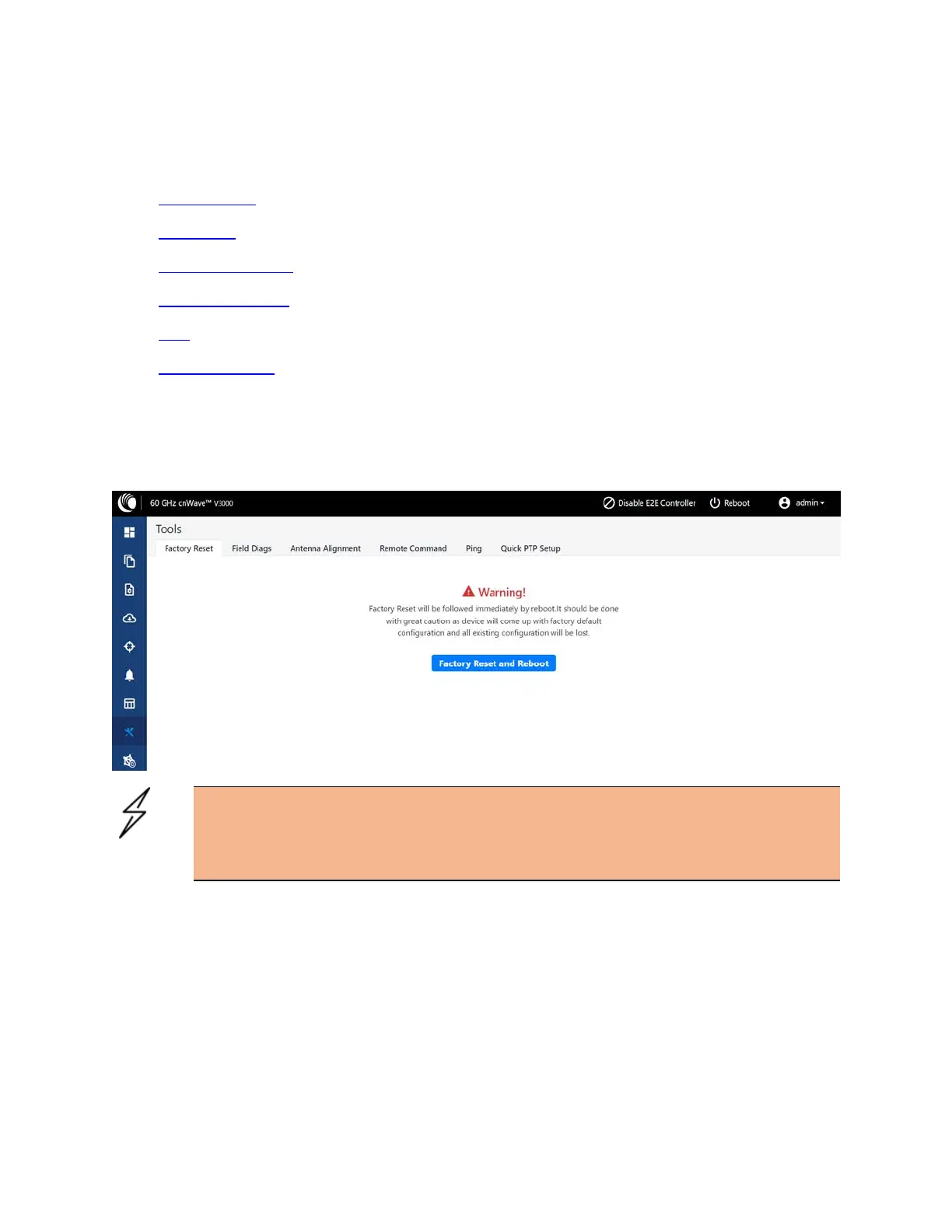
Factory reset
The Factory Reset page is used to set the default settings.
Figure 227:
The Factory Reset page
Warning
Factory reset is followed immediately by a system reboot. You must carefully configure the
factory reset settings as the device comes up with the default settings. All the
existingconfigurations are lost when the system comes up.
Field diags
The Field Diags tab is used to view and download the error logs. To download the DN logs, select the DN
node from the Select Node drop-down and click Download Logs (as shown in Figure 228).









 To Next Page