Configuring 60 GHz cnWave™ 155
Enabling internal E2E Controller
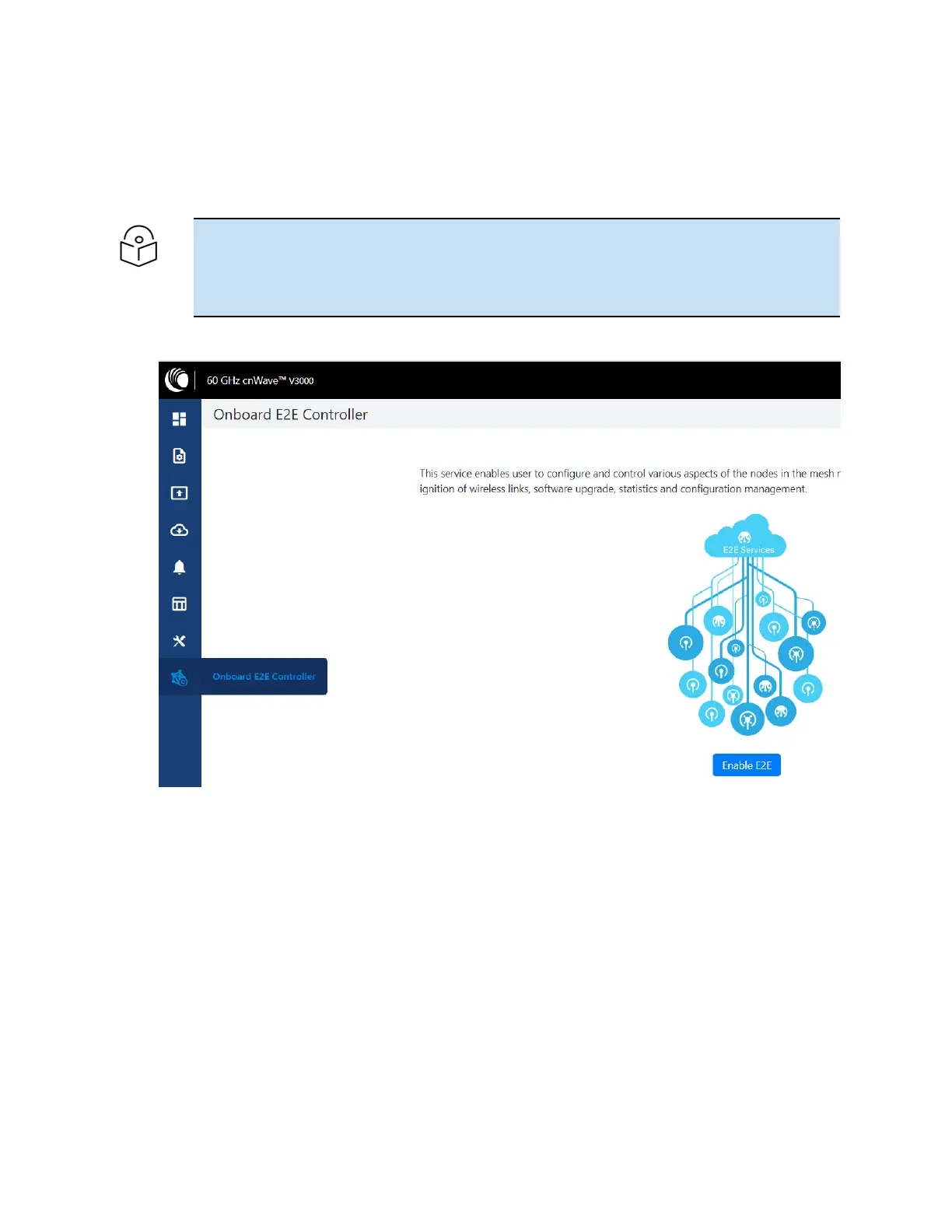
E2E Controller handles important management functions such as link bring-up, software upgrades and
configuration management, etc. Enable E2E Controller to configure and establish the connection. To
enable E2E Controller, perform the following steps:
Note
The internal E2E controller is not required if you intend to tun the E2E controller On-Premise
(refer
E2E User Guide
) .
Currently, the internal E2E controller is restricted to 31 nodes.
1. Click the E2E Controller option on the left pane of the Dashboard.
2. Click Enable E2E.
The Enable Onboard E2E dialog box appears.









 To Next Page