Configuring 60 GHz cnWave™ 154
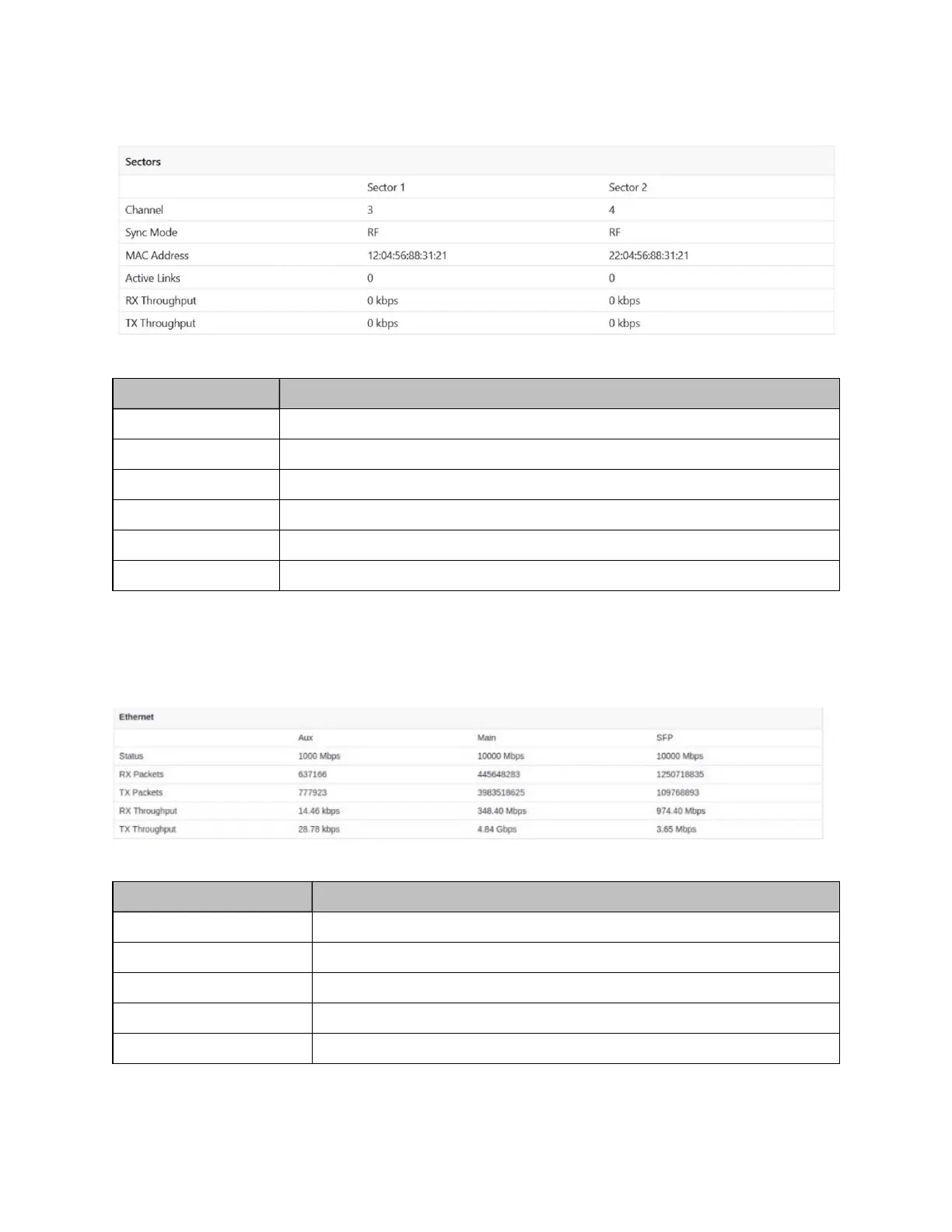
Figure 159:
Dashboard - Sectors
Table 39: Elements in the Sectors section
Element Description
Channel Displays the channel information used by the sector
Sync mode Displays the sync mode of the sectors
MAC address Displays the MAC address of the sectors
Active links Displays the number of active links in connected sectors
RX Throughput Displays RX Throughput of the individual sectors
TX Throughput Displays TX Throughput of the individual sectors
Ethernet
Ethernet table displays the information about Aux, Main, and SFP ports.
Figure 160:
Dashboard - Ethernet
Table 40: Elements in the Ethernet section
Element Description
Status Displays the speed of Ethernet ports
RX Packets Number of packets received
TX Packets Number of packets transmitted
RX Throughput Displays the RX Throughput of the Ethernet
TX Throughput Displays the TX Throughput of the Ethernet









 To Next Page