Operation 210
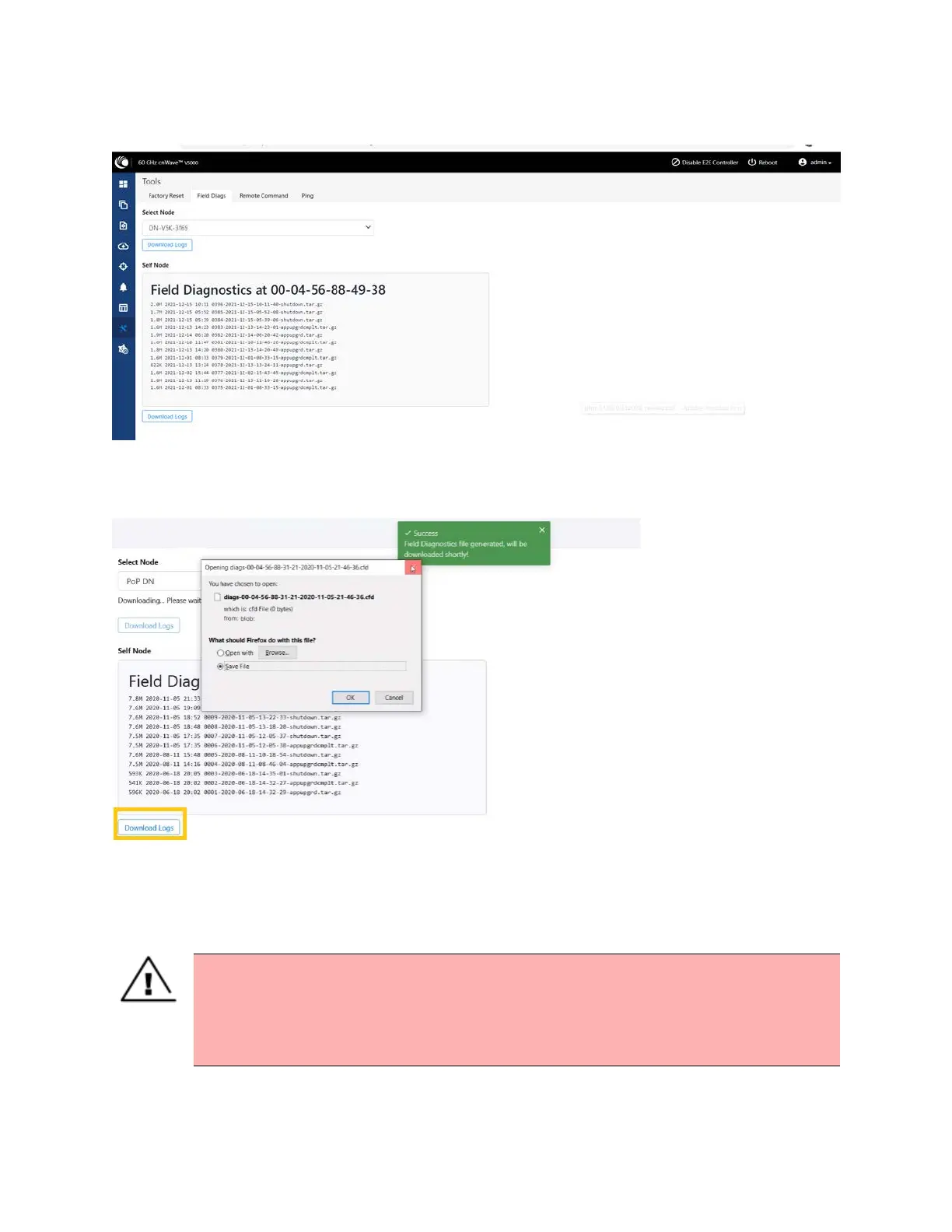
Figure 228:
The Field Diags page
To download the logs for self node, click Download Logs at the bottom and save the log file.
Figure 229:
Saving log files
Antenna alignment
The Antenna Alignment tool assists in optimizing the alignment of V3000 to V3000, V5000, V2000, or
V1000. This feature helps you to install and align the devices to achieve optimal performances.
Warning
The antenna alignment tool is not a substitute for optical alignment. The optical alignment is
the key to get the signal within the +/-2 degree azimuth and +/1 degree Elevation window.
At this window level, the tool can be used to get away from the edge, corner or spurious
beams to ensure optimal alignment.
Prerequisite tasks:









 To Next Page