System Hardware 67
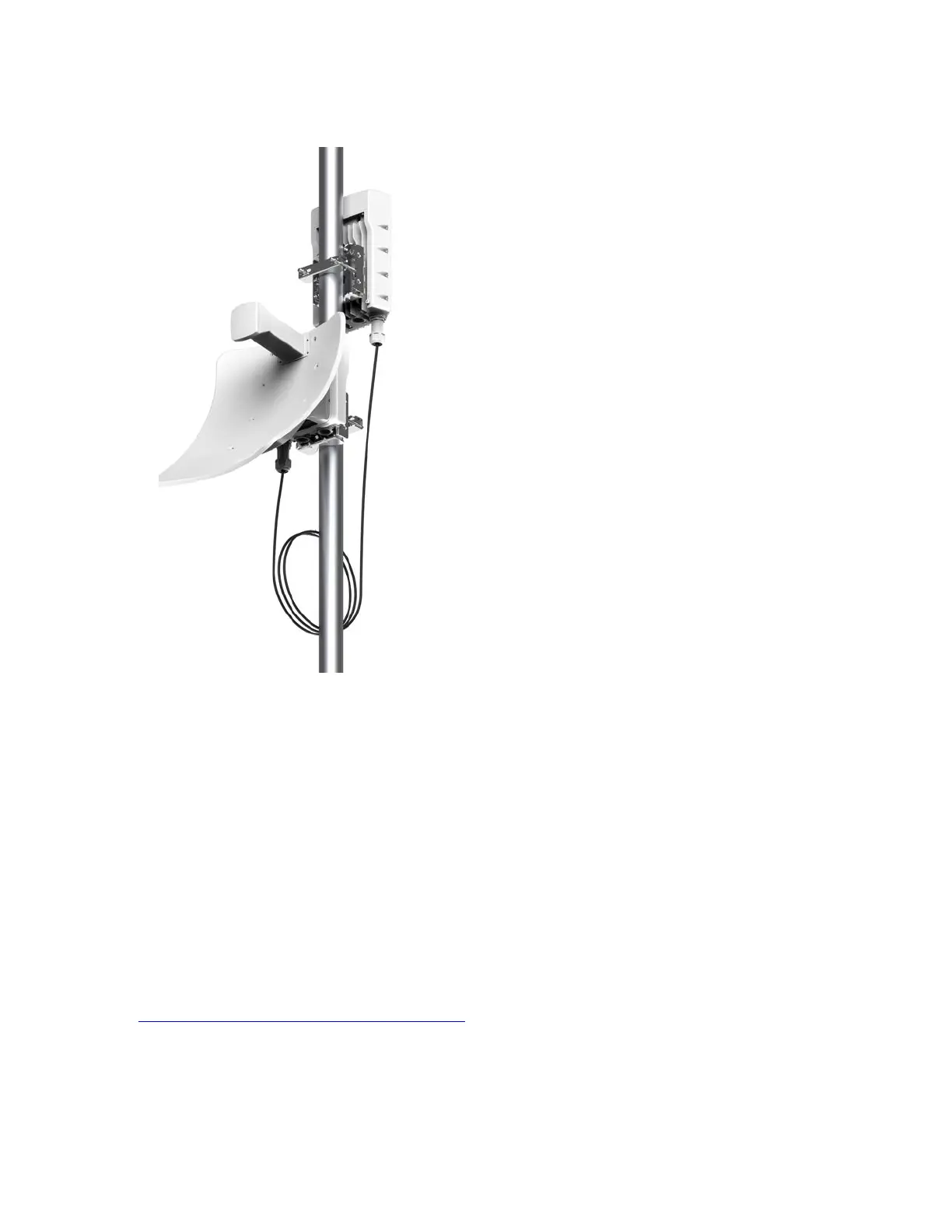
Figure 47:
V5000 backhauled by V3000 using a DAC cable
Key points to install the DAC cable
To install the DACcable, perform the following actions:
1. Ensure that the distance between the two devices (V3000 and V5000 or V3000 and V3000) is
less than two metres.
2. Connect the required two devices by inserting the DAC cable into the SFP+ port of the devices.
3. Use the standard cable gland (part number: C000000L176A) to close the DACcable.
4. Ensure that the SFP+ port is correctly displayed on the cnMaestro management system.
Optical cable and connectors
Order an optical cable with LC connectors from a specialist fabricator, quoting the specification shown in
the Optical optic cable and connector specification. It must be the correct length to connect the ODU to
the other device. LC connectors should be supplied with dust caps to prevent dust build-up.









 To Next Page