Configuring 60 GHz cnWave™ 157
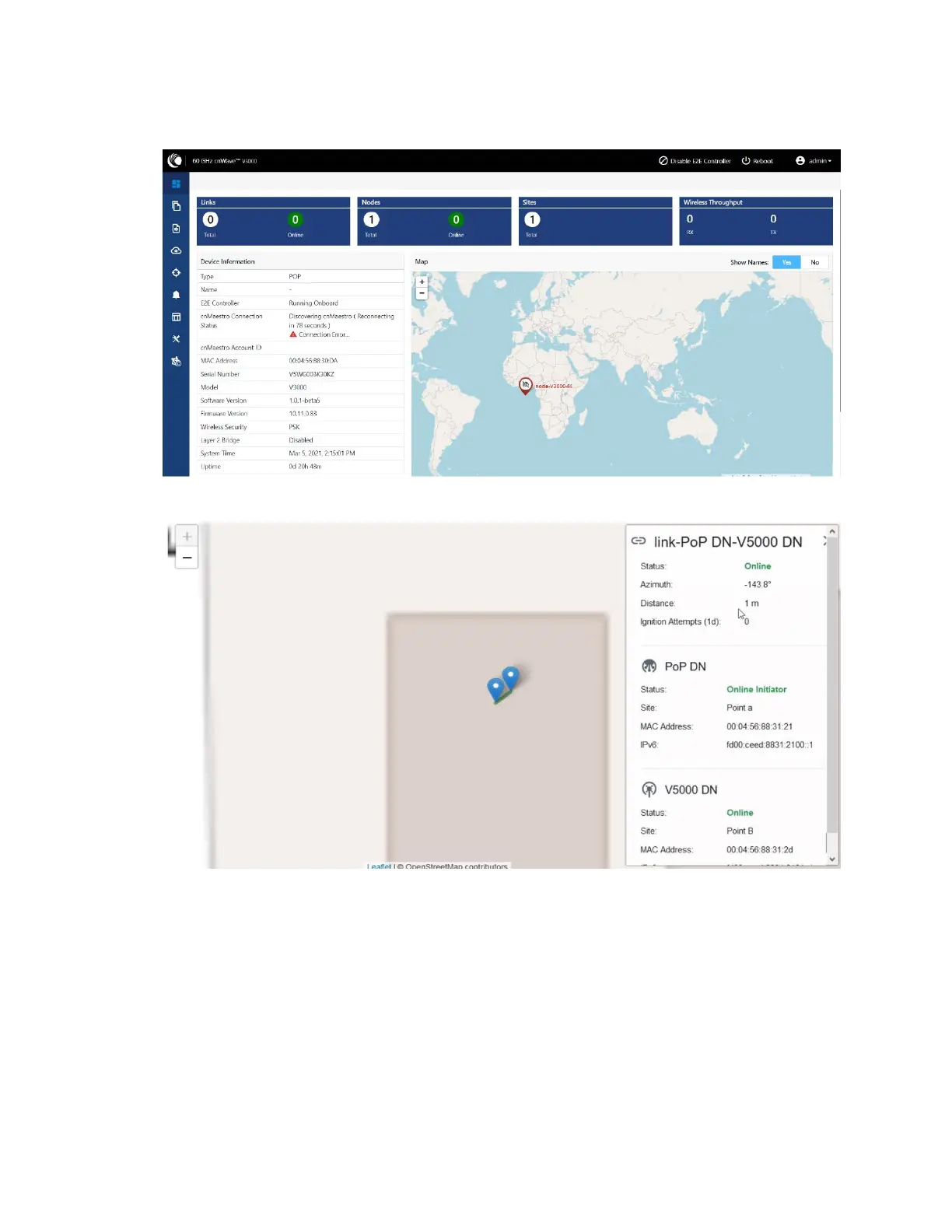
Figure 161:
Dashboard
You must right-click on the site pin to see more information about the site, as shown below:
Topology
After enabling the E2E Controller, add Sites, Nodes and Links to establish the connection.
To add sites, nodes and links, perform the following steps:
1. In the main dashboard page, click Topology on the left navigation pane.
The Topology page appears. By default, the Sites tab is selected, as shown below:









 To Next Page