Configuring 60 GHz cnWave™ 148
Procedure:
1. Select Properties for the Ethernet port. In Windows 7 this is found in Control Panel > Network and
Internet > Network Connections > Local Area Connection.
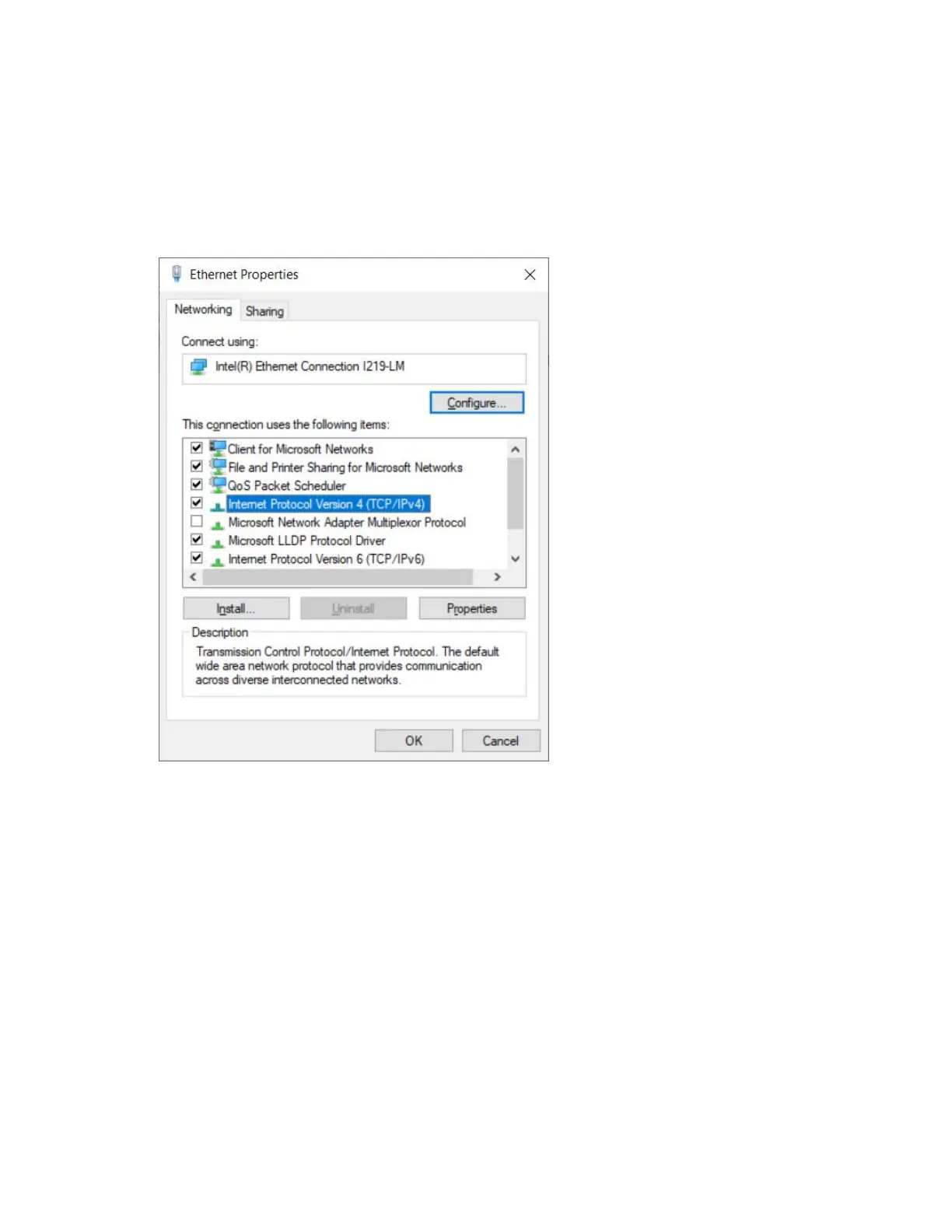
2. Select Internet Protocol Version 4 (TCP/IPv4).
Figure 155:
The Ethernet Properties dialog box
3. Click Properties.
4. Enter an IP address that is valid for the 169.254.X.X/16 network, avoiding 169.254.1.1 (for example:
169.254.1.3).









 To Next Page