Troubleshooting 244
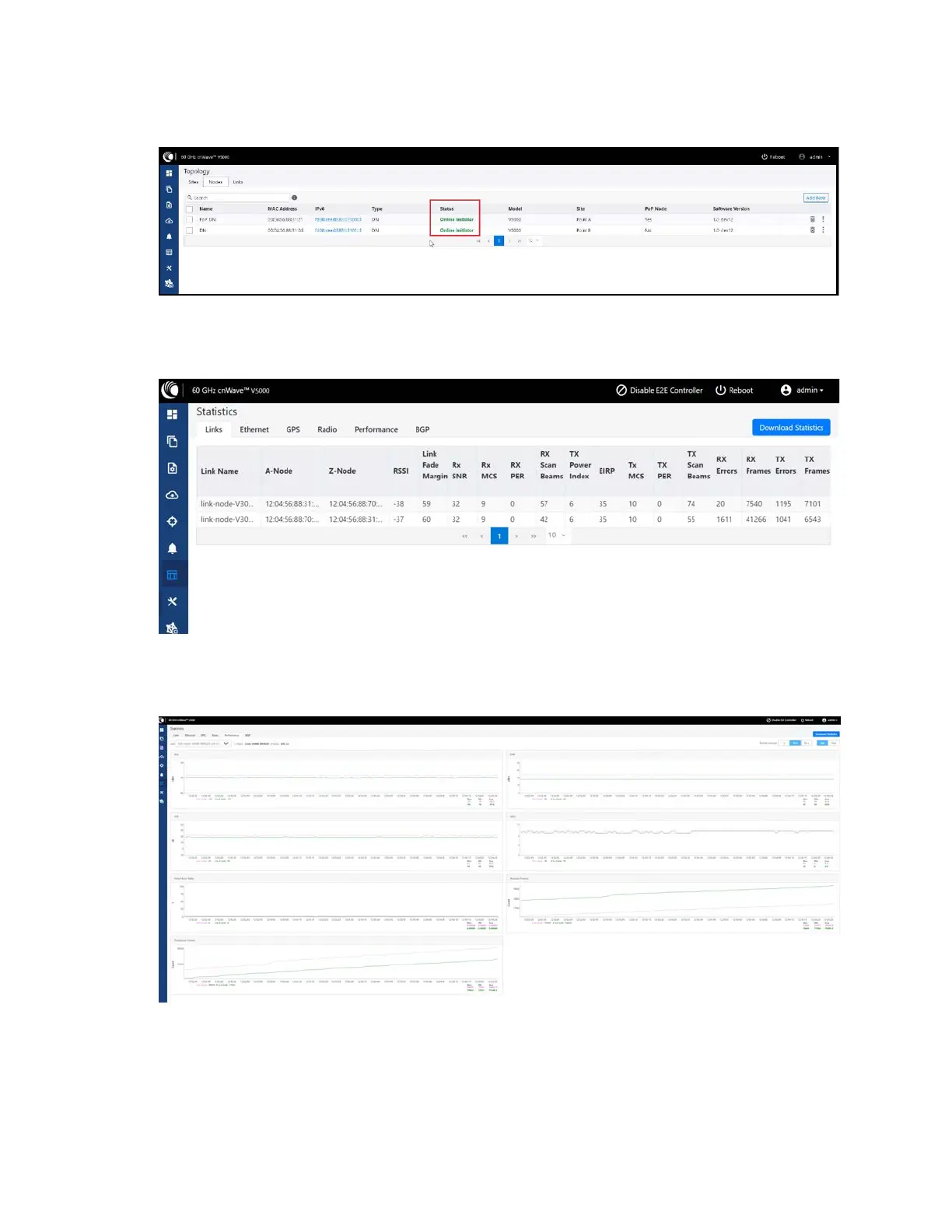
Figure 264:
Status of nodes in the Topology page
5. From the left navigation pane, go to Statistics > Links and verify RSSI, MCS, and TX Power Index.
Figure 265:
Link details in the Statistics page
6. Go to Performance and verify the graphs.
Figure 266:
Graphs in the Performance page









 To Next Page