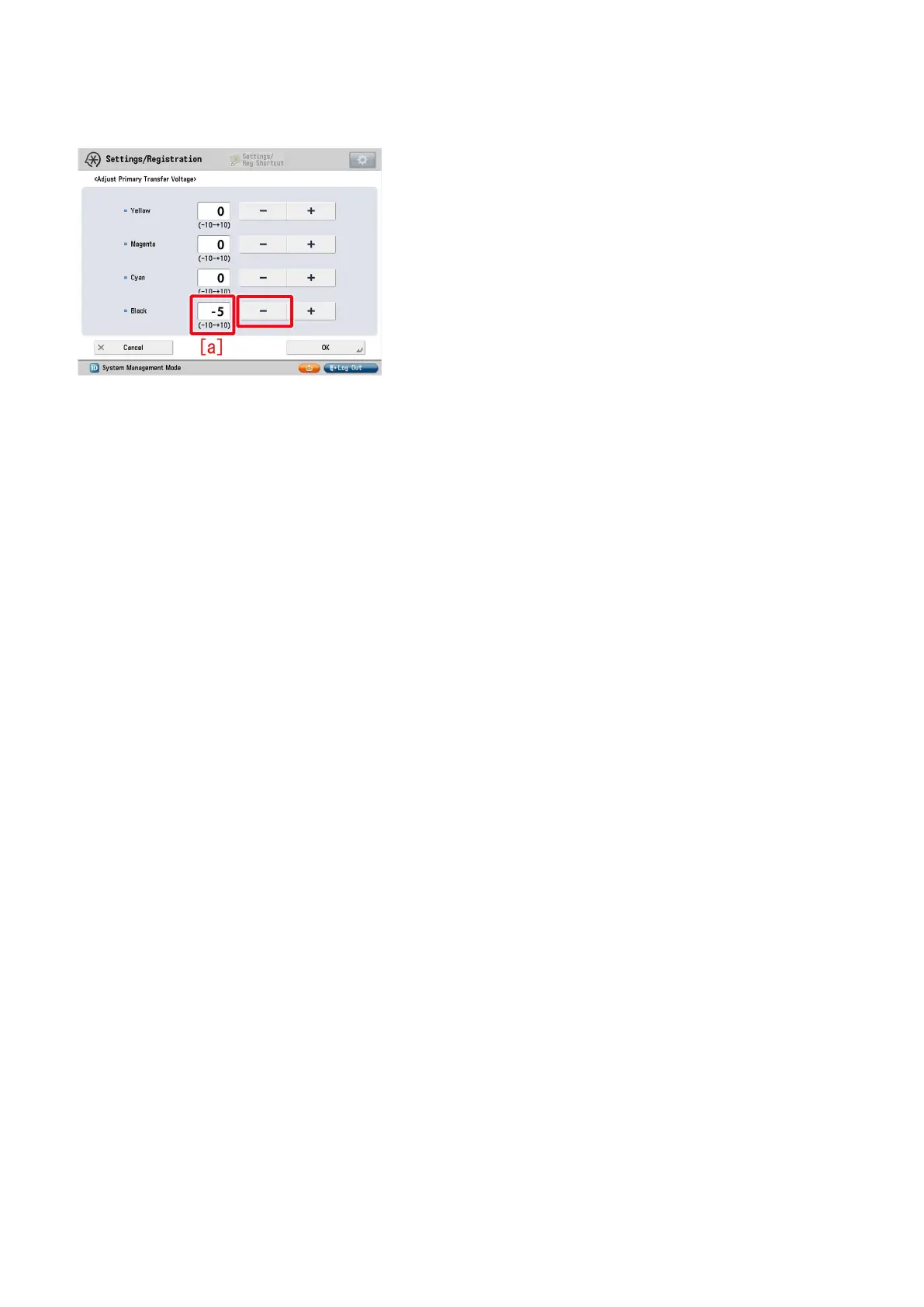
7) Select black under primary transfer voltage, change the correction parameter [a] to "-5" by pressing "-" button and press "OK".
The setting range is from "-10" to "+10 ". ("0" by default)
Change of the setting value changes the primary transfer voltage.
[Caution] Changing this setting may decrease the primary transfer voltage and bring poor image with black (lowering of density,
mottling image, etc.).
8) Output the image having shown the symptom, and check that the symptom does not occur.
If the symptom does not improve, then check other factors.
7











 To Next Page