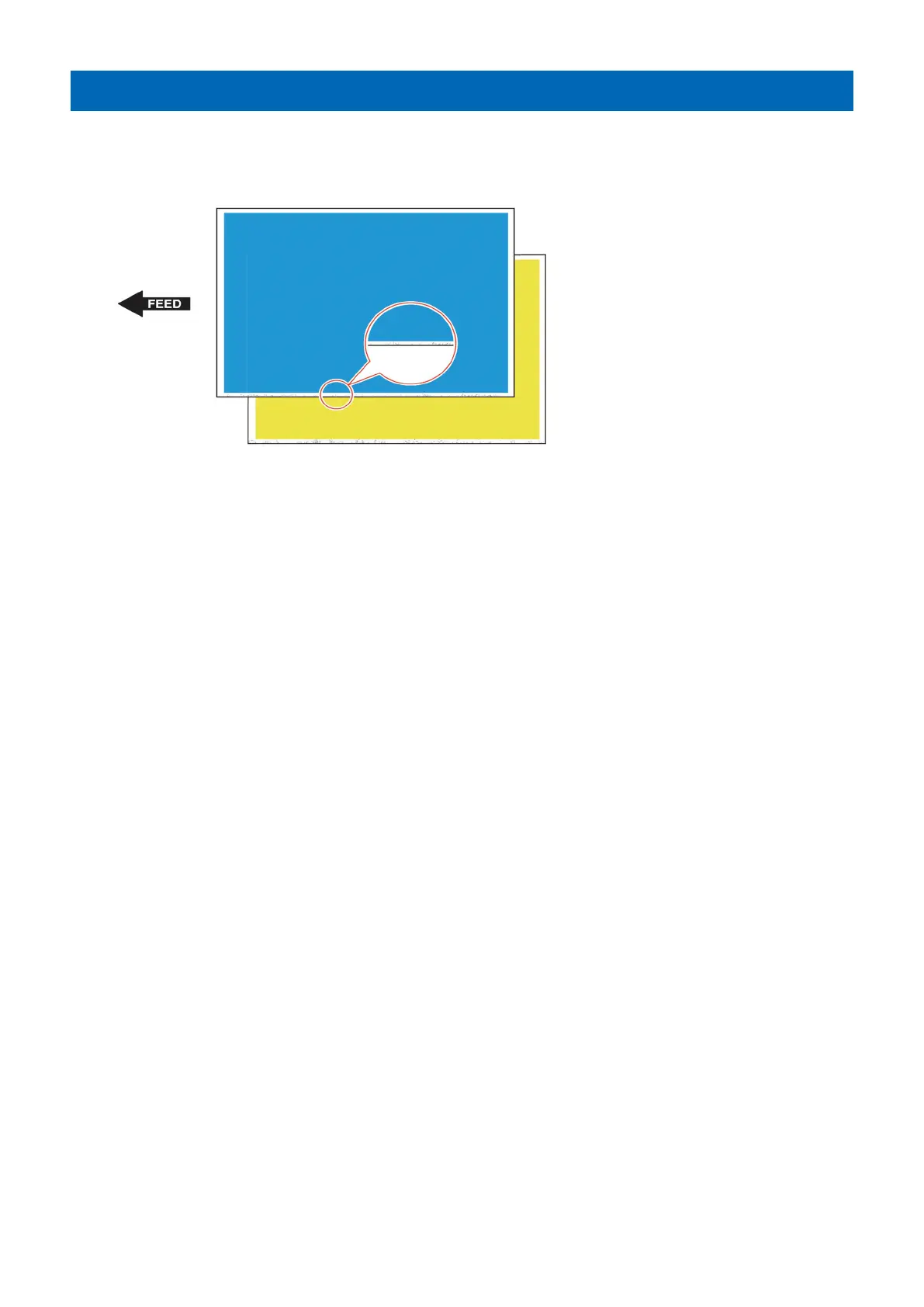
Bk soiling at the front edge on the back side
[Symptom]
Bk soiling at the front edge on the back side may occur.
[Cause]
Toner always exists on the Secondary Transfer Outer Belt due to the scattering of ejected toner and waste toner; the toner is
fixed onto the Secondary Transfer Outer Belt by the engagement pressure of Secondary Transfer Outer Belt against the ITB and
the difference of peripheral speeds between the Secondary Transfer Outer Belt and the ITB. Toner may newly be attached onto
the fixed toner, which has been accumulated as the life advances, causing toner to attach to the back side of the paper when it
passes through the secondary transfer area.
[Service work]
Remove the secondary transfer outer belt unit from the main body and wipe the surface of the belt that engages with the tension
roller (metal roller) located inner side of the belt with lint-free paper and alcohol.
[Note] As it may lead to deformation/breakage of the belt, do not clean the opposite side of the secondary transfer outer roller
(sponge roller).
38











 To Next Page