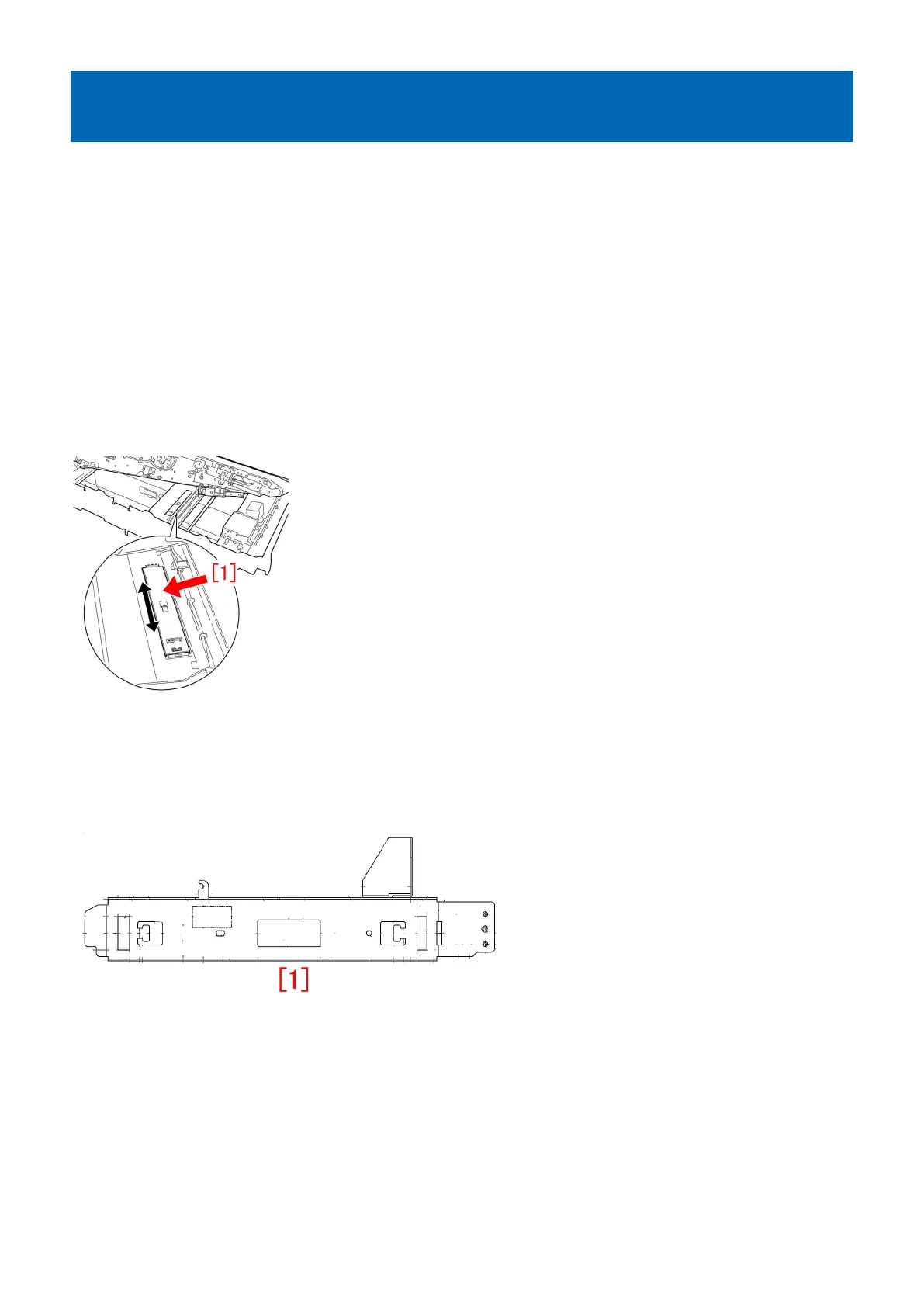
E018-010x/E029-4001 due to overload to the sliding part of the
leading edge registration patch sensor shutter
[Symptom]
Either E018-0101/0102/0103 or E029-4001 may occur in the machines earlier than the following countermeasure cut-in serial
number in factory.
(imagePRESS C6000/ C6000VP/ C7000VP/ C7000VPE/ C7010VP/ C7011VP/ C7010VPS/ C7011VPS)
- E018-0101 : Color registration patch sensor shutter. When the shutter is open.
- E018-0102 : Color registration patch sensor shutter. When the shutter is close.
- E018-0103 : Color registration patch sensor shutter. When the shutter is initialized.
(imagePRESS C10000 Series)
- E029-4001 : Registration Patch Sensor error
[Cause]
As the life of the ITB unit advances, the sliding part of the leading edge registration patch sensor shutter[1] becomes overloaded,
resulting in the above symptom.
[Service work]
When the above symptom occurs frequently, prepare HANARL (FY9-6037) and the E-ring (XD2-1100-502) and follow the steps
below.
When working on imagePRESS C6000/ C6000VP/ C7000VP/ C10000 Series, prepare 1 piece of the new type shutter stay
(FC9-6076-000)[1], whose shape was changed to decrease the sliding load.
1) Refer to service manual and lift the intermediate transfer belt unit [1] so the intermediate transfer belt unit [2] at the lower frame
can be accessed.
217











 To Next Page