Uneven density in a grid pattern on a high density image due to
the uneven resistance on ITB
[Symptom]
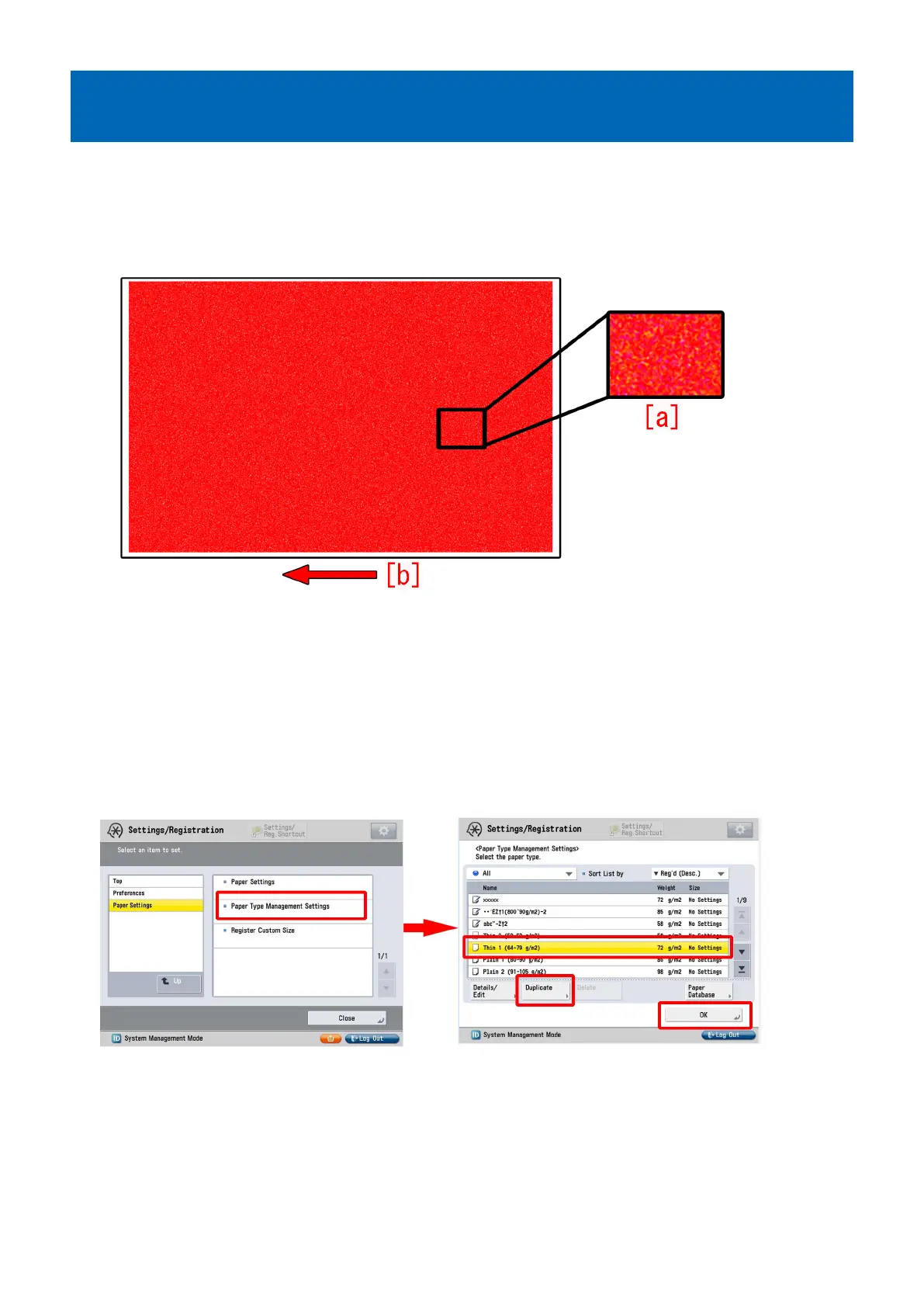
When printing a high density image on a device having high operation rate, uneven density [a] may occur in a grid pattern.
More visible on green and red high density images.
The arrow [b] indicates the direction of feeding.
[Cause]
As the number of pages printed on the ITB grows, the electric resistance on the ITB becomes uneven causing the density of the
transferred image to be uneven. As a result, the above symptom occurs.
[Service work]
1) Have the customer log in from System Management Mode in user mode.
2) Go to Select Settings/Registration > Paper Settings > Paper Type Management Settings, select an appropriate paper type
from among the list, press "Duplicate" button and then "OK" button.
3) Enter any name as the duplicated paper type and press "OK" button.
31











 To Next Page