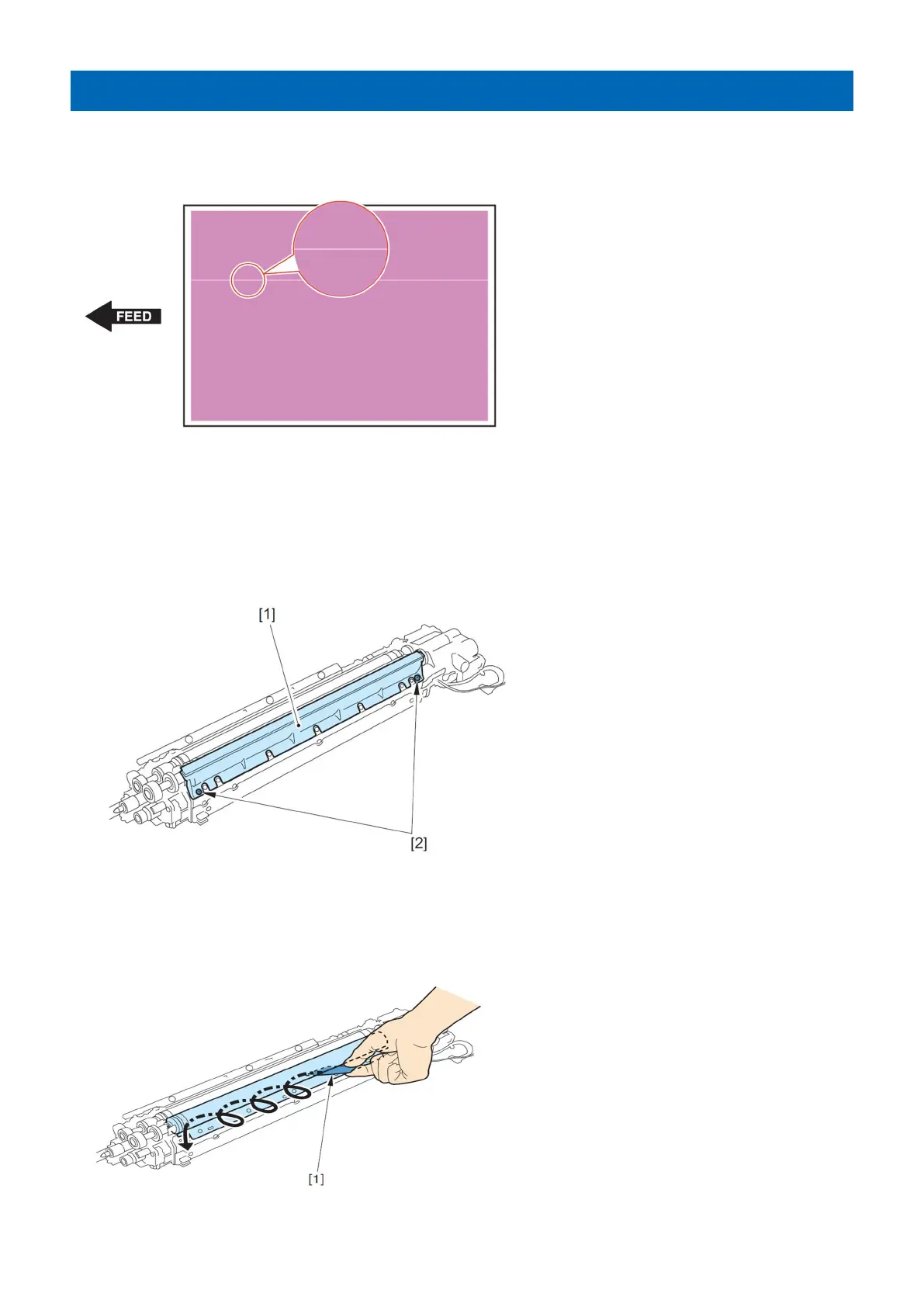
Vertical white line on solid image of each color
[Symptom]
Vertical white line on solid image of each color may occur.
[Cause]
The above symptom occurs when a foreign matter gets stuck between the cylinder and the blade in the developing unit.
[Service work]
Remove foreign matter by the following procedure
1. Remove the Developing Cylinder Upper Cover [1]. (2 Screws [2])
2. After inserting the "Toner Congestion Removal Sheet [1]" packed with the host machine between the Developing
Cylinder and the blade, remove foreign matter by moving the sheet like you draw circles.
36











 To Next Page