Notice of procedure to replace the transmission shaft inside the
drum drive assembly
[Detail]
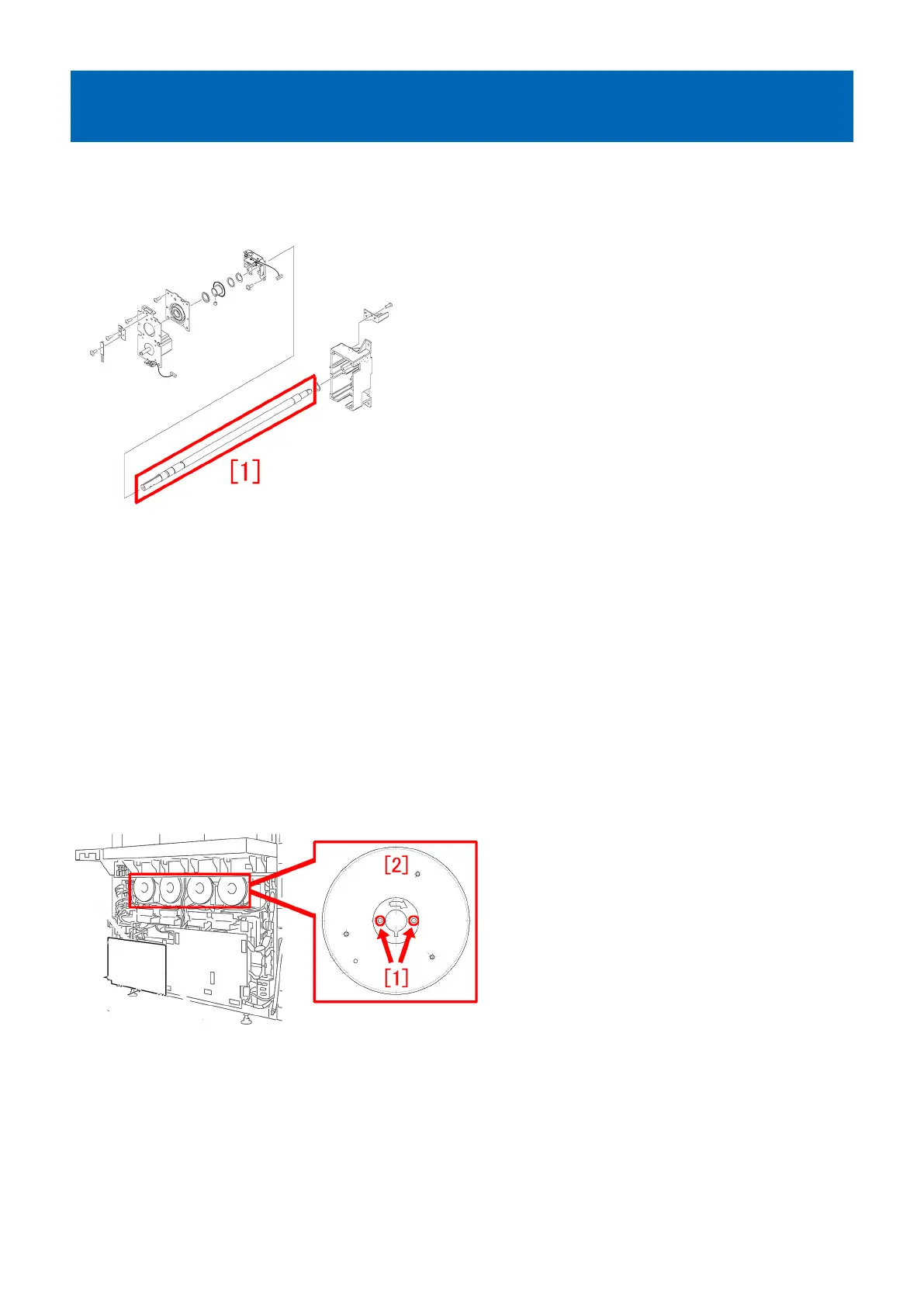
The transmission shaft (FC6-0118-000) [1] inside the drum drive assembly is newly set up as a service part.
When replacing it, follow the steps below.
[Reference] When E012-0x40/0x80 occurs, and the symptom reoccurs even after replacing the drum drive driver PCB, the drum
shaft encoder sensor A, the drum shaft encoder sensor B and the drum HP sensor, and the chips of transmission shaft inside
the drum drive assembly [1]scatter, such symptom may be improved by replacing the transmission shaft.
- E012-0x40: Drum ITB drive error (x = 1: Y, 2: M, 3: C, 4: Bk)
- E012-0x80: Drum ITB drive error (x = 1: Y, 2: M, 3: C, 4: Bk)
[Service work]
Prepare the required number of transmission shafts (FC6-0118-000), newly set up as a service parts, and C rings (XD2-3100-202),
and follow the steps below for replacement.
[Reference]
- 2 C rings (XD2-3100-202) are required per transmission shaft (FC6-0118-000).
- Prepare the ring pliers to detach the C ring (XD2-3100-202).
1) Refer to "Replacing the Main Station Rear Covers" in the service manual and remove the rear covers.
2) Remove the 2 screws [1] and the flywheel [2].
3) Loosen the 2 screws [2] fixed to the shaft, remove the screw [3] and then the flywheel mount [1].
239











 To Next Page