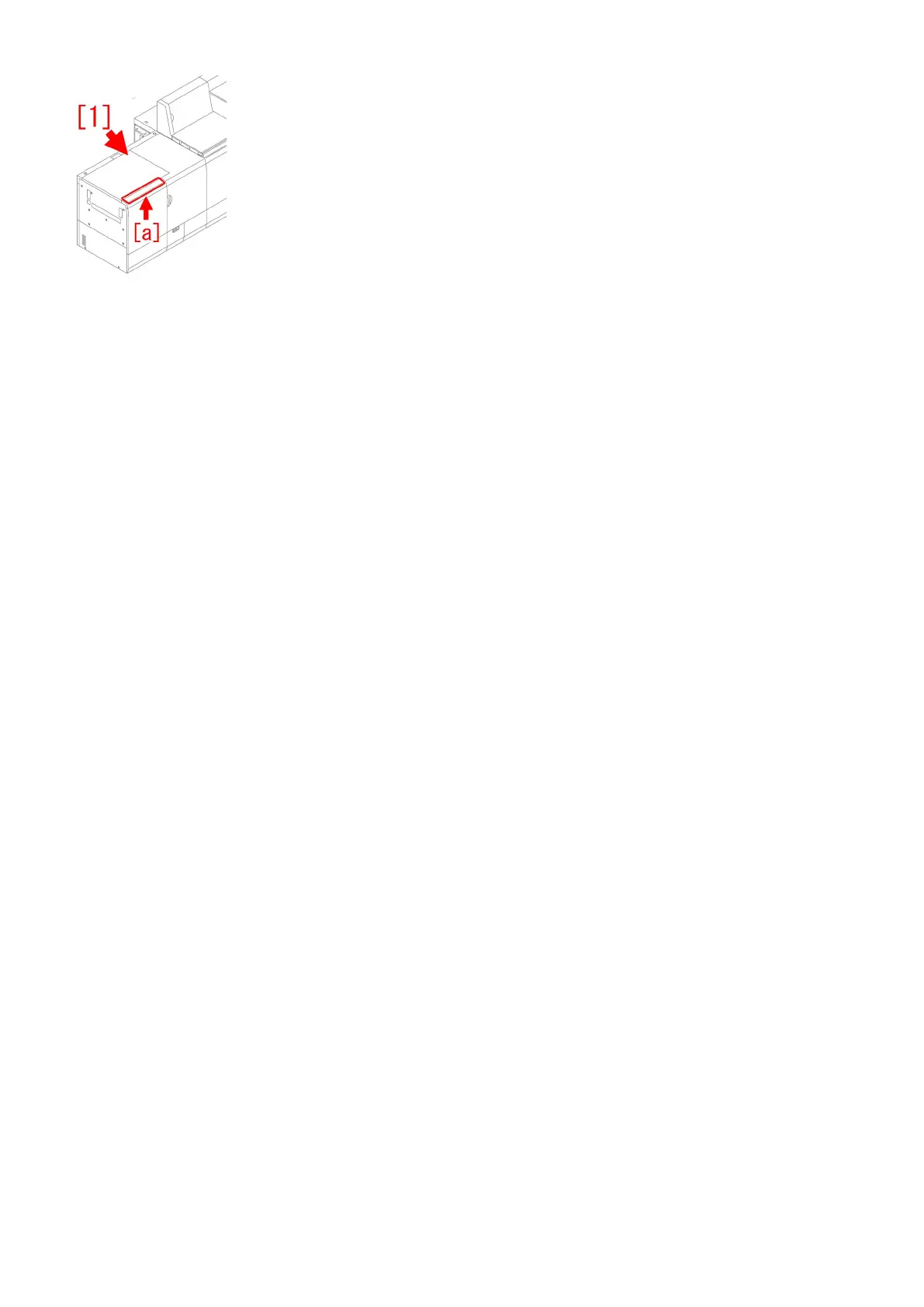
2) In the step of "Auto Gradation Adjustment (Full Adjust)" of the installation procedure in the service manual, go to Service Mode
(Level2) > COPIER > ADJUST > P-PASCAL and enter the service label value that was put down in the step 1).
[Note] Be aware that the order of the items described in the service label is different from that of this service mode. Confirm the
item names carefully.
3) Execute the auto gradation adjustment (full adjust) referring to "1. Place standard paper in the deck." and later in "Auto Gradation
Adjustment (Full Adjust)" of the installation procedure in the service manual.
238











 To Next Page