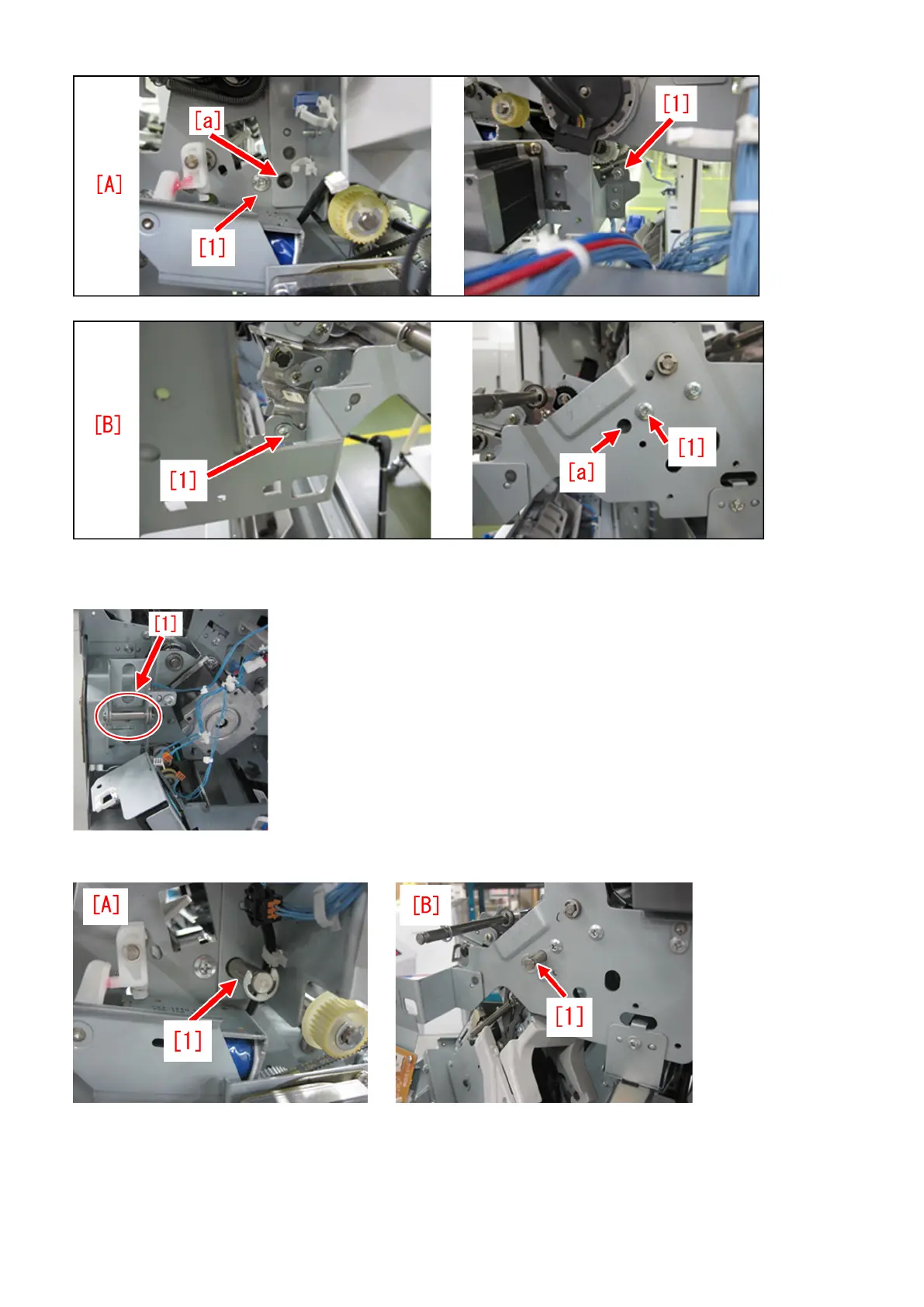
[Reference] When a round stick is not available to insert, remove the connecting shaft [1] from the engine and the finisher, and
insert it into the positioning holes of the plate and the upper dispose guide.
In the photo [A] below, the shaft [1] is aligned with the rear plate. In the photo [B], the shaft [1] is aligned with the front plate.
3-2) Tighten the 4 screws that were loosened in the step 3-1).
4) Reattaching the operation feed motor (M26).
4-1) Remove the 2 screws [2], the connectors [3] and the edge saddle [4] and then remove the paper delivery drive assembly
(L).
157











 To Next Page