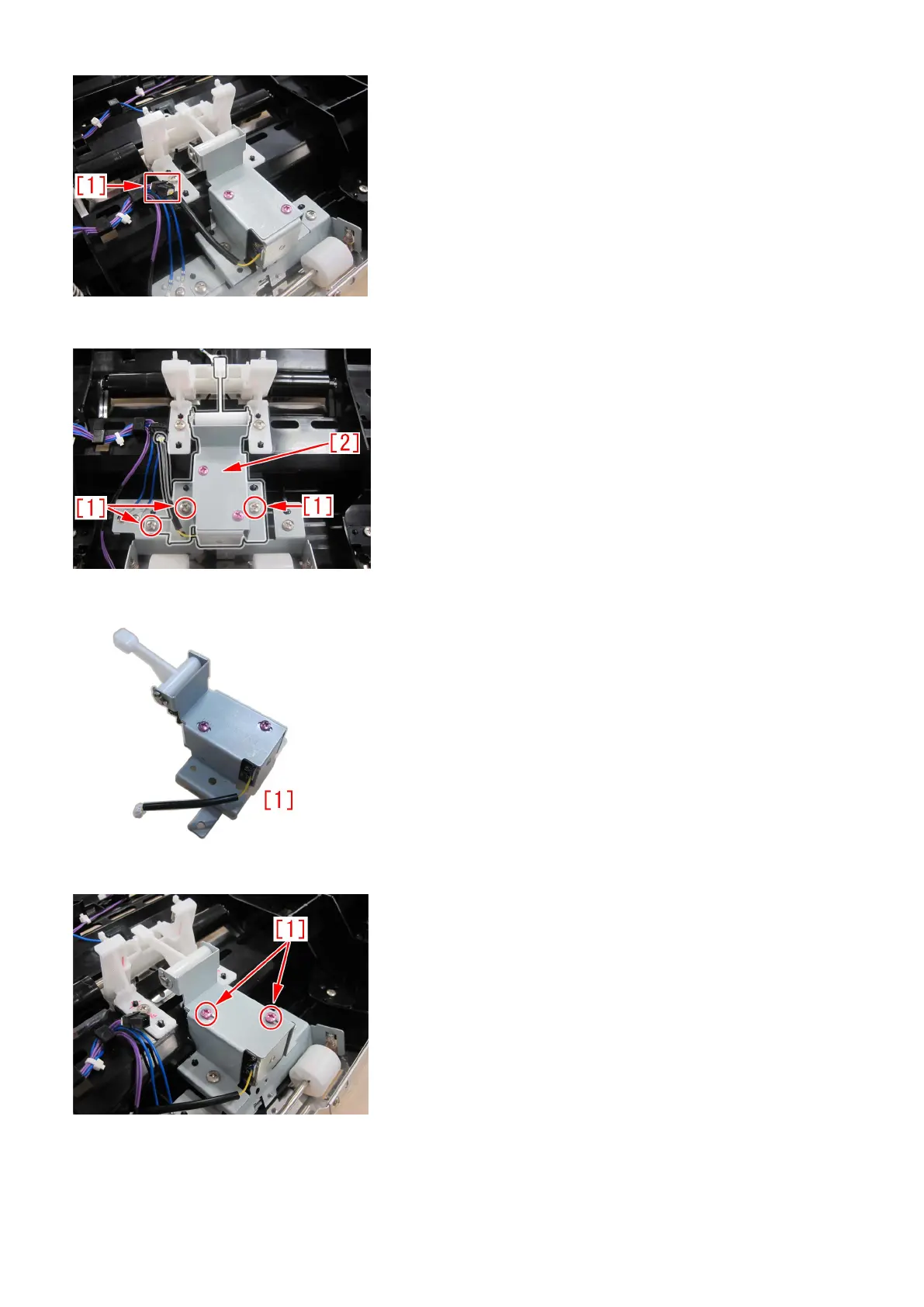
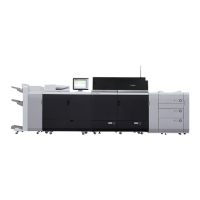
b-4) Remove screws [1] x3pcs, remove the estrangement solenoid unit [2].
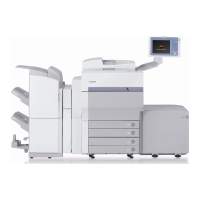
b-5) Replace with a new estrangement solenoid unit (FM1-A170-010) [1].
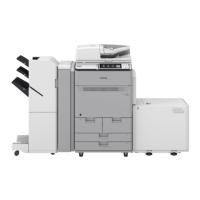
b-6) Loosen the screws [1] x2pcs, which are fixing the estrangement solenoid unit.
b-7) Push in the middle part [1] of the arm of estrangement solenoid unit, by a finger in a direction indicated by arrow. Measure
the height[b] between the bottom of buffer guide [2] to the corner of an idler roller holder by a scale. Adjust the position of the
solenoid, so that the height be in a range between 18.5 to 19.5mm.
161




 To Next Page