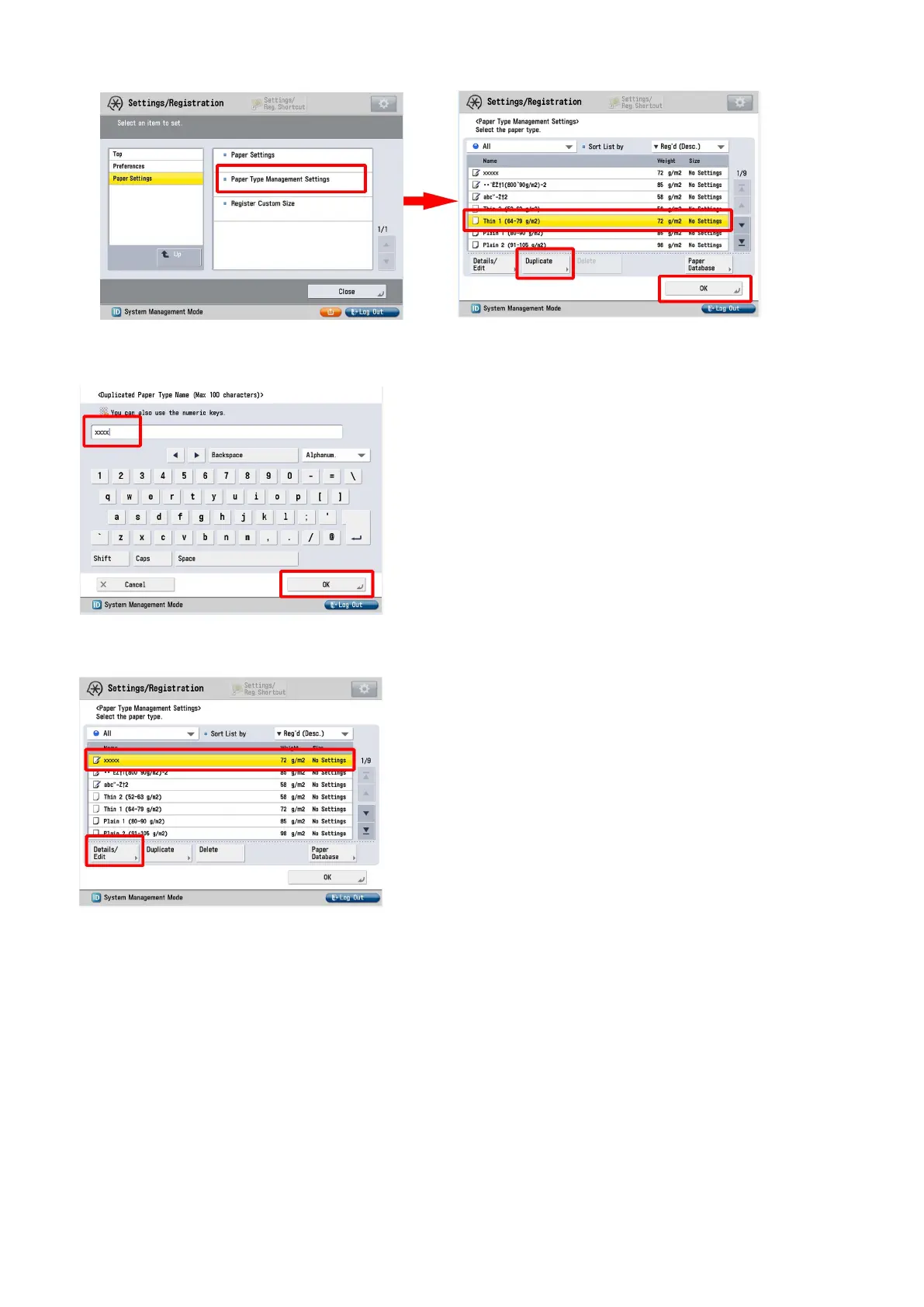
7) Enter any name as the duplicated paper type and press "OK" button.
8) Select the paper type duplicated in the step 7) and press "Details/Edit".
9) Select "Adjust Gross/Fine Black" and press "Change".
[Reference] In case Adjust Gross/Fine Black will not be displayed on the control panel, change the setting value of Service Mode
> Mode List > COPIER > Option > DSPLY-SW > IMGC-ADJ to "1". The value is "0" by default.
15











 To Next Page