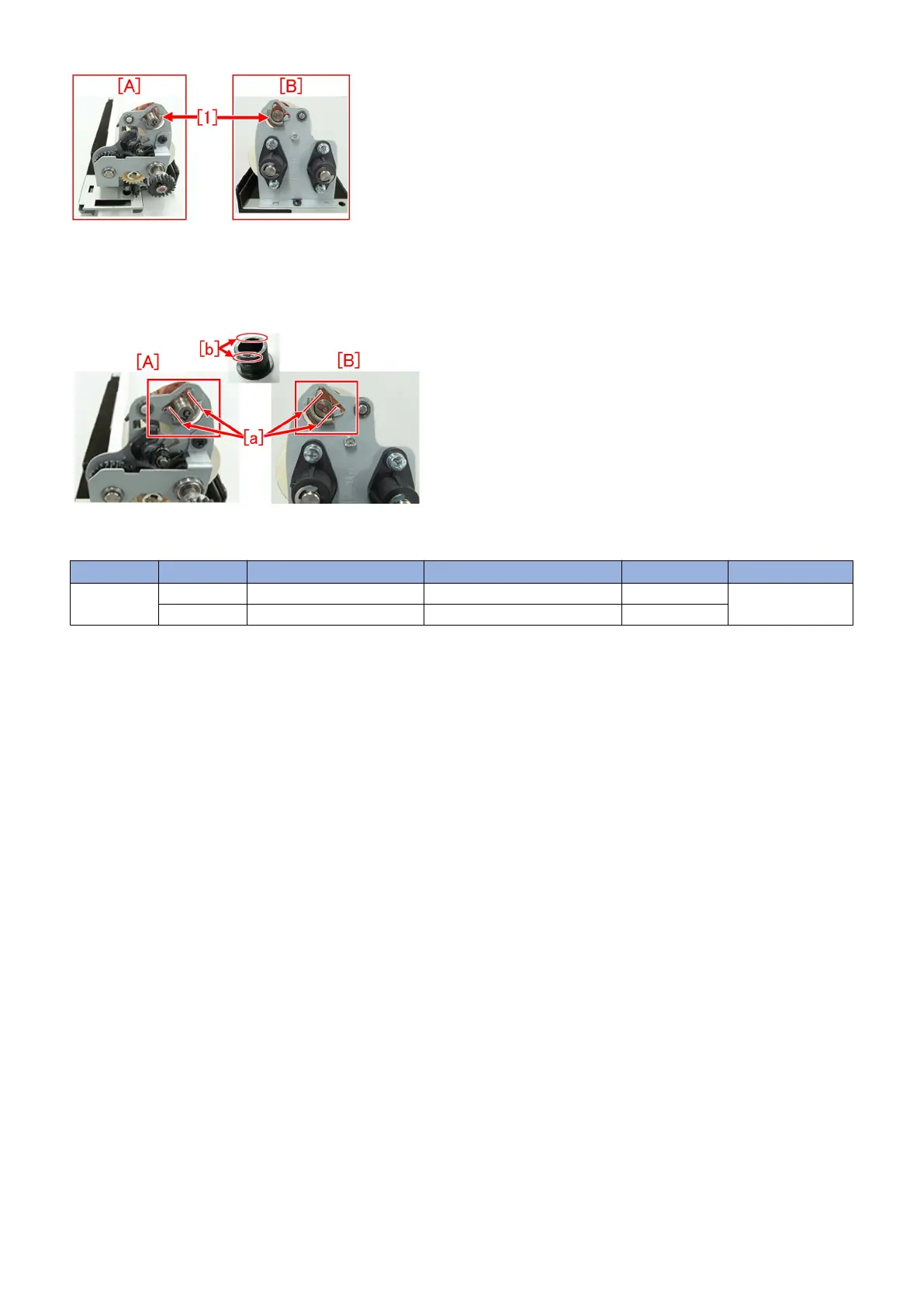
4) Attach the 2 new tension springs to both sides. (One for each side)
5) Attach the 2 retaining rings and the 2 bushings, which were removed in the step 2), to both sides (one for each side).
[Note]
When attaching the bushing, position the cutout section [b] of the bushing to align with the section [a] of the front web side plate
[A] and the rear web side plate [B].
6) Attach the fixing web unit to the machine.
[Service parts]
No. Part Number Description Q'ty Fig. No.
1
Old FU2-1836-000 SPRING, TENSION 2 - > 2 830
New
75











 To Next Page