TROUBLESHOOTING 110
TROUBLESHOOTING
This chapter identifies the source of common problems that may occur with the
imagePRESS Server and suggests ways of correcting the problems.
Troubleshooting process
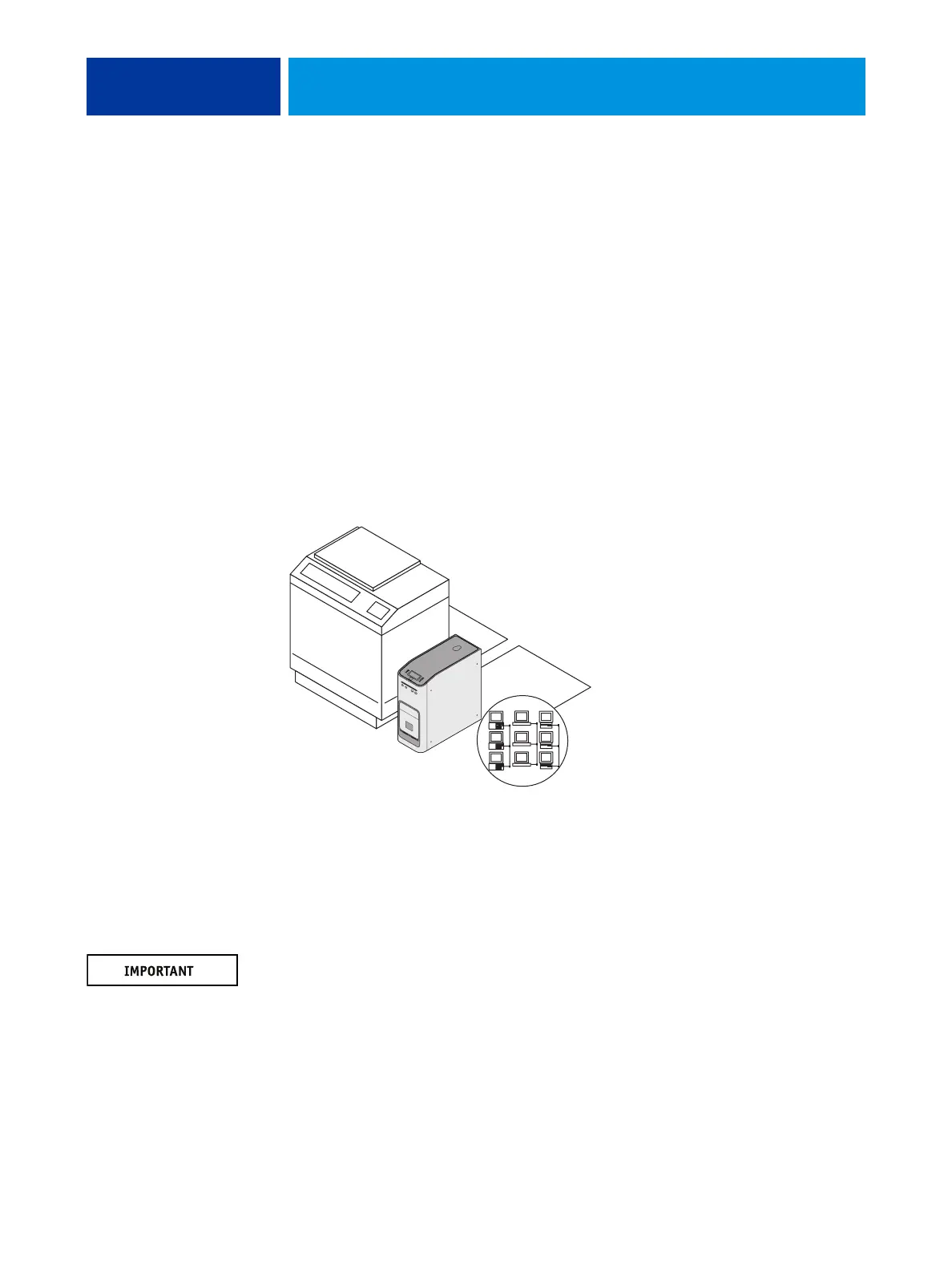
The imagePRESS Server is a server for copiers, and is generally part of a configuration like the
one shown in the following figure. Problems may occur in one of three areas:
• Inside the imagePRESS Server
• In the interface between the imagePRESS Server and the copier
• In the interface between the imagePRESS Server and the workstations or computers to
which it is connected
FIGURE 41: Troubleshooting the system
This chapter does not attempt to provide troubleshooting information for attached computers
such as PCs or Mac OS computers, copiers, or extensive networks. Refer problems in these
areas to the appropriate service departments and network administrators.
When performing the service procedures described in this chapter, follow the precautions
listed in “Precautions” on page 14.
The terms “replace” and “replacing” are typically used throughout this guide to mean
reinstallation of existing components. Install new components only when necessary. If you
determine that a component that you have removed is not faulty, reinstall it. Replacement
parts and specifications are subject to change. When ordering replacement parts, refer to the
current parts list maintained by your authorized service/support center. Install the correct
parts as directed by your service/support center.
imagePRESS Server
Copier
Networked computers
or workstations












 To Next Page