INSTALLATION 26
Unpacking the imagePRESS Server
The imagePRESS Server is assembled and shipped from the factory with all necessary cables
(except the network cable) and documentation (see page 27).
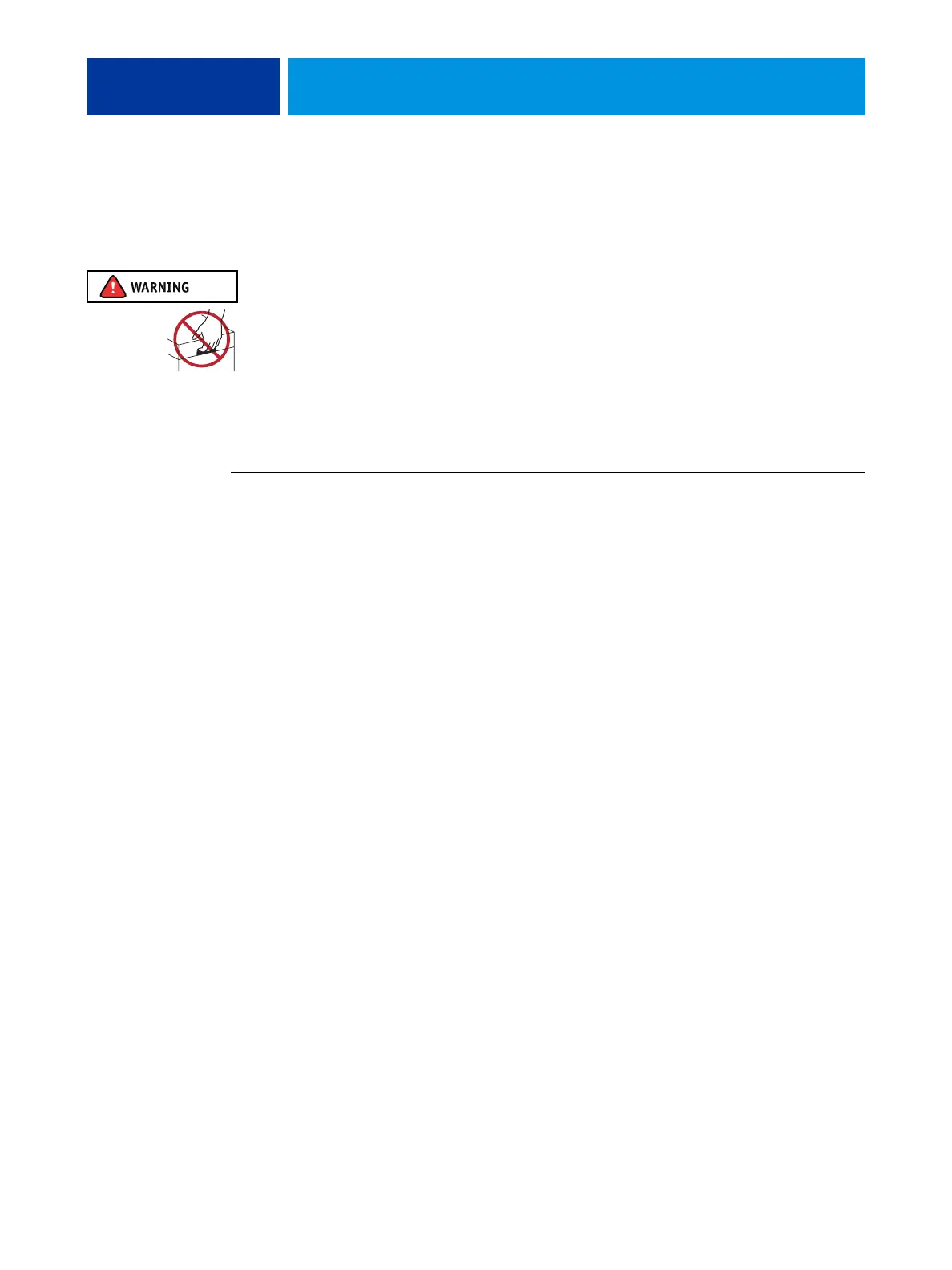
Never lift the imagePRESS Server by grasping the top panel. The top panel does not support
the weight of the system.
AVERTISSEMENT: Ne jamais soulever le serveur d'impression par sa partie supérieure : celle-ci ne peut pas supporter le poids du système.
AVVERTENZA: Il server di stampa non deve essere mai sollevato afferrandolo dal pannello superiore, in quanto quest'ultimo non può
sostenere il peso dell'intero sistema.
WARNUNG: Heben Sie den Druckserver nicht an der oberen Gehäuseabdeckung an. Die obere Gehäuseabdeckung ist nicht dafür
ausgelegt, das Gesamtgewicht des Systems zu tragen.
ADVERTENCIA: No levante nunca el servidor de impresión agarrándolo por el panel superior. El panel superior no soporta el peso
del sistema.
AVISO: Nunca erga o servidor de impressão pelo painel superior. O painel superior não suporta o peso do sistema.
WAARSCHUWING: Til de afdrukserver nooit op door het bovenpaneel vast te nemen. Het bovenpaneel kan het gewicht van het
systeem niet dragen.
TO UNPACK THE IMAGEPRESS SERVER
1. Open the box and remove the packing material.
Save the original boxes and packing material in case you need to transport the
imagePRESS Server at a later date.
2. Remove the contents from the top container. Inspect the contents for visible damage.
The top container should include the following items:
• Bags containing a straight-through Ethernet network cable (10 ft), a crossover Ethernet
Command/Status cable (18 ft), and five AC power cables (Chinese, E.U., Japan, U.K.,
and U.S.).
• Open Interface Board kit (for installation in the copier; copier interface cables included).
• Fiery SeeQuence Suite (includes a dongle, Adobe Acrobat CD, PitStop installer,
and documentation)
• Command WorkStation (multiple languages)
• Fiery JDF Connector CD
• imagePRESS Server Setup Roadmap
• Customer media pack (includes disks for system software, user software,
Fiery Options Utility, user documentation, and other documentation)
3. Set aside the remaining components from the top container.
4. Remove the top container and any packing material.
Set aside the packing material and note the orientation of the imagePRESS Server inside the
shipping container, in case you need to repack it later.












 To Next Page