INSTALLATION 27
5. Carefully lift the imagePRESS Server out of the box.
If you notice shipping damage to any component, save the shipping container in case the
carrier needs to see it. Call the carrier immediately to report the damage and file a claim.
6. Give the media pack to the customer or network administrator.
Let the customer or network administrator know that in order to take full advantage of the
imagePRESS Server, the user software must be installed on computers that will print to the
imagePRESS Server.
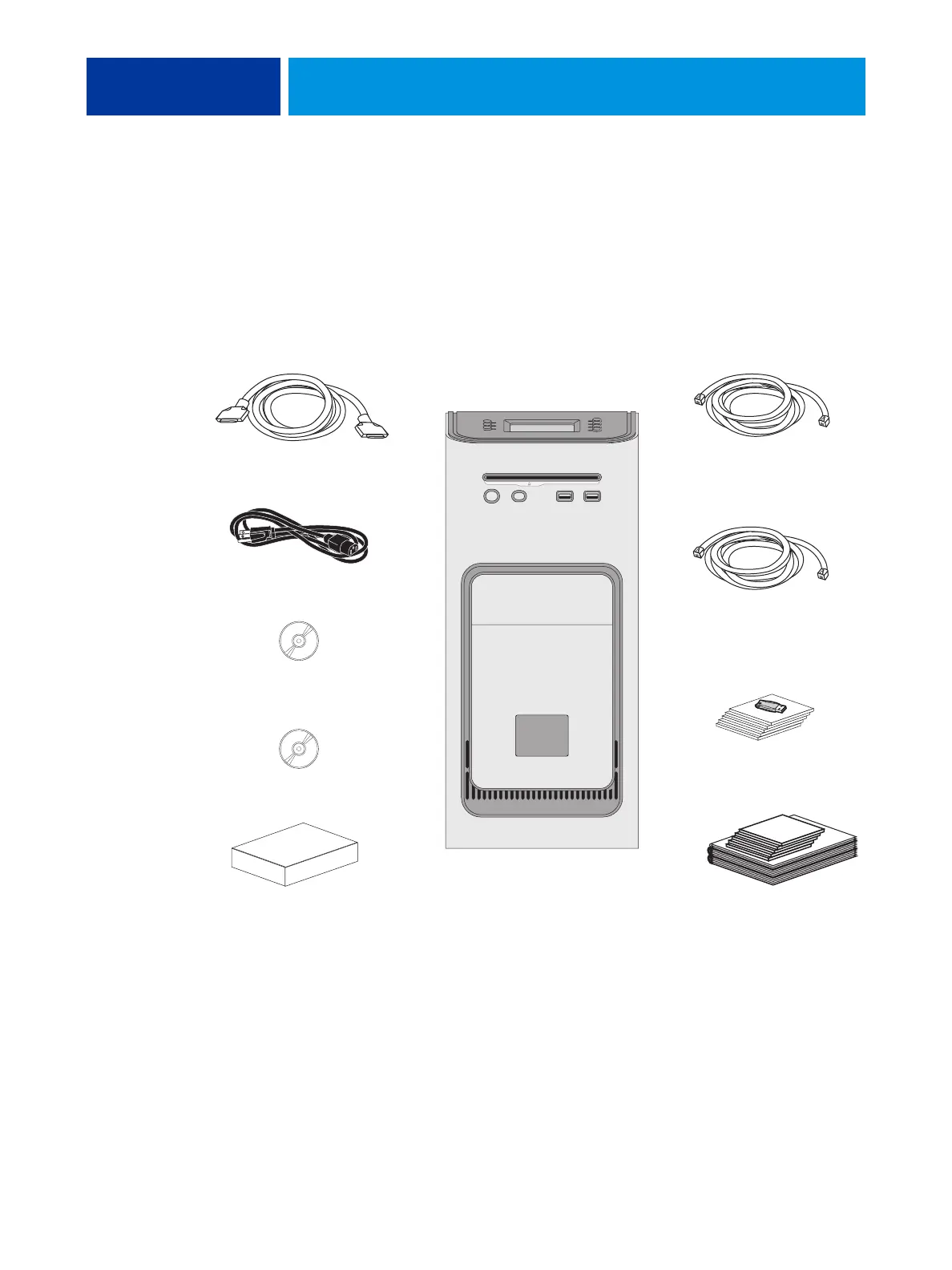
FIGURE 4: imagePRESS Server shipping contents
Command/Status Ethernet
Crossover cable, 18 ft.
Power cables (x5)
Media pack
Open Interface Board Kit
Network cable,
straight-through, 10 ft.
imagePRESS Server
Copier interface cables (x2)
(inside Open Interface Board Kit)
JDF Connector
Fiery SeeQuence Suite
Command WorkStation












 To Next Page