USING THE IMAGEPRESS SERVER 36
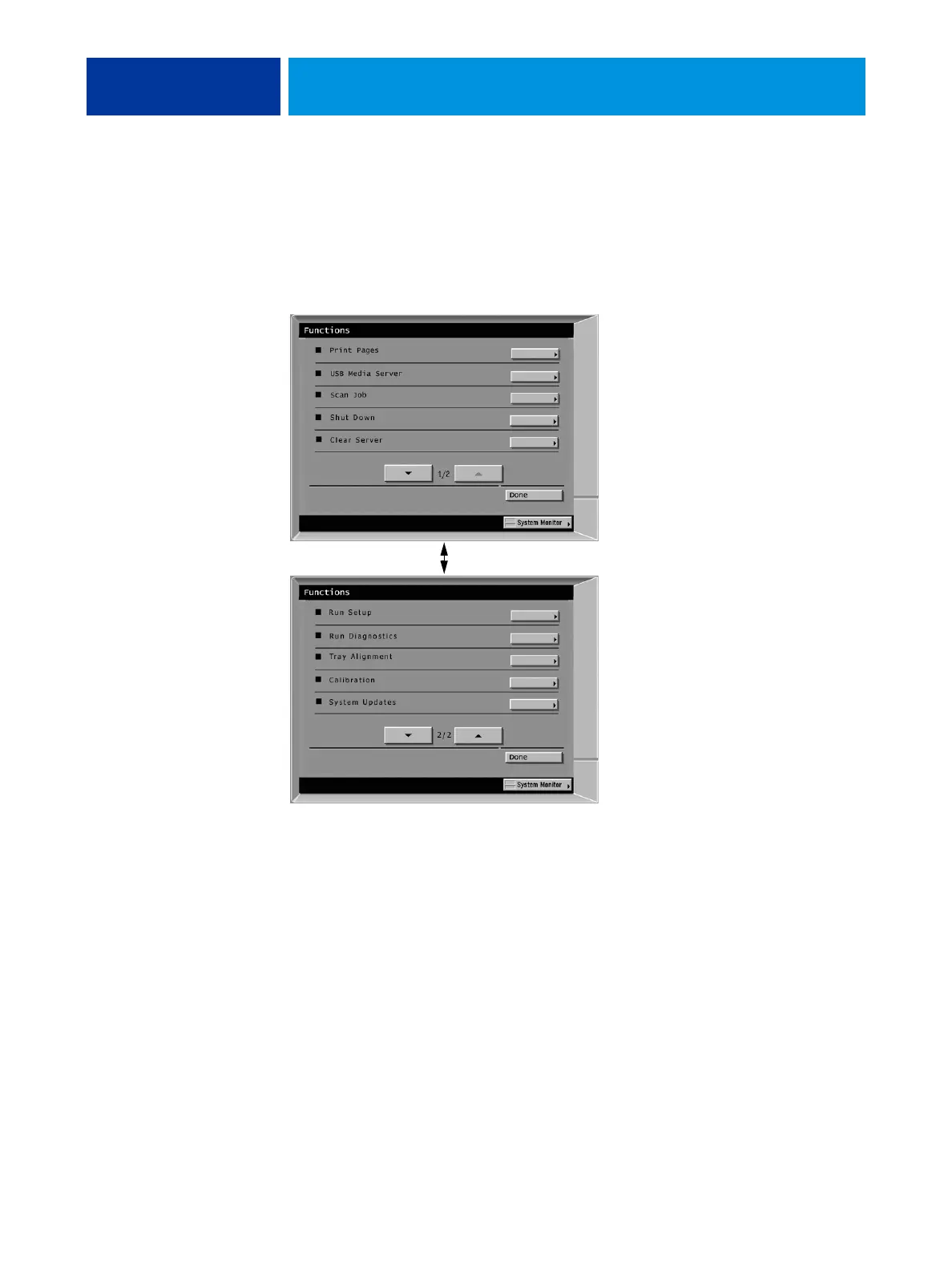
imagePRESS Server copier touch panel Functions menu
The imagePRESS Server Functions menu, accessible from the copier touch panel, allows you
to perform a variety of administrative functions that do not affect the print jobs of other users.
The functions available from the Functions menu are described on page 37. Many of these
functions are also available from Command WorkStation.
FIGURE 10: Using the imagePRESS Server Functions menu from the copier touch panel
Use the selection buttons on
the right to select an option.
Use the up and down buttons
to scroll through the list
of functions.
Press the Done button to return
to the Printer screen.












 To Next Page