EasyManua.ls Logo

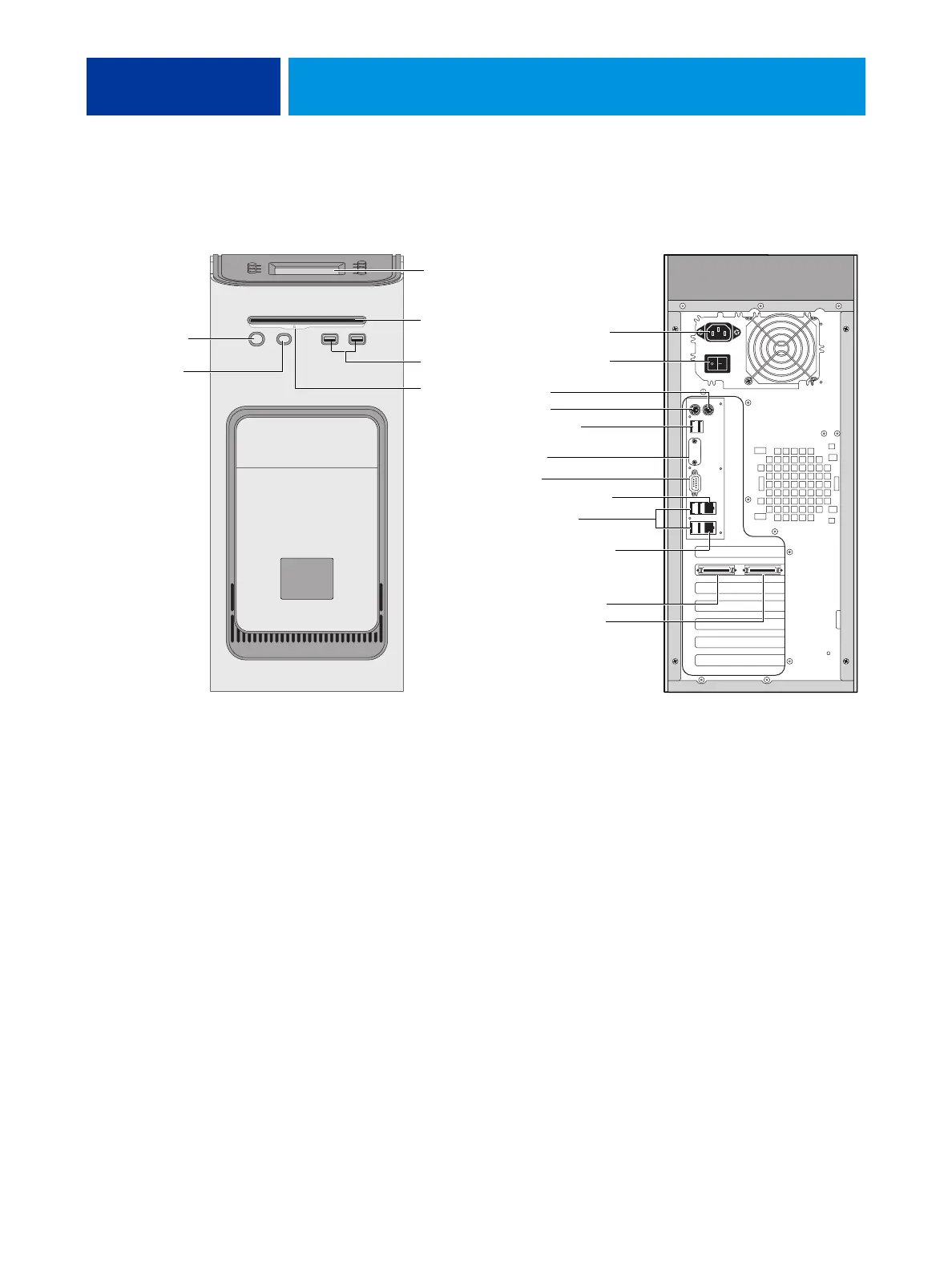
Canon imagePRESS Server A2200 - Imagepress Server Overview Diagrams; FIGURE 11: Front and Back Panels

Canon imagePRESS Server A2200
151 pages
Print Icon
To Next Page IconTo Next Page
To Previous Page IconTo Previous Page
Loading...
SERVICE PROCEDURES 45
imagePRESS Server overview diagrams
The following figures provide an overview of imagePRESS Server components.
FIGURE 11: Front and back panels
Front panel Back panel
USB ports
Power button
Control panel
DVD drive
Not used
Power cable
Monitor
Not used
Not used
Network port (RJ-45)
Command/Status port
Ethernet crossover cable
USB ports (x2)
USB ports (x4)
Copier interface connectors
(keyed for proper connection)
To copier upper port
To copier lower port
Eject button
Reset button
NOTE: Use the
reset button only
if the system is
unresponsive to
keyboard or
mouse actions.
Power switch

Table of Contents

Related product manuals