PREFACE 14
Precautions
Always observe the following general precautions when installing and servicing the
imagePRESS Server:
• Avoid pressing the surface of the LCD.
Applying excessive pressure to the LCD window will cause it to change color.
• Use a soft cloth moistened with Lens and Mirror Cleaner to clean the surface of the
imagePRESS Server display window.
Other solvents, such as water, may damage the polarizer on the display window.
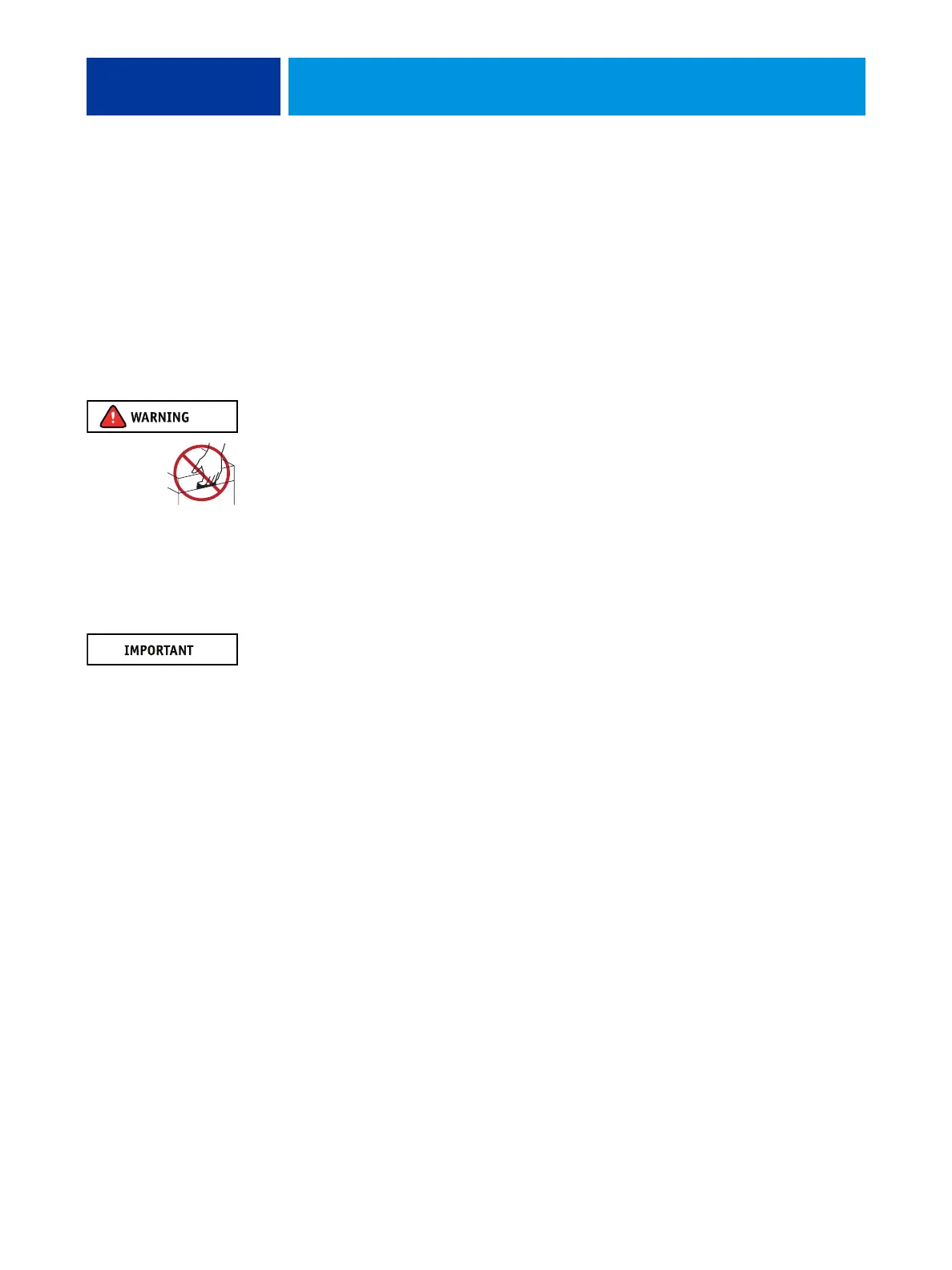
Never lift the imagePRESS Server by grasping the top panel. The top panel does not support
the weight of the system.
ATTENTION: Ne jamais soulever le serveur d’impression par sa partie supérieure : celle-ci ne peut pas supporter le poids du système.
AVVERTENZA: Il server di stampa non deve essere mai sollevato afferrandolo dal pannello superiore, in quanto quest’ultimo non
può sostenere il peso dell’intero sistema.
WARNUNG: Heben Sie den Druckserver nicht an der oberen Gehäuseabdeckung an. Die obere Gehäuseabdeckung ist nicht dafür
ausgelegt, das Gesamtgewicht des Systems zu tragen.
DVERTENCIA: No levante nunca el servidor de impresión agarrándolo por el panel superior. El panel superior no soporta el peso
del sistema.
ADVERTÊNCIA: Nunca erga o servidor de impressão pelo painel superior. O painel superior não suporta o peso do sistema.
WAARSCHUWING: Til de afdrukserver nooit op door het bovenpaneel vast te nemen. Het bovenpaneel kan het gewicht van het
systeem niet dragen.
• When connecting or disconnecting the power cord:
– Only use the power cord that shipped with the imagePRESS Server or an appropriate
replacement power cord available from an authorized provider.
– Always disconnect the power cord from the imagePRESS Server back panel before opening
the unit and servicing internal components.
– Do not pull on the power cord when unplugging the imagePRESS Server. Pull the plug
instead.
– Do not place objects on the power cord. Place the power cord away from foot traffic.
– Do not tamper with or disable the power cord grounding plug.
– Do not use a 3-prong adapter in a 2-hole ungrounded outlet.
– Do not use an extension cord.
– Do not plug the imagePRESS Server into a circuit with heating or refrigeration equipment
(including water dispensers).
– Do not plug the imagePRESS Server into a switchable power outlet. This can result in the
imagePRESS Server being turned off accidentally.
• Never set any liquid on or near the imagePRESS Server or copier. If liquid is spilled into the
imagePRESS Server or copier, disconnect the power cord immediately.
• Do not attempt to open the power supply, DVD drive, or HDD.












 To Next Page