SERVICE PROCEDURES 51
Opening the imagePRESS Server
To service internal components, open the imagePRESS Server as described in the
following procedure.
TO OPEN THE IMAGEPRESS SERVER
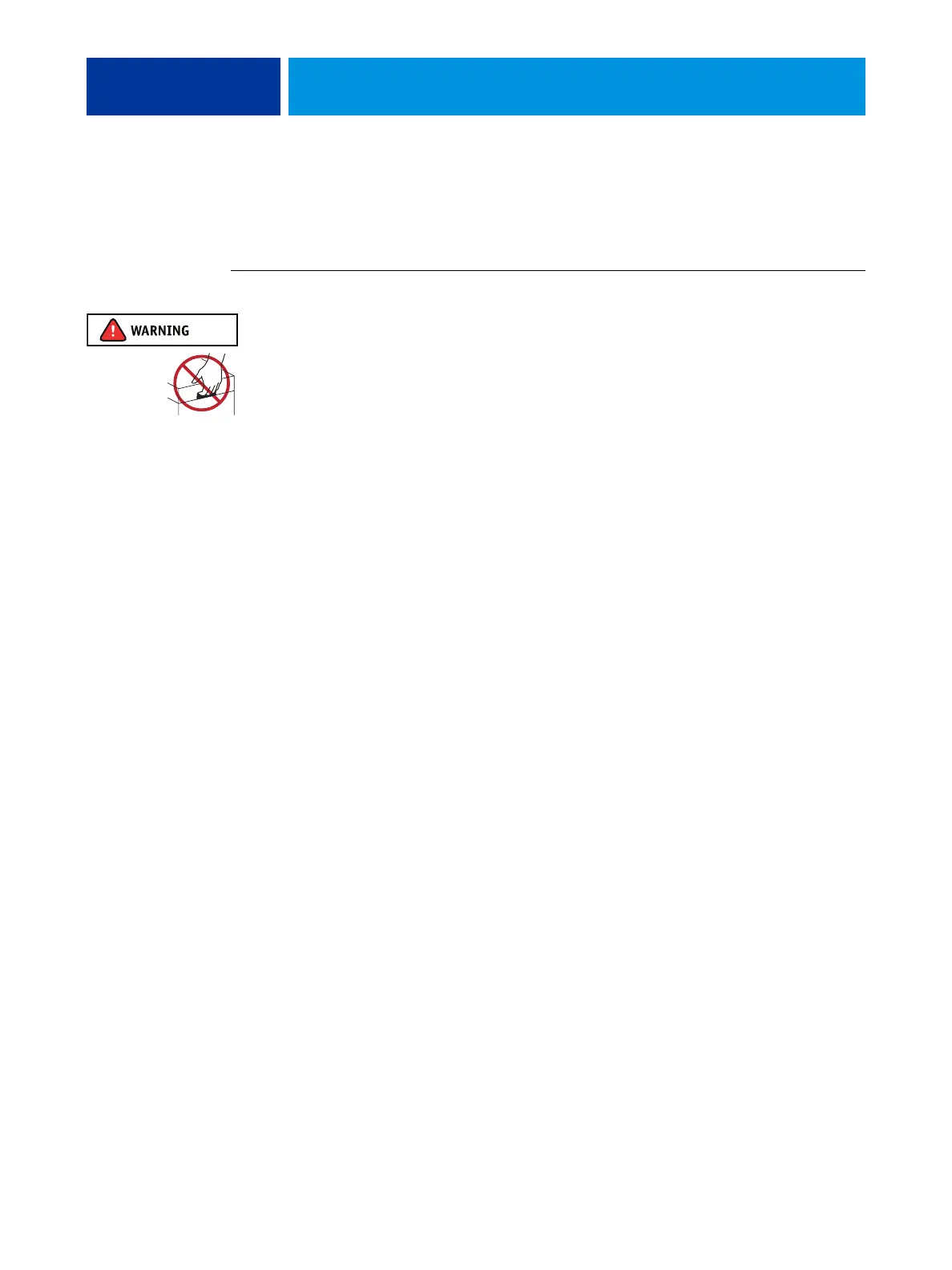
Never lift the imagePRESS Server by grasping the top panel. The top panel does not support
the weight of the system.
1. Shut down the imagePRESS Server (see page 49).
2. Remove all cables from the back of the imagePRESS Server.
3. If the imagePRESS Server is mounted on the optional furniture, and the optional monitor is
attached, perform the disassembly instructions in “Servicing the imagePRESS Server with
Furniture” on page 137.
4. Remove all panels necessary to access the component that you need to access.
For guidelines on which panels to remove, see the service procedure for the component that
you want to access.
NOTE: When removing multiple panels from the imagePRESS Server, use the following order:
• Left panel (see page 52)
• Right panel (see page 52)
• Front panel (see page 53)
• Top panel (see page 54)
NOTE: When replacing panels, reverse the order.
5. Place the imagePRESS Server on a flat surface. Attach an ESD wrist strap before handling
internal parts (see “Precautions” on page 14).
6. Carefully position the imagePRESS Server so that it is resting on its side and the internal
components are facing up.
Place removed components on a grounded, antistatic surface.












 To Next Page