TROUBLESHOOTING 112
Checking external connections
Before removing the side and front panels of the imagePRESS Server to check internal
components, eliminate the most obvious sources of problems. Make sure that:
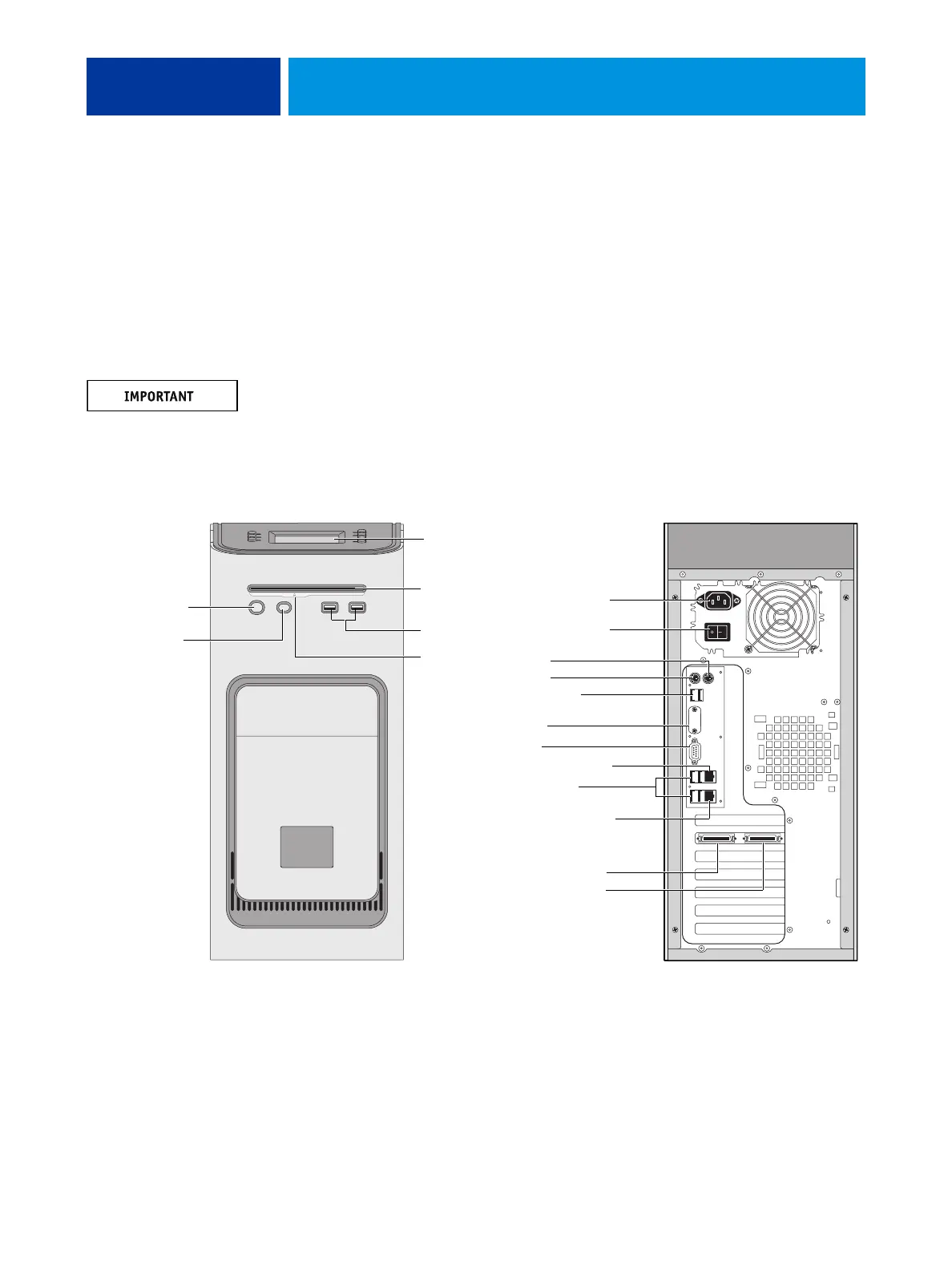
• All interface cables to the system are plugged into the proper connectors
(see Figure 42).
• The power cable is plugged into the wall power outlet.
• The LED on the network port is blinking to indicate network activity.
The network cable at the customer site and the Command/Status Ethernet Crossover cable
included with the imagePRESS Server look similar, but are not interchangeable. Make sure
that you connect the Command/Status Ethernet Crossover cable to the lower RJ-45 port and
the network cable to the upper RJ-45 port.
FIGURE 42: imagePRESS Server external cable connections
Front panel Back panel
USB ports
Power button
Control panel
DVD drive
Not used
Power cable
Monitor
Not used
Not used
Network port (RJ-45)
Command/Status port
Ethernet crossover cable
USB ports (x2)
USB ports (x4)
Copier interface connectors
(keyed for proper connection)
To copier upper port
To copier lower port
Eject button
Reset button
NOTE: Use the
reset button only
if the system is
unresponsive to
keyboard or
mouse actions.
Power switch












 To Next Page